by Printer Brands
 Label Tape
 Ink
Ink Toner
Toner Label Roll




 Ribbon















 Label Printers
 Office Supplies
 Other
Other
Looking for a reliable colour laser printer for your home or small office in Singapore? The Brother HL-L3230cdn offers excellent print quality, network connectivity, and automatic duplex printing in a compact design. But understanding your options for toner cartridges, drums, and other consumables can help you maximise your investment and reduce printing costs significantly. This comprehensive guide covers everything you need to know about the Brother HL-L3230cdn and how to save money on supplies while maintaining print quality.
Brother HL-L3230cdn Specifications
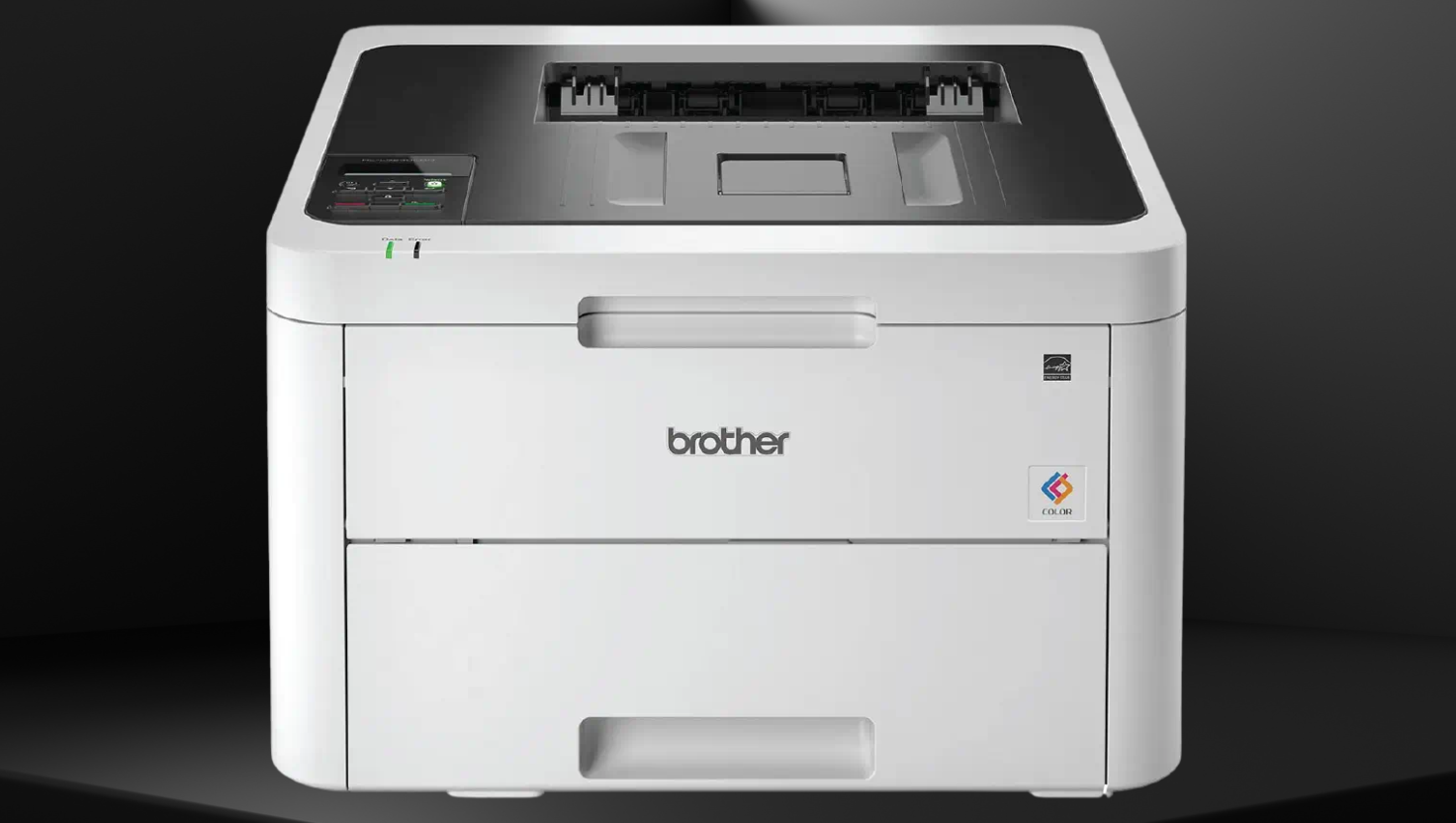
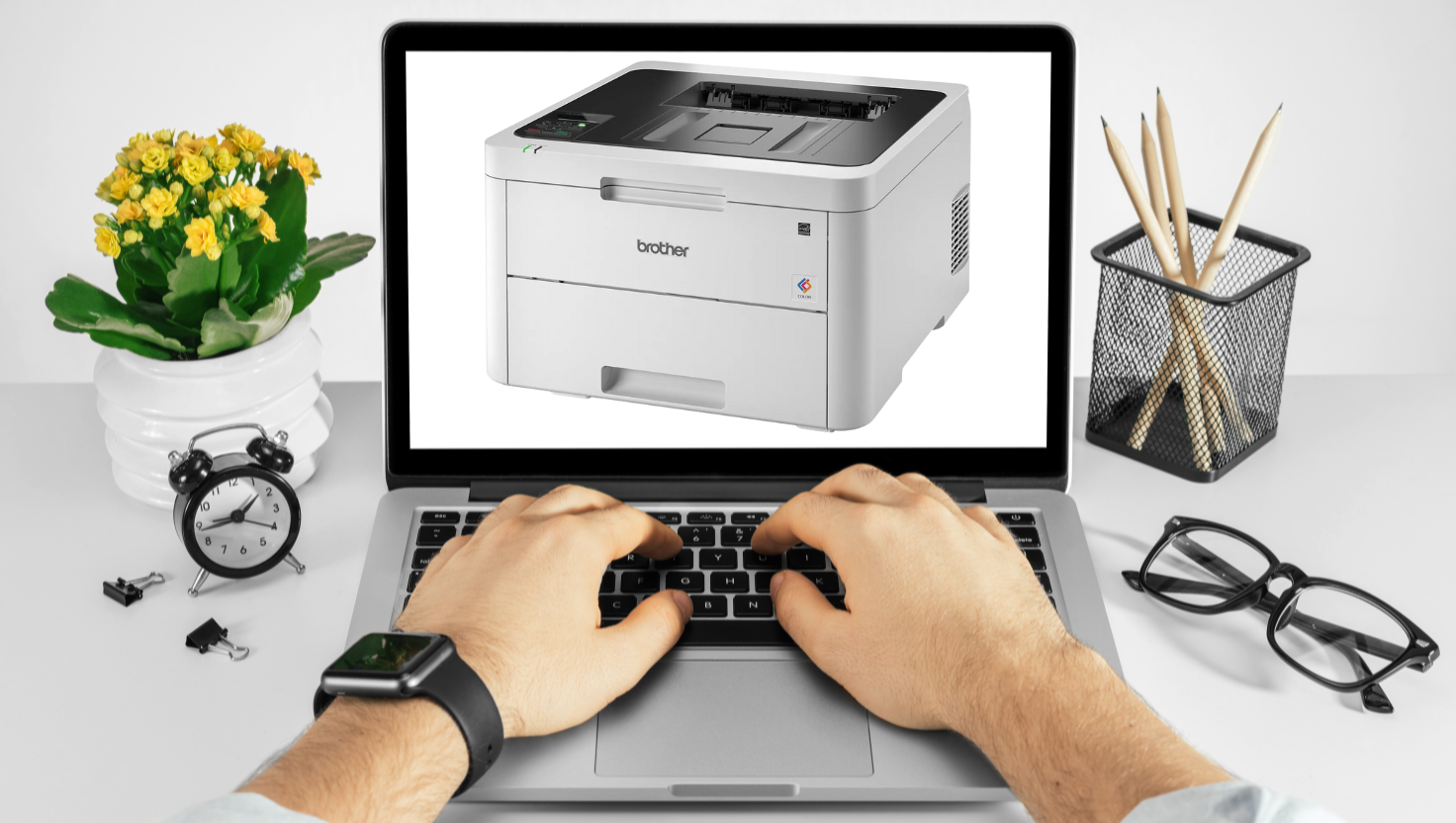
The Brother HL-L3230cdn is a compact digital colour LED printer designed for small offices and home use. It offers network connectivity and automatic duplex printing capabilities, making it an efficient choice for everyday printing needs.
Brother HL-L3230cdn: Complete Guide to Printer & Supplies in Singapore
| Feature | Specification |
| Print Technology | Color LED |
| Print Speed | Up to 18 ppm (A4) / 19 ppm (Letter) for both colour and mono |
| Print Resolution | 600 x 600 dpi, 2400 x 600 dpi class quality |
| First Print Out Time | Less than 15.5 seconds |
| Memory | 256 MB |
| Interface | Hi-Speed USB 2.0, 10Base-T/100Base-TX |
| Paper Handling | 250-sheet input tray, 1-sheet manual feed slot |
| Duplex Printing | Automatic (default) |
| Dimensions (W×D×H) | 410 × 461 × 252 mm |
| Weight | 18.0 kg |
| Display | 16 characters × 1 line LCD |
| Recommended Monthly Volume | Up to 1,500 pages |
The Brother HL-L3230cdn retails in Singapore for approximately S$428, though prices may vary between retailers. Its compact design makes it ideal for small workspaces while still delivering professional colour output and network functionality.
Save Up to 70% on Your Printing Costs
Check our high-quality compatible cartridges for the Brother HL-L3230cdn printer.
View Current PriceBrother HL-L3230cdn Consumables Overview
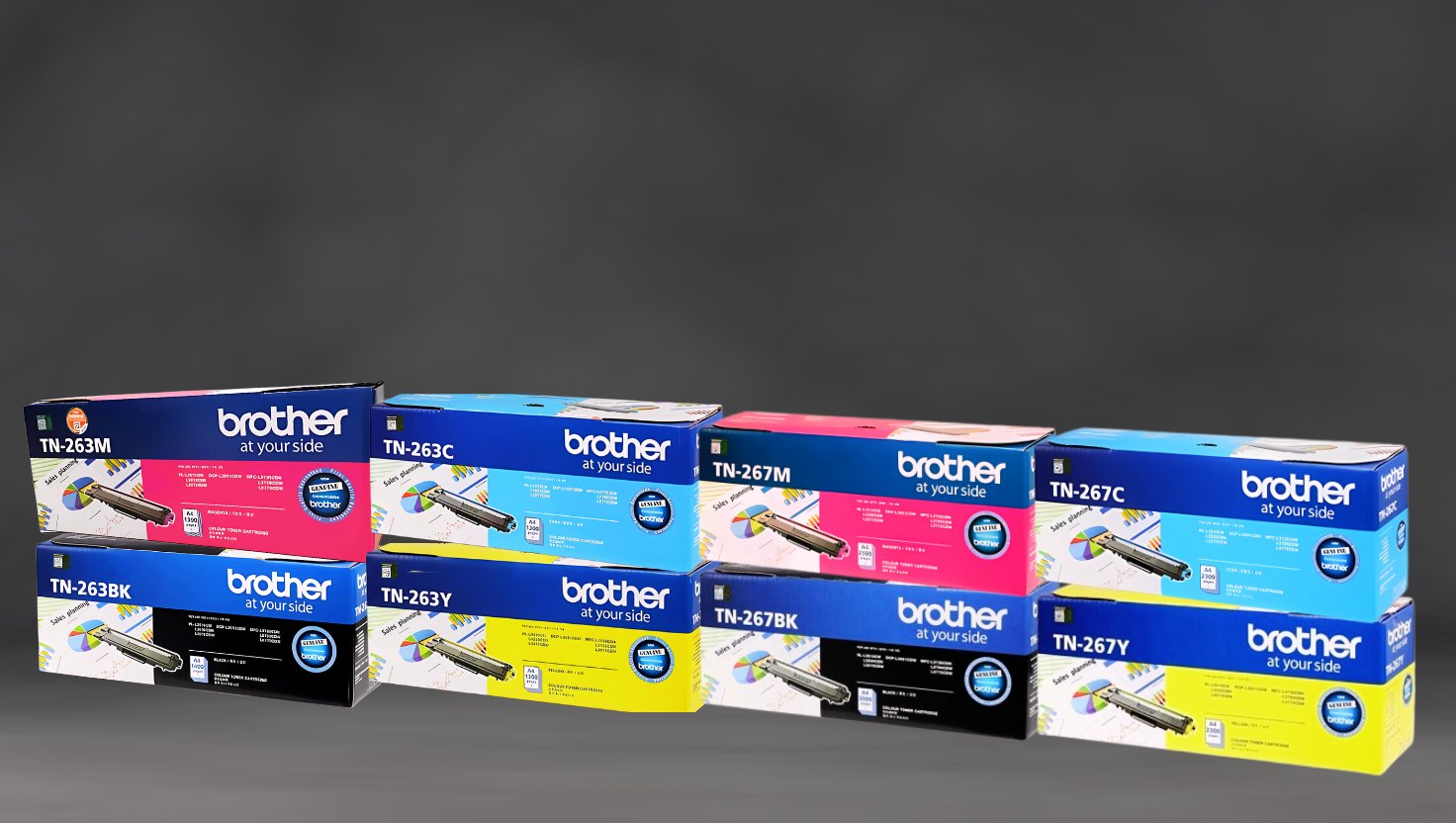
Understanding the consumables for your Brother HL-L3230cdn is essential for managing printing costs effectively. The printer uses four toner cartridges (black, cyan, magenta, yellow), a drum unit, and a waste toner box.
| Consumable | Model Number | Page Yield | Singapore Price (SGD) | Cost Per Page (SGD) |
| Standard Black Toner | TN263BK | 1,400 pages | S$89 | S$0.064 |
| Standard Cyan Toner | TN263C | 1,300 pages | S$95 | S$0.073 |
| Standard Magenta Toner | TN263M | 1,300 pages | S$95 | S$0.073 |
| Standard Yellow Toner | TN263Y | 1,300 pages | S$95 | S$0.073 |
| High-Yield Black Toner | TN267BK | 3,000 pages | S$139 | S$0.046 |
| High-Yield Cyan Toner | TN267C | 2,300 pages | S$149 | S$0.065 |
| High-Yield Magenta Toner | TN267M | 2,300 pages | S$149 | S$0.065 |
| High-Yield Yellow Toner | TN267Y | 2,300 pages | S$149 | S$0.065 |
| Drum Unit | DR263CL | 18,000 pages | S$199 | S$0.011 |
| Waste Toner Box | WT223CL | 50,000 pages | S$39 | S$0.001 |
Understanding Page Yield and ISO/IEC 19798 Standards
Page yield refers to the number of pages a toner cartridge can print before needing replacement. Brother uses the ISO/IEC 19798 standard to determine page yield, which ensures consistent measurement across all manufacturers.
What is ISO/IEC 19798? This international standard specifies a method for determining the page yield of colour toner cartridges. Testing involves printing standard documents continuously until the cartridge reaches end-of-life. Under controlled laboratory conditions, the test assumes 5% coverage per colour on A4/Letter paper.
Actual yields may vary based on printing patterns, page coverage, environmental conditions, and whether you print intermittently or continuously. Most business documents have approximately 5-7% coverage per page.
Standard vs. High-Yield Toner: Cost Comparison
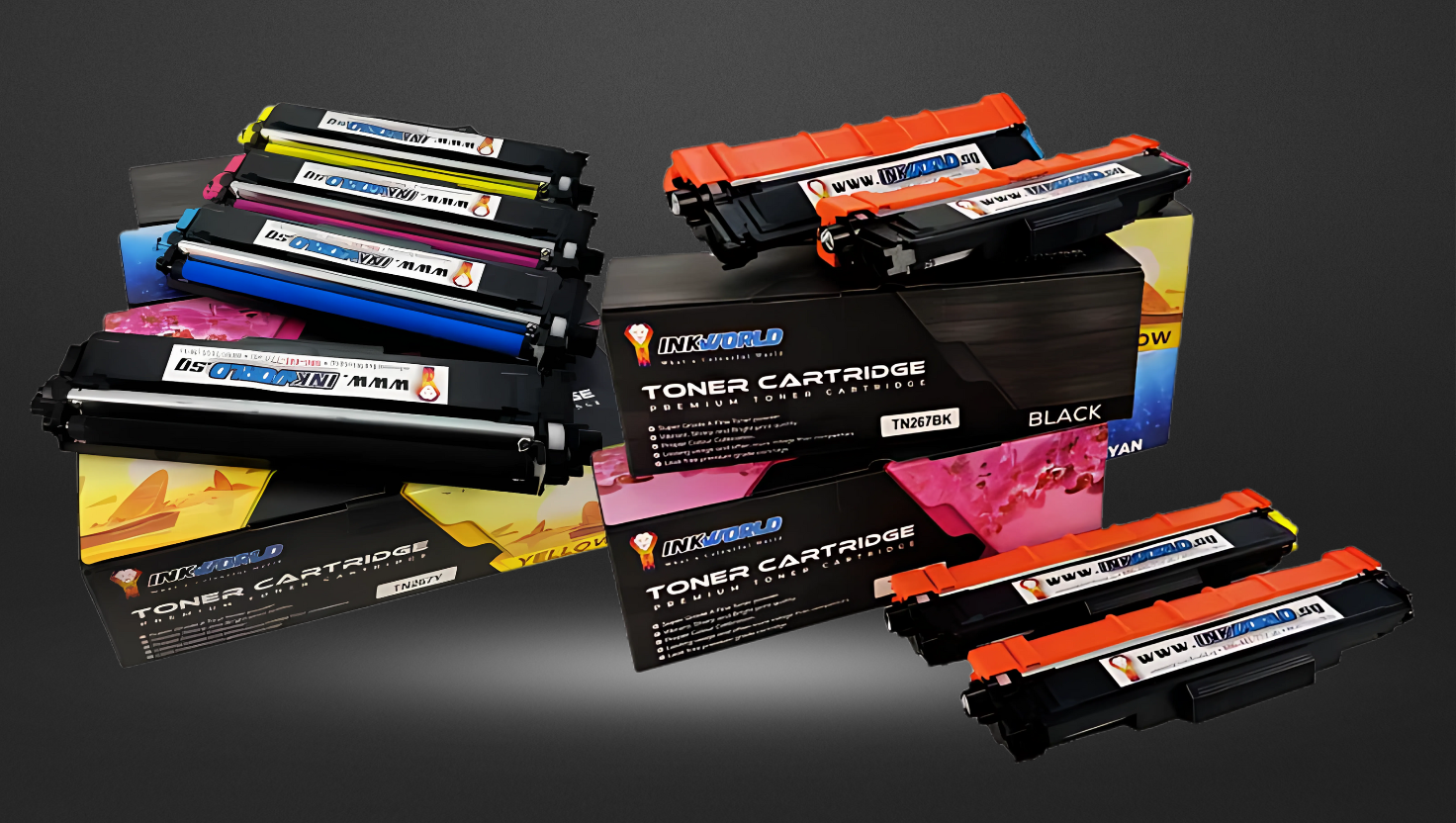
The Brother HL-L3230cdn offers standard (TN263) and high-yield (TN267) toner options. While high-yield cartridges cost more upfront, they provide significant savings over time.
TN263 Standard Yield
- 1,400 pages (Black)
- 1,300 pages (Colour)
- Lower initial cost
- Higher cost per page
- More frequent replacements
- More packaging waste
TN267 High Yield
- 3,000 pages (Black)
- 2,300 pages (Colour)
- Higher initial cost
- 28% lower cost per page
- Fewer replacements needed
- Reduced environmental impact
By choosing high-yield TN267 cartridges, you can save approximately 28% on printing costs over time compared to standard TN263 cartridges. This makes the TN267 series more economical and environmentally friendly for users who print regularly.
Save with High-Yield Toner
Reduce your printing costs by up to 70% with Brother TN267 high-yield toner cartridges.
Shop TN267 CartridgesOriginal vs. Compatible Cartridges: Cost Analysis
Compatible cartridges offer a cost-effective alternative to original Brother toner cartridges. These third-party options are designed to work with your Brother HL-L3230cdn while providing significant cost savings.
| Cartridge Type | Model | Page Yield | Price (SGD) | Cost Per Page | Savings |
| Original Black | TN267BK | 3,000 | S$139 | S$0.046 | – |
| Compatible Black | TN267BK Compatible | 3,000 | S$59 | S$0.020 | 58% (S$80) |
| Original Cyan | TN267C | 2,300 | S$149 | S$0.065 | – |
| Compatible Cyan | TN267C Compatible | 2,300 | S$65 | S$0.028 | 56% (S$84) |
| Original Magenta | TN267M | 2,300 | S$149 | S$0.065 | – |
| Compatible Magenta | TN267M Compatible | 2,300 | S$65 | S$0.028 | 56% (S$84) |
| Original Yellow | TN267Y | 2,300 | S$149 | S$0.065 | – |
| Compatible Yellow | TN267Y Compatible | 2,300 | S$65 | S$0.028 | 56% (S$84) |
| Original Drum | DR263CL | 18,000 | S$199 | S$0.011 | – |
| Compatible Drum | DR263CL Compatible | 18,000 | S$89 | S$0.005 | 55% (S$110) |
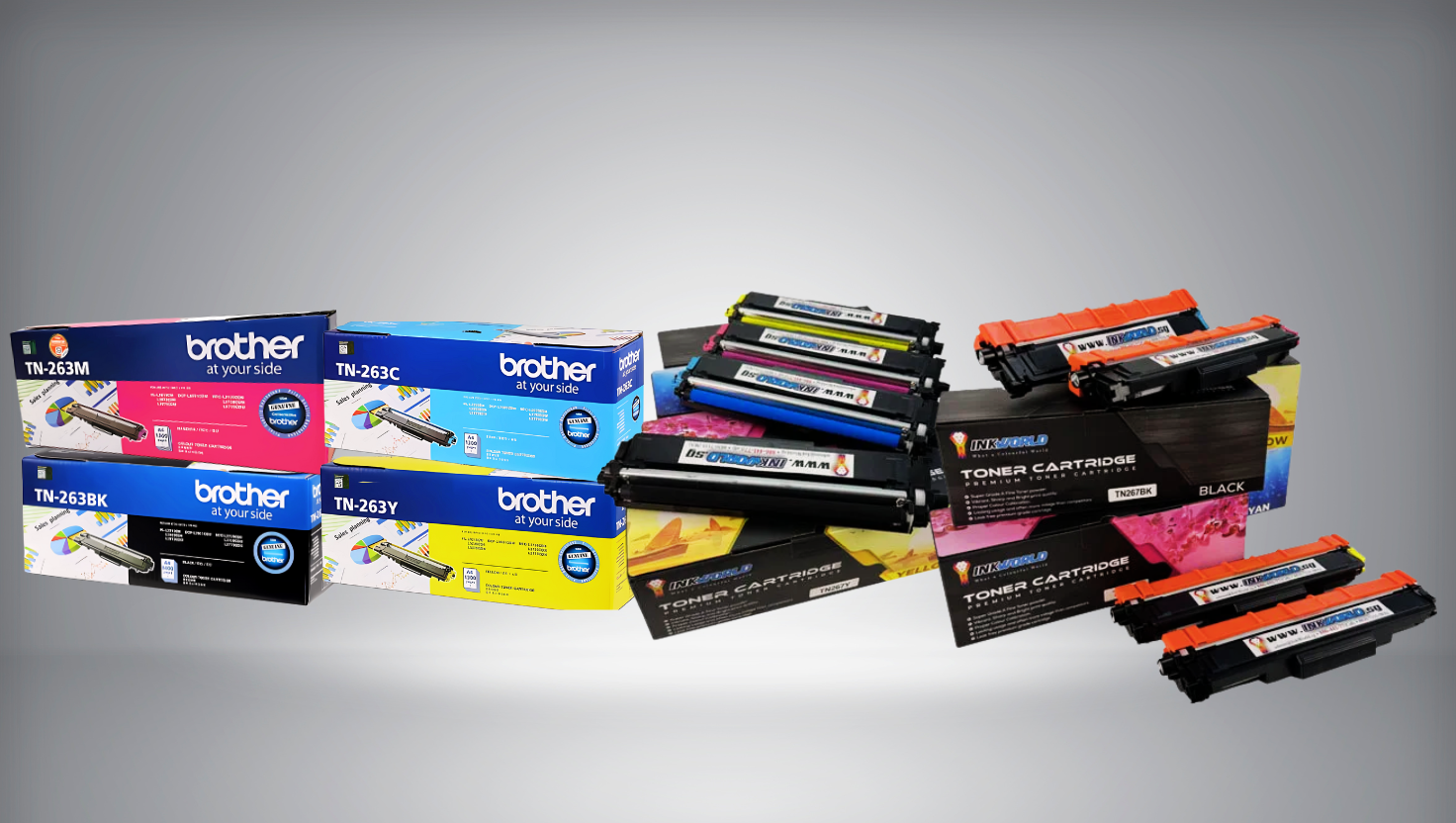
Advantages of Compatible Cartridges
Advantages
- Save up to 58% on printing costs
- Exact page yield as original cartridges
- Environmentally friendly (remanufactured options available)
- Quality-tested for reliability
- Fully compatible with Brother HL-L3230cdn
Considerations
- Slight variations in colour reproduction are possible
- Quality can vary between manufacturers
- Choose reputable suppliers for the best results
- Some may have concerns about warranty (addressed below)
Save Up to 70% on Printing Costs
Get high-quality compatible cartridges for your Brother HL-L3230cdn from InkWorld Singapore.
Shop Compatible CartridgesSingapore’s Consumer Protection and Warranty Information
Many printer owners worry that using compatible cartridges will void their printer warranty. However, Singapore’s Consumer Protection (Fair Trading) Act provides important safeguards against unjust warranty voiding.
Singapore’s Consumer Protection (Fair Trading) Act: Under this law, manufacturers cannot void your warranty simply because you used compatible cartridges. They must prove that the compatible cartridge actually damaged your printer before denying warranty service.
Your Rights as a Consumer
- Manufacturers cannot void your entire printer warranty because you used compatible cartridges.
- The burden of proof is on the manufacturer to demonstrate that a compatible cartridge caused damage.
- Warranty coverage for other printer components remains valid.
- Self-contained cartridges (like those for the HL-L3230cdn) pose minimal risk to the printer.
- You have the right to choose third-party consumables without losing warranty protection.
Quality compatible cartridges from reputable suppliers are designed to meet or exceed OEM specifications and pose no risk to your printer. The toner and drum units for the Brother HL-L3230cdn are self-contained, meaning they interact minimally with critical printer components.
“Using compatible cartridges is completely legal and will not void your printer warranty unless the manufacturer can prove the cartridge caused damage to your printer.”
Installation Guide: TN267 Toner and DR263CL Drum
Replacing toner cartridges and drum units in your Brother HL-L3230cdn is straightforward. Follow these step-by-step instructions for hassle-free installation.
Installing TN267 Toner Cartridge
- Power off the printer and wait 10 minutes for it to cool down
- Press the front cover release button and pull the front cover open
- Hold the blue handle of the drum unit and pull it out until it stops
- Hold the handle of the toner cartridge and push it gently away from you to unlock it
- Pull the toner cartridge out of the drum unit
- Unpack the new toner cartridge
- Remove the protective cover
- Please insert the new toner cartridge firmly into the drum unit until you hear it lock into place
- Clean the corona wire by sliding the blue tab from left to right several times
- Slide the drum unit back into the printer
- Close the front cover of the printer
Installing DR263CL Drum Unit
- Power off the printer and wait 10 minutes for it to cool down
- Press the front cover release button and pull the front cover open
- Hold the blue handle of the drum unit and pull it out completely
- Turn the blue lock lever counterclockwise until it releases
- Remove all four toner cartridges from the old drum unit
- Unpack the new drum unit
- Insert each toner cartridge into the new drum unit until you hear it lock into place
- Make sure the blue lock lever is in the release position
- Slide the drum unit back into the printer until it stops
- Turn the blue lock lever clockwise to the lock position
- Close the front cover of the printer
- Reset the drum counter: Press Menu > All Settings > Machine Info. > Parts Life > Drum > Reset
Important: Always handle the drum unit carefully. Avoid touching the green parts. After replacing the drum unit, you must reset the drum counter through the printer’s menu system.
Troubleshooting Common Issues
Even with proper installation, you might occasionally encounter issues with your Brother HL-L3230cdn or its consumables. Here are solutions to common problems: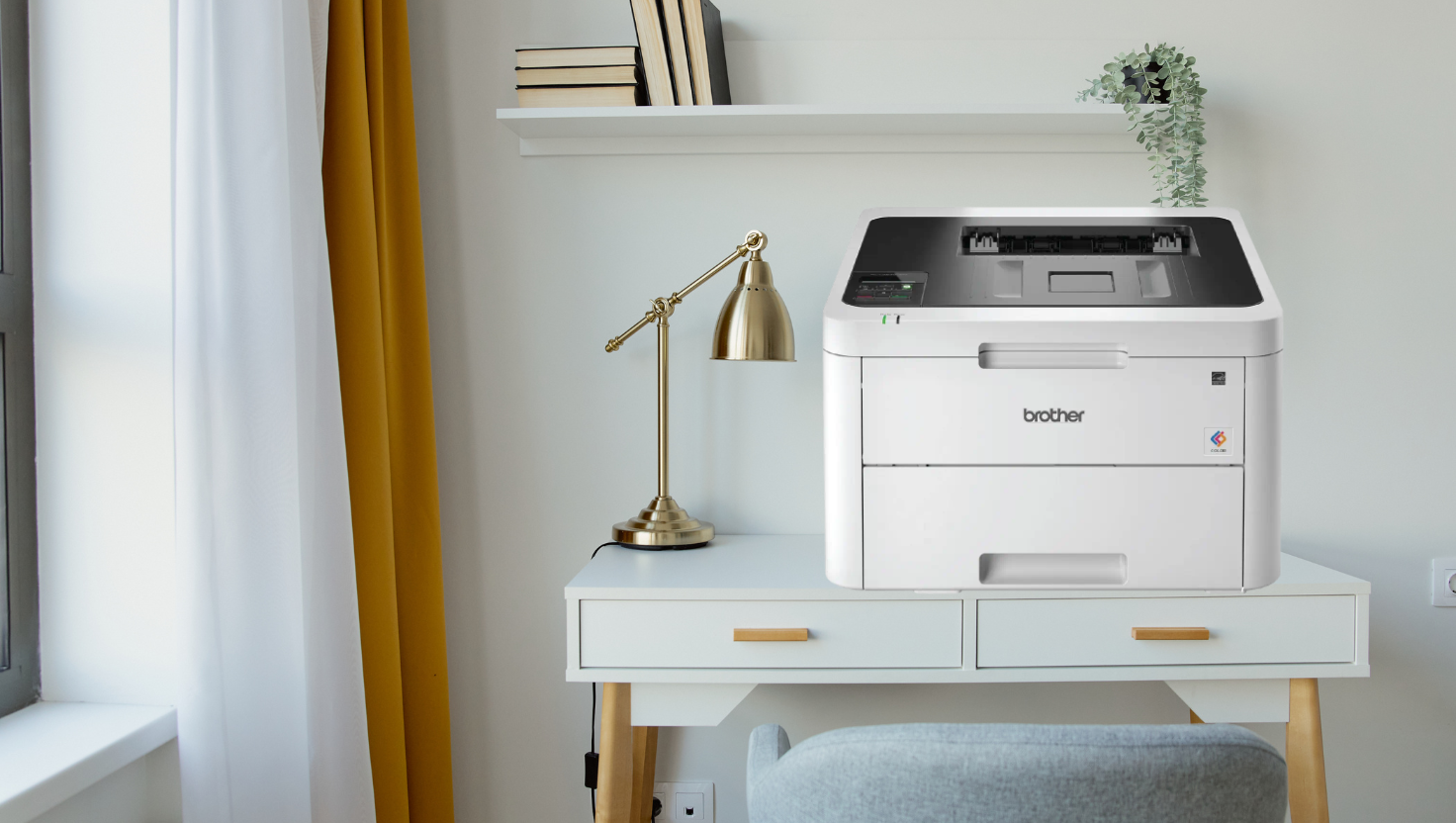
Poor Print Quality or Streaks
Solution: Clean the corona wires by sliding the blue tab from left to right several times. If the problem persists, try printing the quality check sheet (Menu > Print Reports > Print Quality) and follow the on-screen instructions.
Toner Low or Toner Empty Message
Solution: Remove the toner cartridge and gently shake it horizontally several times to redistribute the toner. If using compatible cartridges, you may need to reset the toner counter (procedure varies by cartridge manufacturer).
Paper Jams
Solution: Open all covers and carefully remove the jammed paper. Check for torn pieces of paper inside the printer. Ensure you’re using the correct paper type and properly adjusting the paper guides.
Drum Error or Drum End Soon Message
Solution: Clean the corona wires. If the message persists, the drum unit may need replacement. After installing a new drum unit, reset the drum counter through the printer’s menu.
Colour Registration Issues
Solution: Run the colour calibration (Menu > Calibration > Calibrate > Yes) and colour registration (Menu > Calibration > Registration) processes from the printer’s control panel.
Need Technical Support?
Contact InkWorld Singapore’s customer service team for assistance with your Brother HL-L3230cdn printer or consumables.
Get SupportFrequently Asked Questions
How does Singapore’s Consumer Protection (Fair Trading) Act safeguard against unjust warranty voiding?
The Consumer Protection (Fair Trading) Act prohibits manufacturers from voiding your entire printer warranty simply because you used compatible cartridges. They must prove that the compatible cartridge caused damage to your printer before denying warranty service. This protection ensures consumers can choose more affordable printing options without fear of losing warranty coverage.
Is purchasing compatible cartridges legal?
Yes, purchasing and using compatible cartridges is completely legal in Singapore. Compatible cartridges are aftermarket products designed to work with specific printer models without infringing on patents. Quality compatible cartridges meet or exceed OEM specifications while offering significant cost savings.
Why won’t compatible toner or drum cartridges damage my printer?
The toner and drum cartridges for the Brother HL-L3230cdn are self-contained units that interact minimally with critical printer components. Quality compatible cartridges are designed to the same specifications as original cartridges and undergo rigorous testing to ensure they won’t damage your printer. The self-contained design means that even if a cartridge were to fail, the damage would be limited to the cartridge itself, not the printer.
Where can I get reliable supplies for my Brother HL-L3230cdn?
InkWorld Singapore is a reliable supplier of original and compatible cartridges for the Brother HL-L3230cdn. They offer quality-tested, compatible cartridges that provide significant cost savings without compromising print quality. InkWorld Singapore also provides a warranty on all their compatible products and offers technical support for installation and troubleshooting.
What other Brother models use the same toner and drum cartridges?
The TN263/TN267 toner cartridges and DR263CL drum unit are compatible with several Brother colour laser printer models, including: DCP-L3551CDW, MFC-L3750CDW, MFC-L3770CDW, HL-L3230CDN, and HL-L3270CDW. This compatibility allows for streamlined supply management if you have multiple Brother printers in your office.
How do I know when to replace my toner cartridge?
Your Brother HL-L3230cdn will display a “Toner Low” message when a cartridge runs low. You can continue printing until you see a “Replace Toner” message. However, you may notice a gradual decrease in print quality as the toner depletes. It’s best to have replacement cartridges ready for optimal print quality when you see the “Toner Low” message.
How often should I replace the drum unit?
The DR263CL drum unit has an approximate yield of 18,000 pages. Unlike toner cartridges, which need frequent replacement, the drum unit typically lasts through several sets of toner cartridges. Your printer will display a “Drum End Soon” message when the drum unit is nearing the end of its life. For optimal print quality, replace the drum unit when prompted or if you notice persistent print quality issues that aren’t resolved by replacing the toner.
Can I use TN263 and TN267 cartridges interchangeably?
You can use TN263 (standard yield) and TN267 (high yield) cartridges in your Brother HL-L3230cdn. The cartridges have the same physical dimensions and installation process. The only difference is the toner inside, with TN267 containing more toner for higher page yield. You can mix and match depending on your printing needs for each colour.
How do I reset the drum counter after replacing the DR263CL?
After installing a new drum unit, you need to reset the drum counter. On your Brother HL-L3230cdn, press Menu > All Settings > Machine Info> Parts Life> Drum> Reset. Select “Yes” to confirm. This ensures your printer accurately tracks the life of the new drum unit.
What’s the difference between the HL-L3230CDN and HL-L3230CDW models?
The main difference is connectivity options. The HL-L3230CDN (featured in this article) offers wired network connectivity via Ethernet, while the HL-L3230CDW adds wireless connectivity. Both models use the same consumables (TN263/TN267 toner cartridges and DR263CL drum unit) and have identical print specifications, including speed, resolution, and paper handling capabilities.
Conclusion
The Brother HL-L3230cdn is a reliable colour laser printer with excellent print quality and features for Singapore’s small offices and home users. Understanding your consumable options can significantly reduce your printing costs without sacrificing quality. High-yield TN267 cartridges offer better value than standard TN263 cartridges, while compatible cartridges provide even greater savings of up to 58%.
Singapore’s Consumer Protection (Fair Trading) Act ensures that compatible cartridges can be used without worrying about warranty issues. Whether you choose original Brother consumables or quality compatible alternatives from suppliers like InkWorld Singapore, proper installation and maintenance will help you get the most from your Brother HL-L3230cdn printer.
Ready to Save on Your Printing Costs?
Explore our range of original and compatible supplies for your Brother HL-L3230cdn printer.
Shop Now