

 by Printer Brands
 Label Tape
 Ink
Ink Toner
Toner Label Roll




 Ribbon















 Label Printers
 Office Supplies
 Other
Other
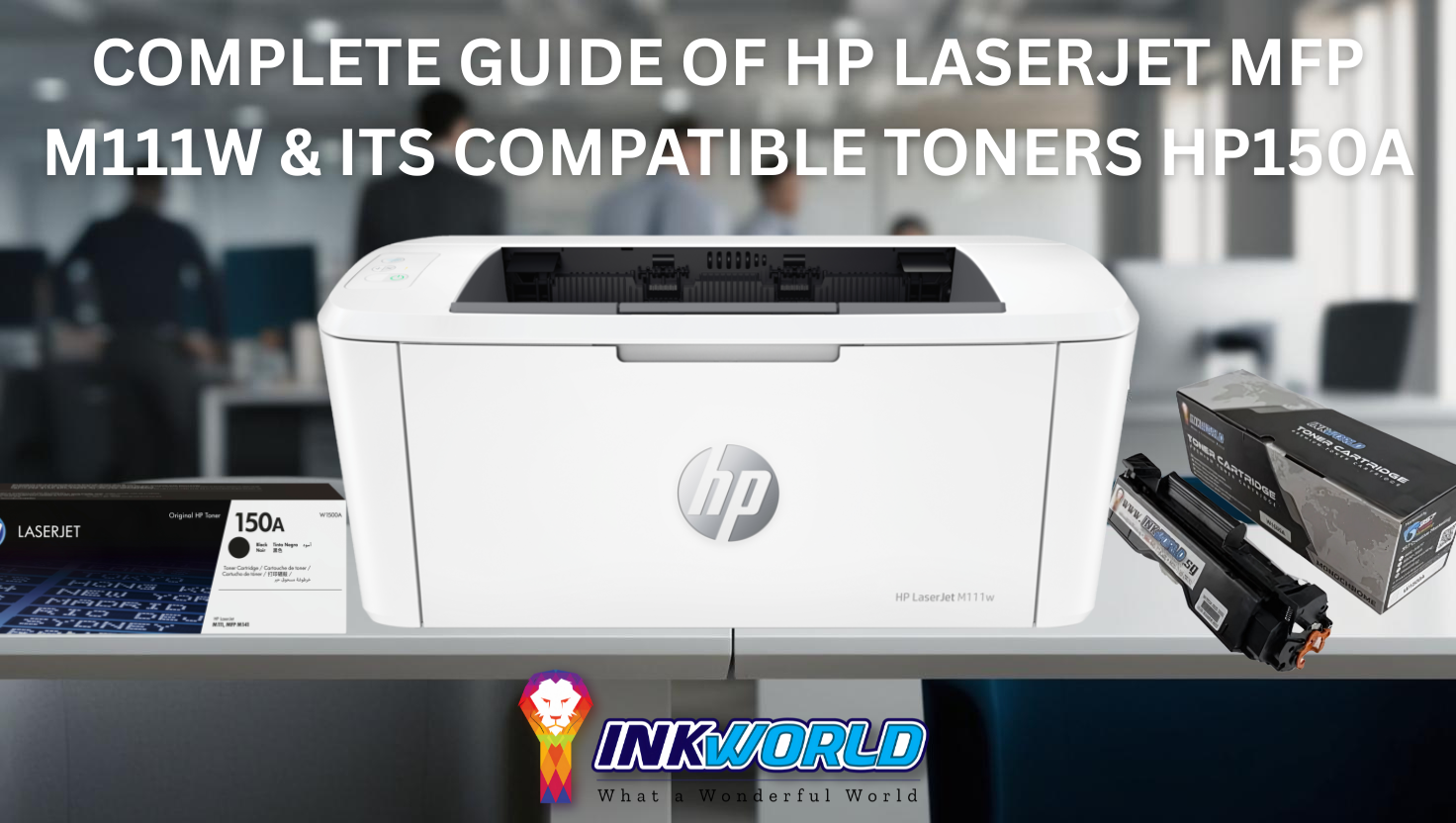
Complete Guide of HP LaserJet MFP M111w & Its Compatible Toners HP150A
The HP LaserJet MFP M111w is a compact printing powerhouse. It’s one of the smallest laser multifunction printers available in Singapore, and it fits perfectly in tight spaces at home or in small offices.
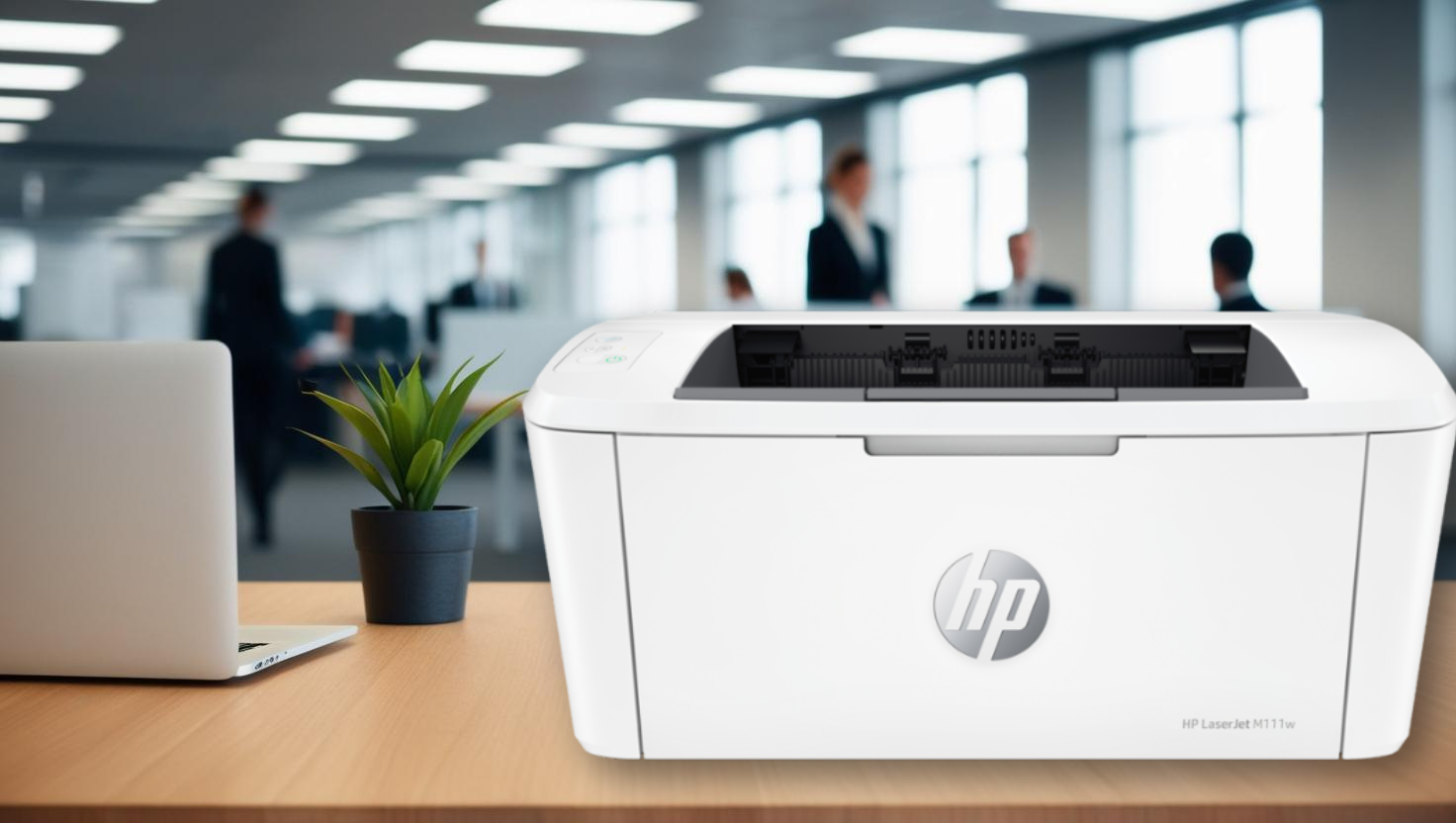
This printer boasts quick print speeds and reliable performance. It helps you finish tasks without annoying paper jams or connection problems. The self-resetting wireless feature keeps you linked even during network hiccups.
The HP LaserJet MFP M111w shines with its compact design and functionality. Users enjoy easy setup and operation. It’s perfect for those who want quality printing without technical fuss.
The compatible HP150A toner cartridge offers great value for Singapore users. Its pricing makes long-term maintenance affordable. This printer delivers consistent quality for work documents and school projects alike.
Save Up to 50% on HP 150A! |
|---|
View Price Now |
Key Takeaways
- The HP LaserJet MFP M111w is one of the smallest laser printers available in Singapore
- Self-resetting wireless capability ensures consistent connectivity
- Compatible with HP150A toner cartridges for cost-effective printing
- Ideal for home offices and small workspaces with limited room
- Quick print speeds help complete jobs efficiently
- The simple setup process requires minimal technical knowledge
Understanding the HP LaserJet MFP M111w
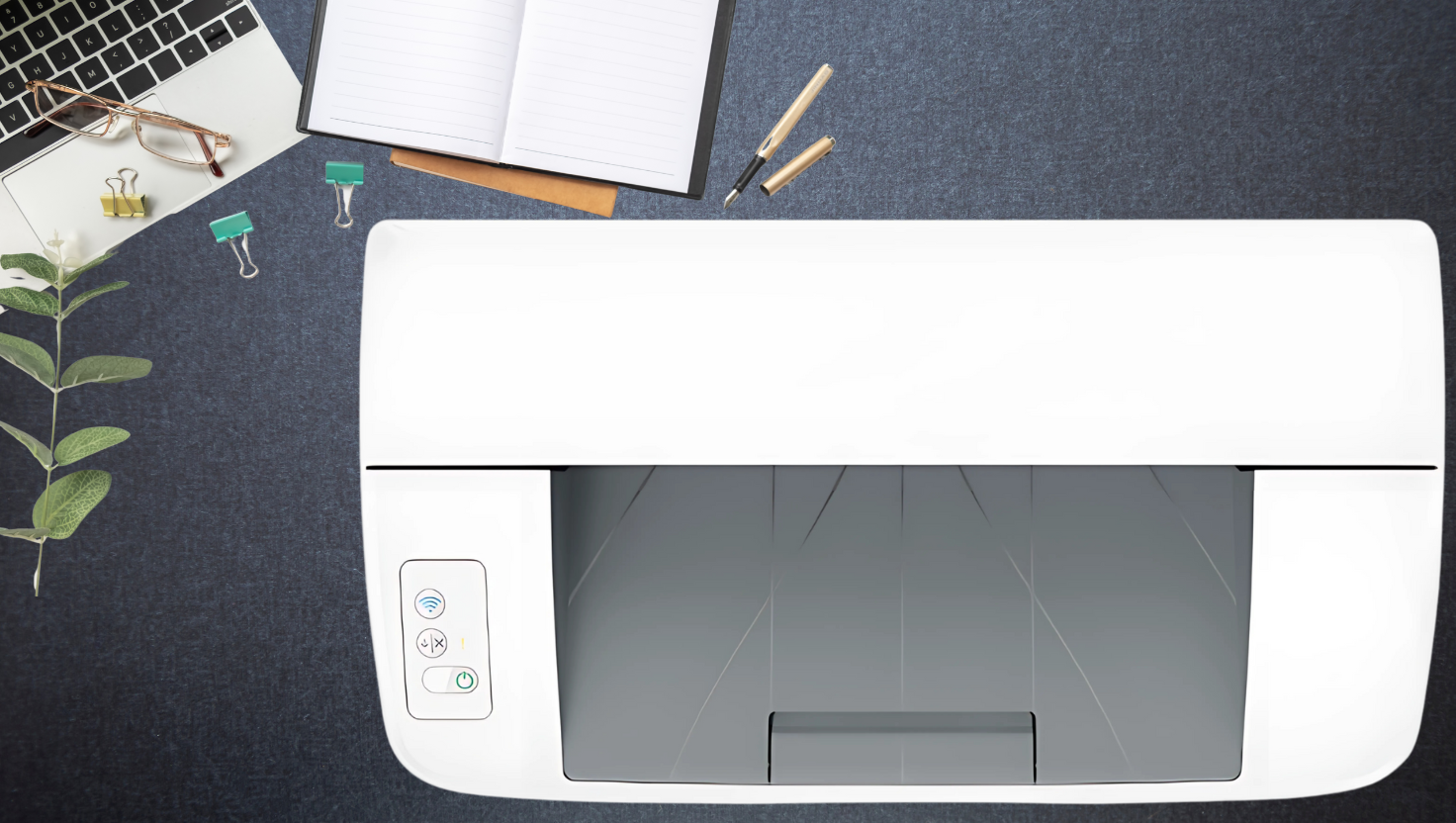
The HP LaserJet MFP M111w is HP’s most compact laser multifunction printer. It combines impressive performance with a space-saving design. This innovative device meets the diverse needs of modern users.
The M111w offers exceptional versatility without demanding excessive desk space. Its sleek design houses impressive capabilities. It’s suitable for home and office environments where space efficiency is crucial.
The best technology simplifies our lives while taking up less space. HP’s latest compact laser printers exemplify this principle by delivering professional-quality output from devices that fit almost anywhere.
This printer’score is wireless connectivity. It eliminates the need for cumbersome cable arrangements and allows for flexible placement within your workspace.
The printer extends connectivity to mobile devices. You can print from smartphones and tablets. This is crucial for today’s dynamic work environments.
Key Features at a Glance
The M111w packs impressive features into its compact frame. These capabilities handle diverse printing needs with remarkable efficiency. Wireless capabilities allow users to print from anywhere within their network.
This freedom enhances workspace flexibility. It supports modern, mobile-centric workflows. The printer’s multifunction design combines printing, scanning, and copying in one device.
This integration eliminates the need for separate machines and conserves precious space. The M111w appeals to users with limited room for multiple devices.
| Feature | Specification | Benefit | Comparison Point |
|---|---|---|---|
| Form Factor | HP’s smallest laser in its class | Minimal desk space required | Up to 30% smaller than competitors |
| Connectivity | Wireless, USB, HP Smart App | Flexible printing options | Complete mobile integration |
| Functions | Print, Scan, Copy | All-in-one convenience | Eliminates the need for multiple devices |
| Cloud Integration | Dropbox and Google Drive support | Seamless document management | Direct scanning to cloud services |
| Toner System | HP150A compatible | Consistent, high-quality output | Original and compatible options available |
The HP Smart app enhances the printer’s functionality. It enables direct scanning to cloud storage services. This mobile printing capability transforms how users interact with their documents.
Print quality remains exceptional despite the compact size. HP’s laser technology and compatible HP150A toner cartridges ensure crisp text, and users can expect clear graphics that meet professional standards.
Who Should Consider This Printer
The M111w caters to several distinct user profiles, each benefiting from different aspects of its versatile design. Home users with limited space will appreciate the compact footprint.
Printing, scanning, and copying are ideal for small spaces, such as apartments, small home offices, or shared living spaces.
Small business owners will find the M111w offers excellent functionality and economy. Its wireless connectivity facilitates sharing among small teams, and its reliable performance ensures professional-looking business documents.
Remote workers need compact, reliable office equipment. The M111w’s small size and comprehensive feature set make it ideal for home offices.
Students in dormitories or shared accommodations will benefit from the printer’s efficiency. They can print assignments, scan research materials, and copy notes without much space.
The HP LaserJet MFP M111w suits users who value space efficiency and functionality. Its thoughtful design makes it ideal for those seeking a capable multifunction printer.
Detailed Specifications of HP LaserJet MFP M111w
The HP LaserJet MFP M111w is a versatile printer for home or small office use. Its specs help you decide if it’s right for you. Look at its print speed, resolution, and monthly duty cycle.
Technical Specifications Table
The HP LaserJet MFP M111w offers reliable performance for various printing needs. Here’s a breakdown of its key technical specs.
| Specification | Details | Notes |
|---|---|---|
| Print Technology | Laser | Monochrome printing only |
| Print Resolution | Up to 600 x 600 dpi | Enhanced with HP FastRes 600 technology |
| Print Speed (A4) | Up to 20 ppm | ISO standard measurement |
| Print Speed (Letter) | Up to 21 ppm | ISO standard measurement |
| Monthly Duty Cycle | Up to 8,000 pages | Maximum recommended monthly page volume: 100-1,000 |
| Paper Tray Capacity | 150 sheets | Single input tray |
| Toner Cartridge | HP 150A Black (W1500A) | Approximately 975 pages yield |
| Duplex Printing | None | Manual duplex possible |
| Dimensions (W x D x H) | 346 x 189 x 159 mm | Compact footprint |
| Weight | 3.8 kg | Lightweight for easy placement |
The 600 x 600 dpi print resolution ensures crisp text and clear graphics. HP FastRes 600 technology further enhances overall print quality.
This printer can print up to 20 pages per minute for A4 documents. It balances efficiency with quality output for your printing needs.
The duty cycle is 8,000 pages per month. This shows how many pages it can handle without wear. For best results, HP suggests 100-1,000 pages monthly.
Multifunction Capabilities
The HP LaserJet MFP M111w is compact yet versatile. It offers more than just basic printing. Its features suit various document tasks at home or in small offices.
The printer’s scanning capabilities include:
- Scan Resolution: Up to 600 x 600 dpi for clear document reproduction
- Scan Type: Flatbed scanner for flexible document handling
- File Formats: Support for JPG, RAW, PDF, and other common formats
- Mobile Scanning: Available through the HP Smart app for on-the-go convenience
The copy function allows quick document duplication with adjustable settings. Its simple interface efficiently handles occasional copy jobs.
“The HP LaserJet MFP M111w strikes an excellent balance between functionality and affordability, offering essential multifunction capabilities without unnecessary complexity that drives up cost.”
The paper tray holds 150 sheets, making it suitable for personal use or small teams. It supports various media types and sizes, from 76 x 127 mm to 216 x 356 mm.
Connectivity options boost the printer’s versatility. These include:
- Hi-Speed USB 2.0 port for direct connection
- 802.11b/g/n wireless networking for shared access
- Wi-Fi Direct for mobile device printing without a network
- HP Smart app compatibility for remote printing and scanning
These features make the HP LaserJet MFP M111w a practical choice. It’s ideal for users who need more than printing but not advanced office machine features.
HP LaserJet MFP M111w Pricing in Singapore
The HP LaserJet MFP M111w is a compact laser printer for homes and small offices. It’s a cost-effective solution in Singapore’s competitive market. Let’s explore its pricing and value.
Current Market Price Analysis
The HP LaserJet MFP M111w costs between S$199 and S$249 in Singapore. Major electronics chains often offer seasonal discounts, increasing the price to S$179.
Online marketplaces like Lazada and Shopee usually have the best prices. Flash sales can reduce the cost by up to 15%. HP’s official Singapore website lists it at S$229.
Compared to similar printers, the MFP M111w is mid-range priced. Similar HP printers cost between S$180 and S$300, making this model reasonably priced.
| Retailer | Regular Price (S$) | Sale Price (S$) | Additional Benefits |
|---|---|---|---|
| HP Official Store | 229 | 199 | Extended warranty options |
| Courts | 239 | 189 | Bundled paper packages |
| Challenger | 249 | 199 | Member discounts available |
| Lazada/Shopee | 219 | 179 | Free delivery options |
Value for Money Assessment
The true cost of the HP LaserJet MFP M111w goes beyond the initial price. Understanding the total ownership cost is vital for target users.
Original HP150A toner cartridges cost about S$89 in Singapore. They yield 1,000 pages, costing S$0.089 per page. For 200 monthly prints, that’s S$213 yearly.
Compatible toners offer savings. They cost S$39 to S$49 and have similar yields. This cuts the cost per page to S$0.044, halving the expense.
Compatible cartridges can save home users S$108 annually, and small offices printing 500 pages monthly could save S$270 per year.
The printer’s energy efficiency adds value. It uses 480 watts while printing and less than 1 watt in sleep mode. This helps reduce electricity costs in Singapore.
Compared to similar models, the MFP M111w balances cost, expenses, and features well. Its wireless capabilities eliminate the need for extra networking equipment.
| Expense Category | Original HP Supplies | Compatible Alternatives | Annual Savings |
|---|---|---|---|
| Home User (200 pages/month) | S$213/year | S$105/year | S$108 |
| Small Office (500 pages/month) | S$534/year | S$264/year | S$270 |
| Medium Office (1000 pages/month) | S$1,068/year | S$528/year | S$540 |
The HP LaserJet MFP M111w is affordable for Singaporeans starting out in laser printing. It offers good upfront value and reasonable long-term costs. Compatible toners make it even more appealing without compromising quality.
Advantages of HP LaserJet MFP M111w for Home Use
The HP LaserJet MFP M111w offers a brilliant mix of size and performance for home printing. This compact device delivers top-notch results whilst meeting home users’ unique needs. Its space-saving design and wireless features make it perfect for modern homes.
Compact Design for Limited Spaces
The HP LaserJet MFP M111w is HP’s smallest laser printer in its class. Its tiny footprint of 346 x 189 x 159 mm perfectly suits home offices and study areas.
This printer handles all key tasks while taking up little desk space. Unlike many office printers, its sleek look blends well with home décor.
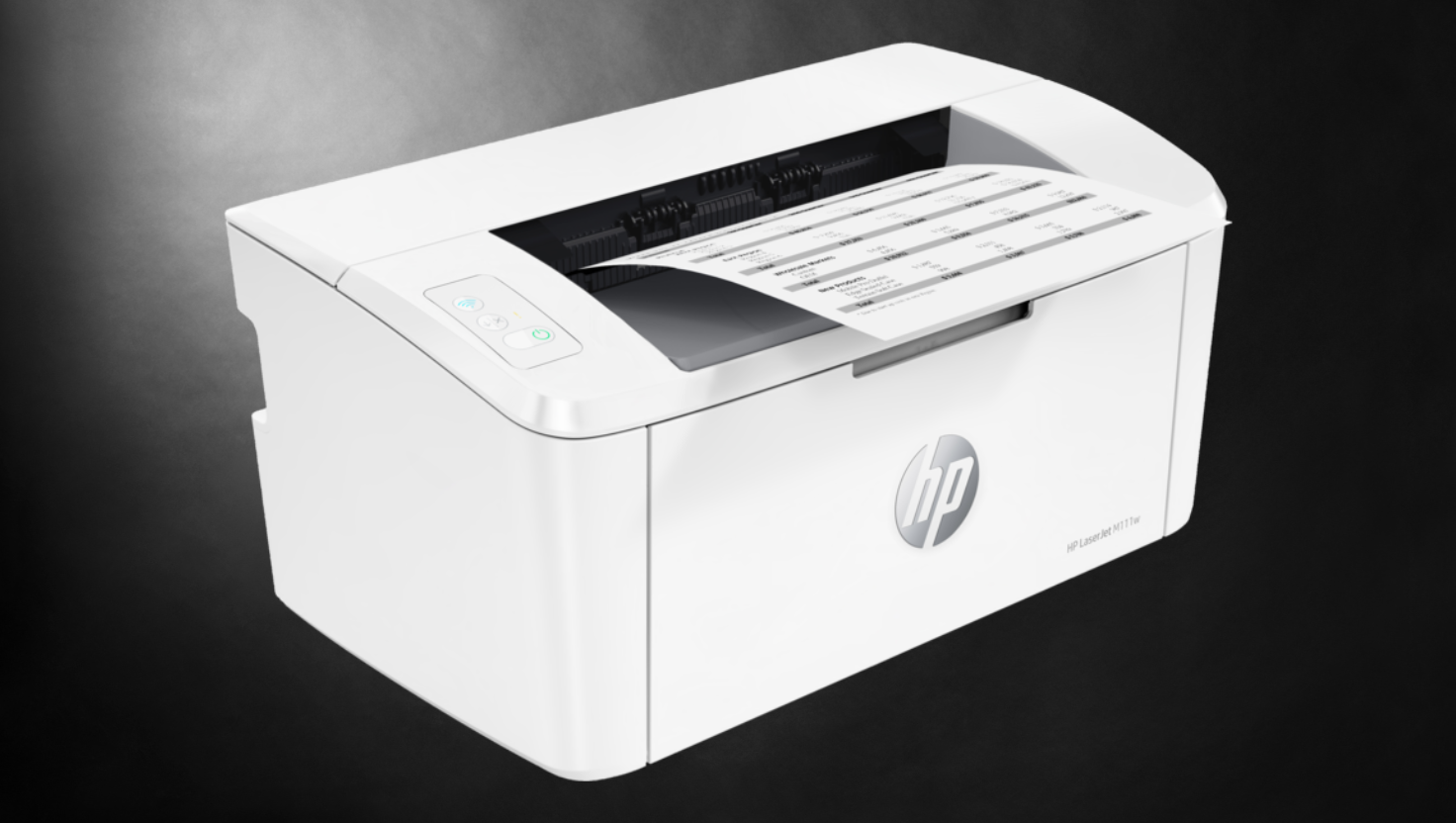
The printer’s vertical design is great for homes with limited space. It fits nicely on a small desk, bookshelf, or narrow table, allowing you to keep a productive workspace without losing room.
User-Friendly Interface and Setup
Setting up the HP LaserJet MFP M111w is easy, even for non-tech-savvy users. Its control panel makes daily use and navigation functions simple.
The wireless setup process is quick and straightforward. Once set up, the printer stays connected, even after power cuts or network changes.
“The setup was so simple my 10-year-old could do it. Within minutes we were printing from every device in our home. It’s refreshingly straightforward compared to other printers I’ve owned.”
The printer works with various operating systems, so everyone at home can print easily from their favourite devices. The setup is simple for Windows, macOS, and Linux users alike.
Mobile Printing Capabilities
The HP LaserJet MFP M111w shines with its excellent mobile printing capabilities. It works smoothly with the HP Smart app for printing and scanning from your phone or tablet.
The HP Smart app changes how you use your printer. It offers features beyond basic printing, such as:
- Print documents and photos from cloud storage services
- Scan documents using your mobile device’s camera
- Organise documents up to 50% faster with customisable shortcuts
- Monitor printer status and supply levels remotely
- Order replacement toners directly through the app
You can print from anywhere in your home using Wi-Fi or network printing. This is great for families, as many people must print from different rooms.
The mobile scanning feature is a standout for efficiency-minded households. It helps reduce paper clutter and improve organisation. You can quickly share scanned files via email or save them to cloud storage.
Benefits of HP LaserJet MFP M111w in Office Environments
The HP LaserJet MFP M111w is a top choice for office printing. It perfectly balances performance, connectivity, and reliability. This compact laser printer boosts productivity in small to medium businesses.
It offers efficient printing and network integration options. Teams get dependable document handling without unnecessary complexity. The printer provides a cost-effective solution for various business needs.
Productivity and Efficiency Features
The HP LaserJet MFP M111w prints up to 20 A4 pages per minute. This rapid print speed lets team members focus on important tasks instead of waiting for documents.
The HP Smart App enhances document workflow. Users can scan documents directly from their smartphones, aiding businesses in moving towards digital document management.
This printer combines printing, scanning, and copying in one device. It saves office space and reduces the need for multiple machines. Teams can handle various document types efficiently, improving workflow and reducing bottlenecks.
| Productivity Feature | Benefit to Office Users | Time-Saving Impact |
|---|---|---|
| 20 ppm Print Speed | Faster document production | Reduces waiting time by up to 25% |
| HP Smart App Integration | Mobile scanning and printing | Eliminates desk-to-printer trips |
| Multifunction Capabilities | All-in-one document handling | Streamlines document workflows |
| Automatic Document Feeder | Hands-free multi-page scanning | Free staff for other tasks |
Network Integration and Sharing
The HP LaserJet MFP M111w excels in office settings with its robust network capabilities. It features Wireless 802.11b/g/n (2.4 GHz) connectivity for easy sharing among multiple users.
This printer supports various network protocols, ensuring compatibility with any office network setup. Its comprehensive protocol support makes integration seamless, regardless of your existing infrastructure.
Wi-Fi Direct printing allows direct connections even when the main network is down. This feature is useful during outages or for visitors needing to print without network access.
Mobile printing enhances the printer’s versatility in modern offices. Support for Apple AirPrint™ and Mopria™ allows direct printing from iOS and Android devices. This wireless connectivity suits today’s increasingly mobile workforce.
Duty Cycle and Reliability
The HP LaserJet MFP M111w offers a monthly duty cycle of up to 8,000 pages. It’s ideal for small to medium-sized teams with moderate printing needs.
The recommended monthly page volume for optimal performance is 200 to 2,000 pages. This range ensures consistent print quality and extends the printer’s lifespan. It strikes a balance between capability and cost-effectiveness for most small offices.
HP’s reputation for durable office equipment shines in the M111w’s construction. Its robust components withstand daily business use. This reliability means fewer maintenance issues and less downtime, which is crucial for maintaining office productivity.
The HP150A toner cartridge delivers consistent print quality throughout its lifecycle. Its straightforward design makes replacement quick and easy, minimising workflow disruptions when cartridge changes are needed.
| Reliability Factor | Specification | Business Benefit | Cost Impact |
|---|---|---|---|
| Monthly Duty Cycle | Up to 8,000 pages | Handles peak printing periods | Reduces the need for multiple printers |
| Recommended Volume | 200-2,000 pages monthly | Optimal performance range | Maximises component lifespan |
| Toner System | HP150A cartridge | Consistent print quality | Predictable replacement costs |
| Connectivity Redundancy | Multiple connection options | Printing continuity | Prevents workflow disruptions |
Complete Guide of HP LaserJet MFP M111w & Its Compatible Toners HP150A
Knowing your options for HP150A toner cartridges is crucial for your HP LaserJet MFP M111w printer. It helps you choose between print quality and cost-efficiency. Let’s look at Singapore’s original HP toner specs and compatible alternatives.
Original HP150A Toner Specifications
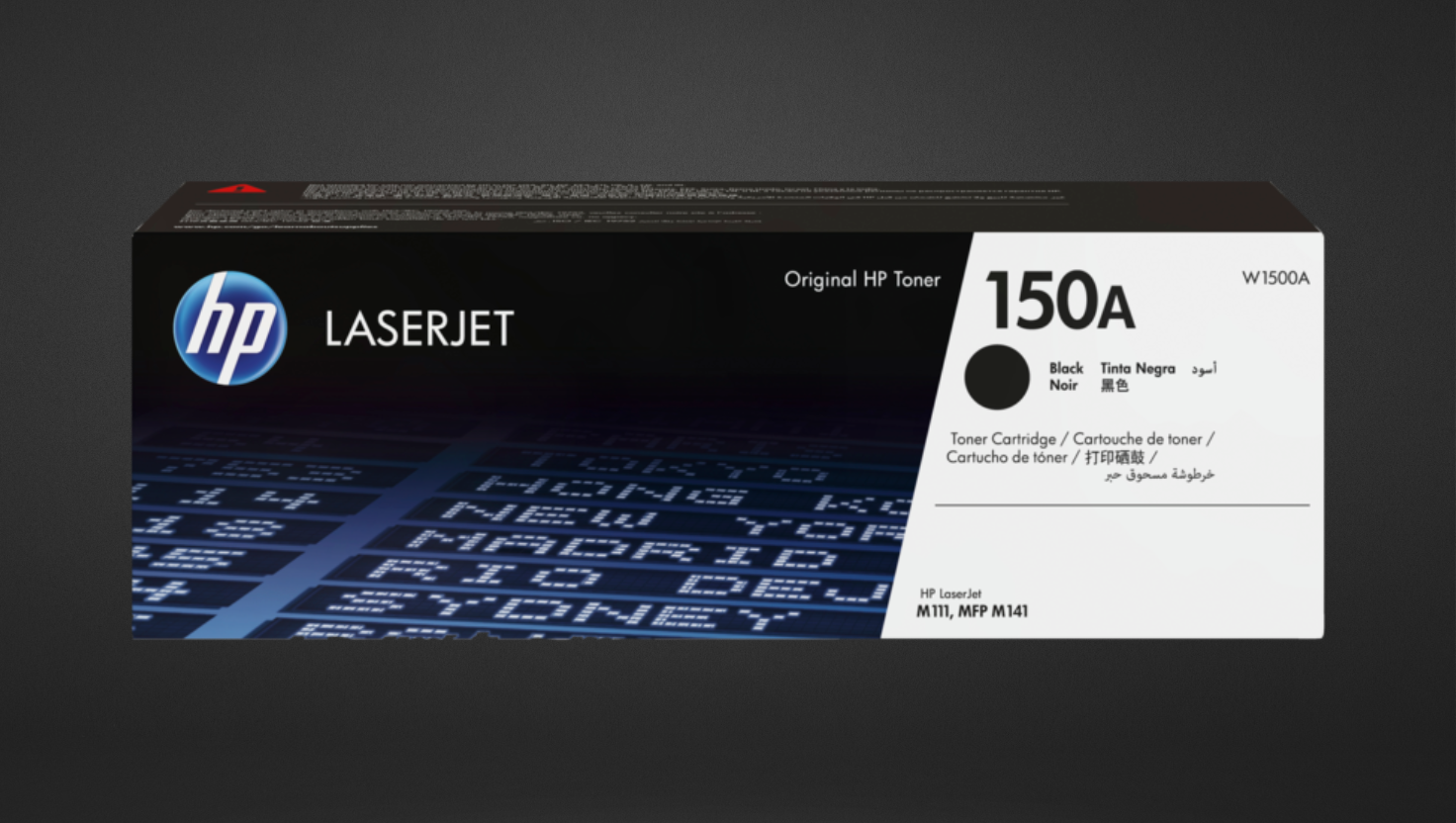
The HP LaserJet MFP M111w uses the HP 150A Black LaserJet Toner Cartridge (W1500A). This cartridge works perfectly with your printer, ensuring reliable performance.
The original HP150A toner yields 975 pages under ISO/IEC 19752 standards. Actual yields may vary based on what you print. Image-heavy documents use more toner than text-only pages.
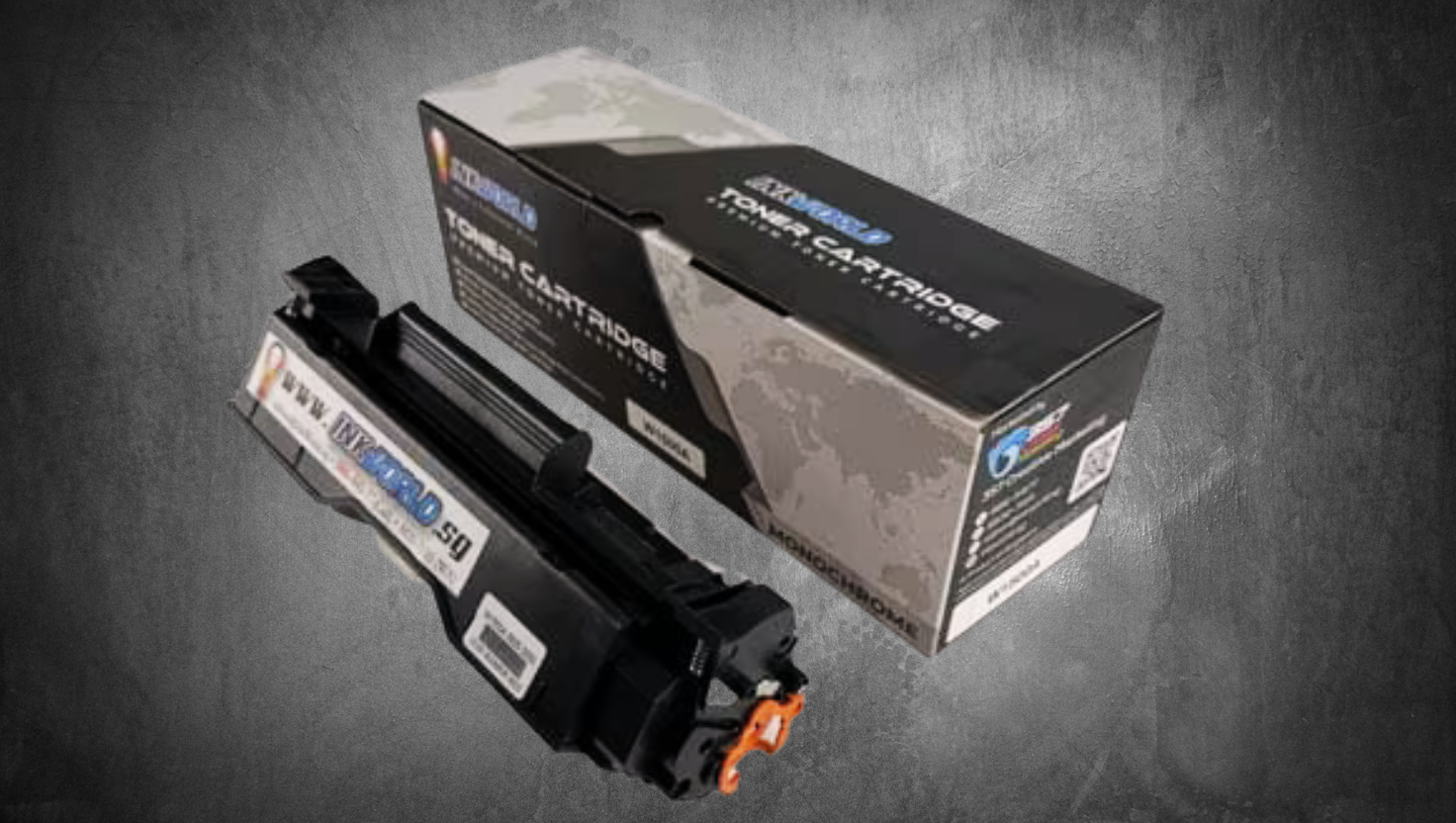
Original HP toner cartridges offer several benefits. They have precise toner particles for sharp text and smooth graphics. They also use smart tech to talk to your printer.
- Precision-engineered toner particles for sharper text and smoother graphics
- Built-in smart technology that communicates with your printer
- Full warranty coverage for your printer when using genuine HP supplies
- Environmentally responsible manufacturing and recycling programmes
HP’s special formula optimises the fusing process in the HP150A toner cartridge. This results in consistent blacks and crisp text quality. Genuine HP toners are ideal for important documents.
Compatible Toner Alternatives
Compatible toners offer a budget-friendly option without sacrificing quality. These third-party cartridges work with the HP LaserJet MFP M111w and usually cost 30-50% less than original HP products.
Quality compatibles in Singapore match the original HP150A specs. They offer similar page yields and print quality. The best options maintain strict quality control standards.
When choosing compatible alternatives, look for these features:
- ISO certification for manufacturing processes
- Warranty protection for both the cartridge and your printer
- Positive customer reviews and reliability ratings
- Local customer support and an easy returns policy
| Specification | Original HP150A | Premium Compatible | Economy Compatible |
|---|---|---|---|
| Page Yield | ~975 pages | ~975 pages | 800-900 pages |
| Average Price in Singapore | S$75-85 | S$45-55 | S$35-45 |
| Cost Per Page | ~S$0.082 | ~S$0.051 | ~S$0.044 |
| Warranty | Full printer warranty | Cartridge + printer protection | Cartridge only |
Toner cartridge compatibility is more than just fitting into your printer. Good compatible options work well with your printer’s firmware and maintain consistent print quality throughout their lifespan.
Many Singapore suppliers offer compatible HP150A toners that match original cartridges. These alternatives balance quality and cost-effectiveness for everyday printing needs.
Choose printer supplies based on your specific needs. Compatible toners save money for internal documents and drafts, but original HP toners might be better for client-facing materials.
Cost Comparison: Original vs Compatible HP150A Toners
Choosing between original HP150A toners and compatible alternatives involves more than just the initial price. We’ll explore page yield, cost-per-page, and potential long-term savings, which will help you make a smart choice.
Page Yield Based on ISO/IEC 19752 Standards
Page yield is the most reliable metric for determining toner value. The ISO/IEC 19752 standard ensures fair comparisons across all manufacturers and models.
This test prints specific documents with about 5% page coverage under controlled conditions. The declared yield for the HP150A toner is roughly 975 pages.
Real-world toner lifespan often differs from lab results. Factors like document complexity, print settings, and environment affect actual yield.
- Document complexity (text-only vs graphics-heavy pages)
- Print density settings (draft, normal, or high quality)
- Environmental conditions (temperature and humidity)
- Printing frequency (continuous vs intermittent use)
Both original HP150A toners and quality compatible cartridges should meet these standards. Some compatible options may offer high capacity alternatives exceeding the standard capacity of originals.
Cost-Per-Page Analysis Table
The initial price doesn’t tell the whole story. To understand true printing costs, we calculate the cost-per-page. This reveals the efficiency of your investment over time.
To find the cost-per-page, divide the cartridge price by its page yield. This shows the cost of printing one page, directly comparing options.
| Toner Type | Price (SGD) | Page Yield | Cost Per Page (SGD) | Savings Per Page |
|---|---|---|---|---|
| Original HP150A | S$89.00 | 975 pages | S$0.091 | – |
| Compatible HP150A (Standard) | S$39.90 | 975 pages | S$0.041 | 55% (S$0.050) |
| Compatible HP150A (High Capacity) | S$49.90 | 1,200 pages | S$0.042 | 54% (S$0.049) |
| Compatible HP150A (Premium) | S$59.90 | 1,200 pages | S$0.050 | 45% (S$0.041) |
The table shows that compatible toners offer significant savings per page. Even premium compatible cartridges provide nearly 45% cost reduction compared to original HP toners.
Annual Savings Calculation for Home and Office Users
Look at potential yearly savings based on typical printing volumes for different users. For home users printing about 100 pages monthly (1,200 annually), the impact is clear:
- With original HP150A: S$109.20 annually (1,200 × S$0.091)
- With standard compatible HP150A: S$49.20 annually (1,200 × S$0.041)
- Annual savings: S$60.00
Small offices printing around 500 pages monthly (6,000 annually) see even more dramatic savings:
- With original HP150A: S$546.00 annually (6,000 × S$0.091)
- With standard compatible HP150A: S$246.00 annually (6,000 × S$0.041)
- Annual savings: S$300.00
For businesses printing 1,000 pages monthly (12,000 annually), cost-effective printing becomes crucial:
- With original HP150A: S$1,092.00 annually (12,000 × S$0.091)
- With standard compatible HP150A: S$492.00 annually (12,000 × S$0.041)
- Annual savings: S$600.00
Switching to compatible toners can fund other expenses without compromising print quality. For businesses, these savings can boost profits or enable investment in other tools.
Remember, savings may vary based on your printing patterns and chosen cartridges. However, the financial advantage of compatible options remains consistent across different scenarios.
Alternative Printers to Consider
Let’s explore some printers similar to Singapore’s HP LaserJet MFP M111w and compare them based on features, price, and performance.
This comparison will help you decide if the M111w is the best choice for your home or small office. We’ll examine how it compares to other options.
Comparable Models Table
Here’s a side-by-side comparison of the HP LaserJet MFP M111w with four similar multifunction printers. These models are in a similar price range and target the same users.
| Feature | HP LaserJet MFP M111w | Brother DCP-L2535DW | Canon imageCLASS MF113w | Epson EcoTank M2140 |
|---|---|---|---|---|
| Print Technology | Laser (Monochrome) | Laser (Monochrome) | Laser (Monochrome) | Inkjet (Monochrome) |
| Functions | Print, Scan, Copy | Print, Scan, Copy | Print, Scan, Copy | Print, Scan, Copy |
| Print Speed | 20 ppm | 30 ppm | 22 ppm | 20 ppm |
| Duplex Printing | Manual | Automatic | Manual | Manual |
| Connectivity | Wi-Fi, USB | Wi-Fi, Ethernet, USB | Wi-Fi, USB | USB only |
| Paper Capacity | 150 sheets | 250 sheets | 150 sheets | 250 sheets |
| Approx. Price (SGD) | $199 | $268 | $219 | $299 |
Each printer has unique advantages that might suit different needs. The Brother model offers faster printing and automatic duplex printing. The Epson uses cost-effective ink tank technology, which could benefit high-volume users.
Strengths and Weaknesses Comparison
Let’s look at how these printers perform in real-world situations. This will help you make a more informed decision.
HP LaserJet MFP M111w
Strengths: Its compact size is great for small spaces. It offers easy mobile printing. HP’s build quality is reliable. The HP Smart app offers excellent remote printing and scanning.
Weaknesses: No automatic duplex printing. Smaller paper capacity. Toner costs can be high for frequent use. Flatbed scanner only, no automatic document feeder.
Brother DCP-L2535DW
Strengths: Fast printing (30 ppm). Automatic duplex printing saves paper. Large paper capacity. Many connectivity options, including Ethernet. The Brother iPrint&Scan app works well for mobile use.
Weaknesses: It needs more desk space. The initial cost is higher. Setup can be tricky. Scan quality is okay but not outstanding.
Canon imageCLASS MF113w
Strengths: Great print quality with clear text. User-friendly control panel. Good price. Canon’s mobile printing works well with iOS and Android.
Weaknesses: Manual duplex printing is only available. The scan resolution is average. Replacement toners can be pricey. Wireless setup might need troubleshooting.
Epson EcoTank M2140
Strengths: Very low running costs with refillable ink tanks. Prints many pages per refill. Large paper capacity. Can print thousands of pages before needing a refill.
Weaknesses: No wireless connectivity (USB only). Higher upfront cost. Slightly slower to print the first page than laser printers. May need more maintenance than laser printers.
The HP and Canon models are great for Singapore users who want wireless and mobile printing. The Brother’s automatic duplex printing and larger paper capacity might be worth the higher cost for high-volume users.
Small businesses worried about long-term costs should consider the Epson EcoTank. It costs more upfront and lacks wireless features, but it can save money for those who print a lot.
Think about how you’ll use the printer. The HP LaserJet MFP M111w is great for occasional printing and light scanning. For frequent multi-page copies or network sharing, the Brother might be better.
Don’t forget to consider reliability and local support in Singapore when making your choice.
InkWorld: Singapore’s Compatible Cartridge Specialist
InkWorld is Singapore’s go-to for top-notch compatible toner cartridges. They offer big savings without skimping on quality. Their products work well with many printers, including the HP LaserJet MFP M111w.
InkWorld helps businesses and individuals cut printing costs by providing cheaper options that perform just as well as original cartridges.
Company Profile and Product Range
InkWorld is a trusted supplier of compatible printer supplies in Singapore. They’re known for reliable, top-quality alternatives to original cartridges at much lower prices.
Their stock includes over 1,000 cartridge models for 19 popular printer brands. This wide range covers most printer owners’ needs, no matter their device model.
For HP LaserJet MFP M111w users, InkWorld offers HP150A toner cartridge alternatives. These compatible toner cartridges match the original print quality and page yields.
| Product Category | Number of Models | Compatible Brands | Average Savings |
|---|---|---|---|
| Laser Toner Cartridges | 450+ | HP, Canon, Brother, Samsung, Xerox | 40-60% |
| Inkjet Cartridges | 350+ | HP, Canon, Epson, Brother | 50-70% |
| Specialty Inks | 100+ | Epson, Canon, HP | 30-50% |
| Printer Maintenance Kits | 100+ | All major brands | 25-45% |
Quality Assurance and Customer Support
InkWorld stands out in the printer supplies market due to its quality commitment. Each cartridge undergoes thorough testing for compatibility, print quality, and durability.
Their quality control process includes several key steps. These ensure their products meet high standards before reaching customers.
- Physical compatibility testing with target printer models
- Print quality assessment using standardised test patterns
- Durability testing to confirm expected page yields
- Chip functionality verification for seamless printer integration
This strict approach keeps InkWorld’s defect rate below 1%. That’s much lower than the industry average for compatible cartridges.
InkWorld also excels in customer support. They offer help through various channels to meet customer needs.
- Live chat support is available on their website during business hours
- Dedicated email support with response times under 24 hours
- Telephone assistance for urgent queries
- Detailed installation guides and troubleshooting resources
InkWorld backs their products with a 12-month warranty. This gives customers peace of mind when choosing their cost-effective printing solutions.
They also run a cartridge recycling programme. This helps reduce printing’s environmental impact and supports sustainable practices.
For HP LaserJet MFP M111w users, InkWorld offers great HP150A toner cartridge alternatives. Their options balance quality, affordability, and service for both home and office use.
Save more on HP 150A! |
|---|
View Price Now |
Step-by-Step HP150A Toner Cartridge Installation Guide
Installing your HP or compatible toner cartridge correctly ensures top-notch print quality. It also extends your HP LaserJet MFP M111w’s lifespan. This guide will help you through the process from start to finish.
Preparation Steps
Proper preparation is key before installing your HP150A toner cartridge. It prevents issues and ensures a smooth process. Take a few minutes to get ready.
First, turn off your printer and unplug it. This safety precaution protects you and the machine. Let the printer cool for 10-15 minutes if running.
Gather your new cartridge, a lint-free cloth, and paper towels. Clear a clean workspace with good lighting around your printer.
Wash and dry your hands thoroughly. Toner can be messy and hard to clean off skin and clothes, so wearing disposable gloves is a good idea.
Carefully remove the new cartridge from its packaging. Don’t touch the green drum or metal contacts. Hold it by the plastic edges only. Keep the protective seal on until you’re ready to install.
Installation Process with Images
Now you’re ready to install the cartridge. Follow these steps carefully for proper installation.
Open the printer’s top cover using the release button on the left side. Remove the old cartridge if present by pulling it straight up.
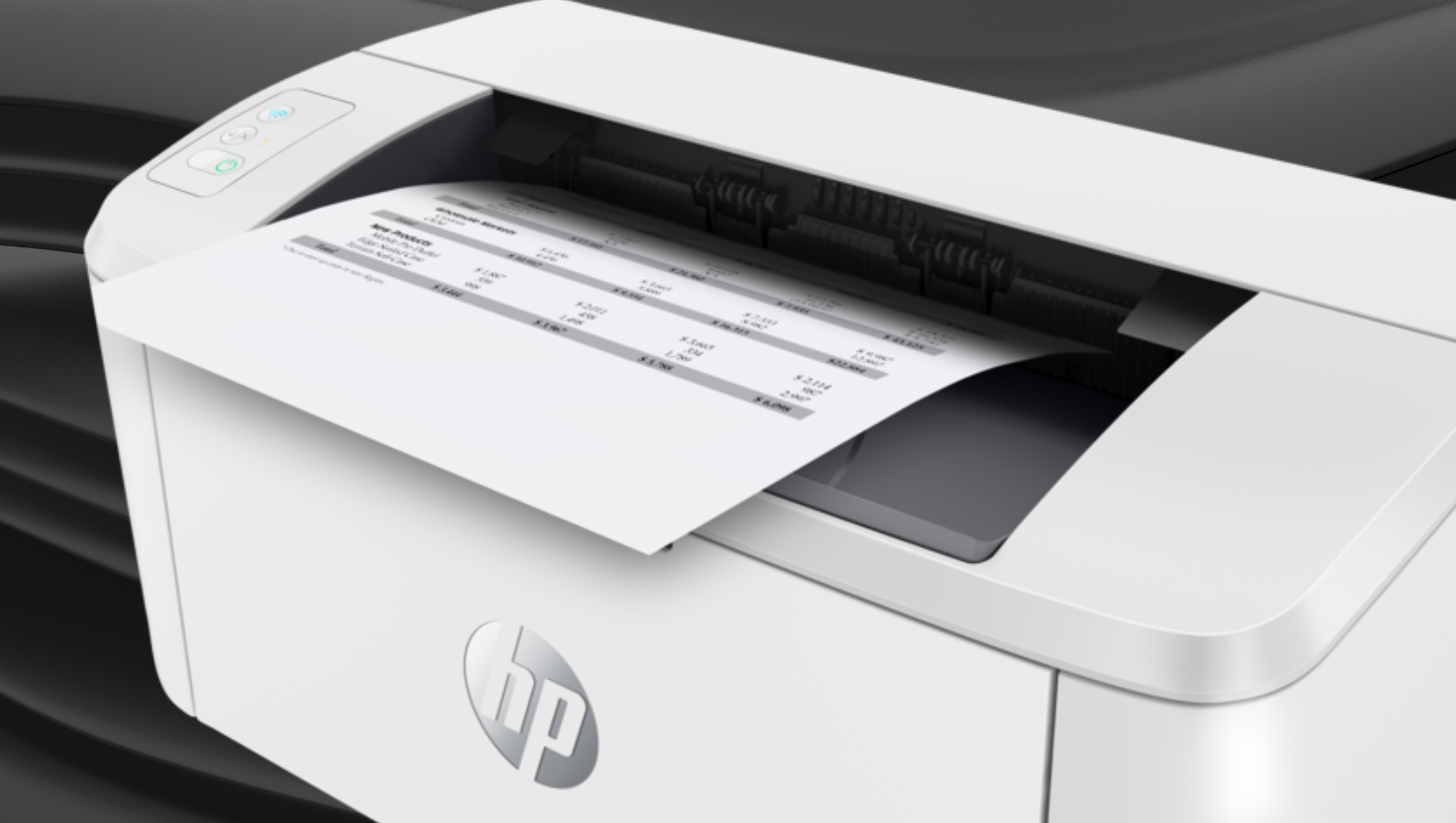
Gently rock your new HP150A cartridge back and forth 5-6 times. This spreads the toner evenly inside, resulting in better print quality.
Complete Guide of HP LaserJet MFP M111w & Its Compatible Toners HP150A
Find the pull tab on the cartridge. It’s usually plastic with an orange or yellow handle. Pull it straight out to remove the protective seal. Don’t touch the exposed drum as skin oils can damage it.
Align the cartridge with the printer’s tracks, noting the arrow indicators. Slide it in smoothly and press down until it clicks. Close the printer cover securely.
Reconnect the power cable and turn the printer on. If the cover resists, reopen and check the cartridge’s position.
Post-Installation Testing
After installation, it’s crucial to check that everything works correctly. This helps spot any issues before you start regular printing.
Wait for the printer to initialise. This takes 1-2 minutes as it recognises the new cartridge. Check for error messages on the control panel.
Hold the “Resume” button for 5-10 seconds to print a test page. Look for quality issues, such as streaks or fading.
If the test page looks perfect, you’re all set. Print 3-5 more pages for minor streaks to spread the toner evenly.
When using a compatible cartridge, you might see a “non-genuine” message. This is normal and can be bypassed by pressing “Resume” or “OK.”
Recycle your old cartridge properly. Many Singapore retailers, including InkWorld, offer recycling programmes. Never throw toner cartridges in regular rubbish.
Your HP LaserJet MFP M111w is now ready with its new HP150A toner cartridge. Regular upkeep will ensure continued high-quality printing.
Troubleshooting Common HP LaserJet MFP M111w Issues
Is your HP LaserJet MFP M111w acting up? Quick fixes can keep your work flowing smoothly. Let’s look at common printer snags and how to sort them out.
Print Quality Problems
Faded prints often mean low toner. Try shaking the cartridge to spread the toner evenly. Black streaks might point to drum troubles.
To fix this, print a cleaning page or check for paper bits. Also, look at the drum for damage.
Spotty prints? They’re caused by moisture. Keep paper dry and the workspace humidity low. For ongoing issues, run the print quality tool in the maintenance menu.
Is the text too light or dark? In the printer settings, you can tweak the print density. If that fails, you might need a new toner cartridge.
Connectivity and Driver Issues
Has the printer disappeared from the network? Check the wireless light. If it’s off, hold the Wireless button for 5 seconds.
Still no luck? Restart your printer and router, make sure they’re close enough, and turn off firewalls briefly.
Use the HP Smart app to reconnect your printer to the network. Driver conflicts? Update or reinstall from HP’s website.
Are you having mobile printing woes? Ensure your device and printer share the same network, and set up the HP Smart app properly.
Toner-Related Errors
“Cartridge Problem” message? Check you’re using the right HP150A toner or a suitable alternative. HP’s security might block non-HP chips.
Firmware updates can affect cartridge compatibility. If your printer suddenly rejects cartridges:
- Look for recent firmware changes
- Reseat the cartridge
- Clean cartridge contacts
- Consider stopping auto firmware updates
“Toner Low” warnings can be premature. Press Resume to bypass. But keep a spare cartridge handy if print quality drops.
Non-HP cartridges may affect the warranty for cartridge damage, but they can’t void the whole printer warranty in Singapore.
Toner errors persist? Reset your printer. Unplug for a minute, then plug back in. This often clears temporary glitches.
Conclusion
The HP LaserJet MFP M111w is a top choice for Singapore homes and small offices. It’s compact yet delivers professional-quality documents. Its wireless connectivity and multifunction features eliminate the need for multiple devices.
Long-term printing costs are worth considering for budget-conscious users. HP printers in Singapore are competitively priced, but toner replacement impacts overall value. Original HP toners offer reliability, while compatible options provide significant savings.
The HP150A toner works well with this model, producing crisp text and clear graphics. Quality-tested compatible cartridges can reduce expenses by up to 40%. These alternatives maintain acceptable output standards for everyday printing needs.
This printer’s user-friendly interface and mobile printing capabilities suit home and professional settings. Its small size belies its productivity features. It’s ideal for users with limited space but demanding printing requirements.
The HP LaserJet MFP M111w offers balanced value for Singapore consumers. It’s an efficient, space-saving printing solution with flexible toner options. Users can match their budget and quality needs with this versatile printer.
FAQ
What are the key features of the HP LaserJet MFP M111w printer?
The HP LaserJet MFP M111w boasts a compact design, measuring 346 x 189 x 159 mm. It’s HP’s smallest laser printer in its class. The device offers wireless connectivity and prints up to 20 ppm for A4 documents.
It features 600 x 600 dpi resolution with HP FastRes 600 technology. The printer provides multifunction capabilities, including print, scan, and copy. Mobile printing is available through the HP Smart app.
Weighing just 3.8 kg, it has a monthly duty cycle of 8,000 pages, making it ideal for home and small office use.
What is the page yield of the original HP150A toner cartridge?
The original HP150A (W1500A) toner cartridge yields about 975 pages. This is based on the ISO/IEC 19752 standard testing methodology. The yield assumes 5% page coverage under controlled conditions.
Actual yield may vary depending on printed content and usage patterns. Environmental conditions can also affect the cartridge’s performance.
Are compatible toner cartridges available for the HP LaserJet MFP M111w?
Yes, compatible alternatives to the HP150A toner cartridge are available in Singapore. These third-party cartridges work with the HP LaserJet MFP M111w and can save money. It’s crucial to buy from trusted suppliers like InkWorld.
Non-HP cartridges may affect your printer’s warranty, and HP’s dynamic security features might impact the functionality of some third-party cartridges. Consider these factors when choosing compatible cartridges.
How do I install a new HP150A toner cartridge in the HP LaserJet MFP M111w?
To install a new HP150A toner cartridge, first, power off the printer. Open the top access panel and remove the old cartridge. Unpack the new cartridge, avoiding touching the green imaging drum.
Remove all protective seals and tabs. Gently shake the cartridge to distribute the toner evenly. Align the cartridge with the printer’s tracks and slide it in until it clicks.
Close the access panel and power on the printer. Print a test page to verify successful installation.
What is the current market price of the HP LaserJet MFP M111w in Singapore?
The HP LaserJet MFP M111w is an entry-level laser multifunction printer in Singapore. Prices vary across retailers and change due to promotions and market conditions. Check with major electronics retailers and online platforms for current pricing.
When evaluating the price, consider the total ownership cost. This includes the initial purchase price and ongoing operational costs like toner replacements.
How does the cost-per-page compare between the original HP150A and compatible toner cartridges?
Compatible toner cartridges typically offer a lower cost-per-page than original HP150A cartridges. While HP150A provides excellent print quality, compatible alternatives can deliver substantial savings. This is especially true for users with higher print volumes.
The exact cost difference depends on current market prices. Compatible cartridges often reduce printing costs by 30-50% while maintaining acceptable print quality for most standard documents.
What is the duty cycle of the HP LaserJet MFP M111w?
The HP LaserJet MFP M111w has a monthly duty cycle of 8,000 pages. For optimal performance, HP recommends a lower monthly print volume. This printer suits users with light to moderate printing needs.
It’s ideal for home environments and small offices that don’t require high-volume printing. Consider your printing habits when choosing this model.
Does the HP LaserJet MFP M111w support duplex printing?
No, the HP LaserJet MFP M111w doesn’t support automatic duplex printing. For two-sided printing, you’ll need to reinsert the paper manually. This is a limitation compared to other printers in its class.
Some models in this category offer automatic duplex printing. Consider this feature if you frequently need to print on both sides.
What connectivity options does the HP LaserJet MFP M111w offer?
The HP LaserJet MFP M111w offers wireless connectivity (802.11b/g/n 2.4 GHz). It connects to your network without cables and supports various network protocols, including TCP/IP, IPv4, and IPv6.
It’s compatible with the HP Smart app for mobile printing. There is no Ethernet or direct USB connection to mobile devices, but a USB port is available for computer connection.
How can I troubleshoot print quality issues with my HP LaserJet MFP M111w?
For print quality issues, start by checking toner levels. Run the printer’s cleaning cycle through the control panel. Ensure you’re using appropriate paper type and quality. Remove any debris in the paper path.
If streaking or fading occurs, try shaking the toner cartridge. Update printer firmware and drivers. Check if the imaging drum is damaged. Try an original HP cartridge to identify the issue source if using a compatible cartridge.
What types of media can the HP LaserJet MFP M111w handle?
The HP LaserJet MFP M111w supports various media types. These include plain, HP EcoFFICIENT, and light paper (60-74 g/m²). It also handles heavy paper (90-120 g/m²), postcards, envelopes, and labels.
Paper sizes include A4, A5, A6, B5, and custom sizes. The input tray holds 150 sheets of standard paper. It handles media weights from 60 to 120 g/m².
Does using compatible toner cartridges void the printer’s warranty?
Using compatible toner cartridges doesn’t automatically void the entire printer warranty. Consumer protection laws prevent manufacturers from voiding warranties solely for using third-party consumables. However, damage caused by a compatible cartridge might not be covered.
HP uses dynamic security features that may affect non-HP cartridges. For peace of mind, buy compatible cartridges from reputable suppliers offering their warranty.
What scanning capabilities does the HP LaserJet MFP M111w offer?
The HP LaserJet MFP M111w has a flatbed scanner with 600 x 600 dpi resolution. It supports scanning for email, files, and mobile devices via the HP Smart app. The scanner handles document sizes up to A4/Letter.
It supports various file formats, including JPEG, PDF, and PNG. However, there is no automatic document feeder, so multi-page documents need manual scanning. This functionality suits basic home and small office needs.
How does the HP LaserJet MFP M111w compare to other printers in its price range?
The HP LaserJet MFP M111w stands out for its compact design. It offers good print quality and speed (20 ppm) for its price. Its strengths include reliable wireless connectivity and a user-friendly setup.
However, it lacks features like automatic duplex printing and a document feeder. Its 150-sheet paper capacity is smaller than some alternatives. It’s ideal for users prioritising space efficiency and basic laser printing quality.
What is ISO/IEC 19752, and how does it relate to toner cartridge yield?
ISO/IEC 19752 is a standard for measuring monochrome laser printer toner cartridge yield. It ensures consistent testing under specific conditions, using standardised documents with 5% page coverage. This allows fair comparisons between different toner cartridges.
Real-world yields may vary based on printed content and environmental conditions. Printer settings can also affect the actual number of pages produced per cartridge.
Does the HP LaserJet MFP M111w support AirPrint or Google Cloud Print?
The HP LaserJet MFP M111w supports mobile printing through the HP Smart app, which is available for iOS and Android devices. While it doesn’t directly support Apple AirPrint, the app provides similar functionality.
Google Cloud Print was discontinued in January 2021. Instead, the printer uses the HP Smart app’s cloud printing features. This allows remote printing when both the printer and the mobile device have internet connectivity.



