by Printer Brands
 Label Tape
 Ink
Ink Toner
Toner Label Roll




 Ribbon















 Label Printers
 Office Supplies
 Other
Other
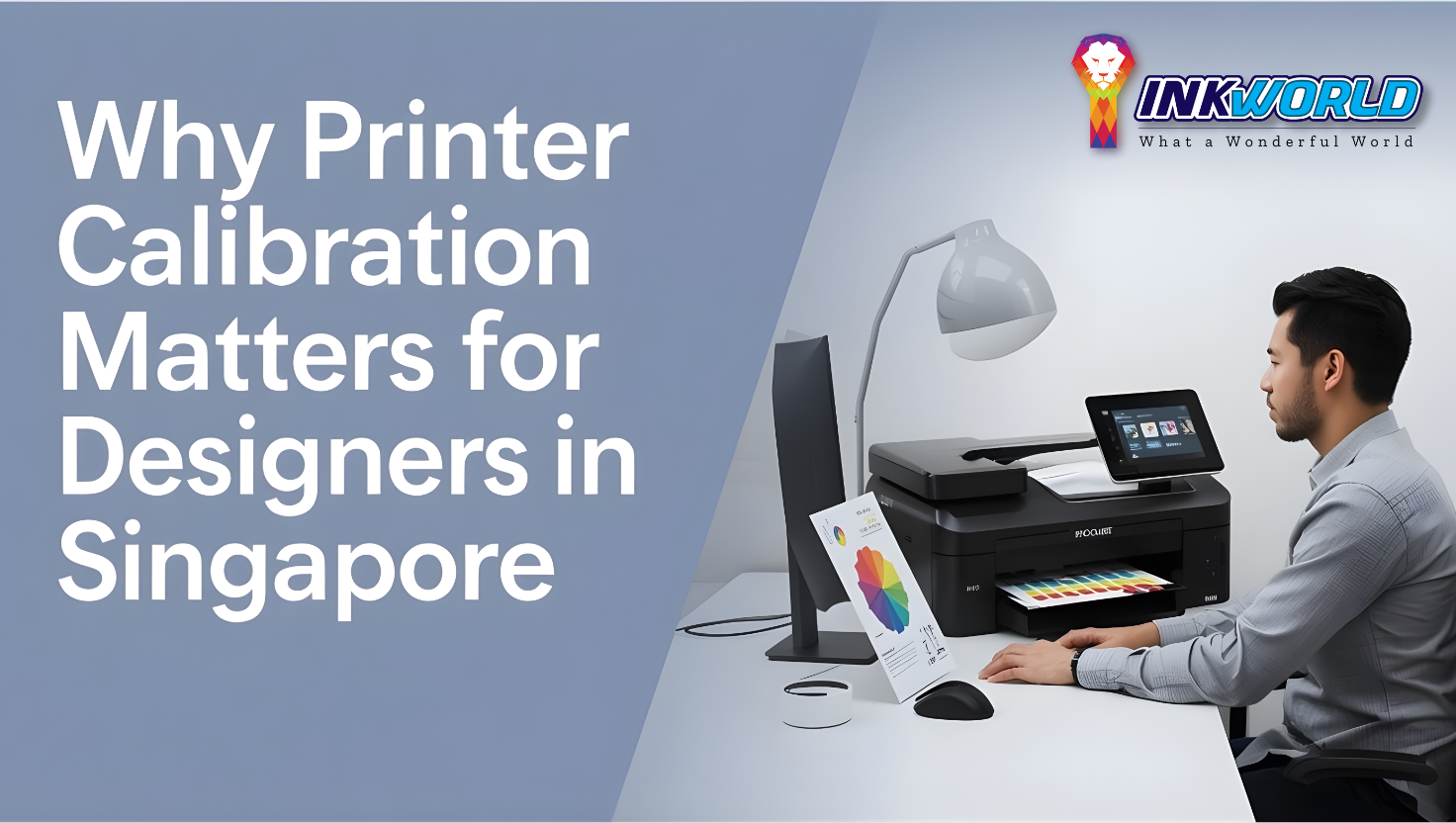
In Singapore’s competitive design industry, the difference between amateur and professional work often comes down to the details. One critical detail that separates stunning prints from mediocre ones is proper printer calibration. Whether you’re producing client presentations, photography portfolios, or fine art prints, calibrated photo printers ensure your creative vision translates accurately from screen to paper. This comprehensive guide explores why printer calibration is essential for designers, how it affects your work, and practical steps to achieve consistent, high-quality results in Singapore’s unique climate.
What Is Printer Calibration?

Printer calibration is the process of adjusting your printer to ensure it reproduces colors and tones accurately and consistently. Just like tuning a musical instrument, calibration aligns your entire workflow—from camera to monitor to printer—creating a harmonious system that delivers predictable results every time.
For designers and photographers in Singapore, calibration is particularly crucial due to the country’s high humidity levels, which can affect paper, ink behavior, and ultimately print quality. A properly calibrated printer ensures that what you see on your screen closely matches what appears on your printed output, eliminating costly reprints and disappointed clients.
The Calibration Process
Printer calibration involves several interconnected steps:
- Creating and printing specialized color test patterns
- Measuring these patterns with calibration tools
- Generating custom color profiles for your specific printer, ink, and paper combinations
- Applying these profiles to your workflow
- Regular maintenance and recalibration to maintain accuracy
When done correctly, this process creates a closed loop system where colors remain consistent from capture to display to final print, regardless of the environmental conditions or equipment variations.
Why Calibration Matters for Designers
Color Accuracy and Consistency
The most obvious benefit of printer calibration is color accuracy. When your printer is properly calibrated, the reds, blues, greens, and every shade in between appear exactly as intended. This is especially important for:
- Brand identity materials where color consistency is non-negotiable
- Photography prints where skin tones must be natural and accurate
- Fine art reproduction where subtle color nuances matter
- Product photography where product colors must match reality
In Singapore’s competitive design market, delivering consistent color can be your professional edge.
Reduced Waste and Cost Savings
Uncalibrated printers lead to trial-and-error printing, wasting expensive photo paper and ink. In Singapore, where premium printing materials come at a premium price, these costs add up quickly. Calibration significantly reduces waste by ensuring your first print is accurate, saving both materials and valuable time.

Professional Reputation
In Singapore’s design community, reputation is everything. Delivering prints with inconsistent colors or quality issues can damage client relationships and your professional standing. Calibrated printers help maintain your reputation for quality and attention to detail.
Workflow Efficiency
A calibrated system streamlines your workflow. When you can trust your printer to produce accurate results, you spend less time troubleshooting and more time creating. This efficiency is particularly valuable for busy design studios in Singapore’s fast-paced business environment.
Get Your Free Printer Calibration Guide
Download our comprehensive guide to printer calibration specifically created for Singapore’s climate conditions. Learn step-by-step procedures to achieve professional-quality prints every time.
Read Free GuideSingapore-Specific Calibration Challenges

Humidity Considerations
Singapore’s year-round high humidity (averaging 80-90%) presents unique challenges for printer calibration:
- Paper absorption rates change with humidity levels
- Ink drying times are affected, potentially altering color development
- Equipment may perform differently than in manufacturer testing conditions
- More frequent calibration may be necessary to maintain consistency
Professional print studios in Singapore often employ dehumidifiers and climate control systems to create stable printing environments, but even home studios need to account for these factors.
Power Stability
While Singapore generally has excellent power infrastructure, even minor fluctuations can affect sensitive calibration equipment and printer performance. Using uninterruptible power supplies (UPS) and power conditioners is recommended for serious calibration setups.
Equipment Maintenance
Singapore’s climate accelerates the need for regular printer maintenance. Humidity can lead to clogged print heads and nozzles, affecting calibration accuracy. Implementing a regular cleaning and maintenance schedule is essential for consistent results.
Essential Calibration Equipment
Colorimeters and Spectrophotometers
These devices measure color output from both screens and prints, forming the foundation of any calibration system. Popular options available in Singapore include:
Entry-Level
X-Rite ColorMunki Smile
Affordable option for hobbyists and beginning professionals
Handles basic monitor calibration
Limited printer profiling capabilities
Mid-Range
Datacolor SpyderX Pro
Faster calibration process
Good accuracy for most design work
Room light monitoring capabilities
Professional
X-Rite i1Photo Pro 3
Highest accuracy spectrophotometer
Complete solution for monitor and printer calibration
Industry standard for professional studios
Calibration Software
Hardware tools require software to create and manage color profiles. Some options include:
- X-Rite i1Profiler (comprehensive solution for serious professionals)
- DisplayCAL (open-source alternative with advanced features)
- Datacolor SpyderPrint (user-friendly option for photographers)
- ColorNavigator (specifically for EIZO monitors)
Reference Materials
Physical color references ensure your calibration is accurate:
- IT8.7/4 and TC9.18 calibration targets
- Pantone color guides (physical references)
- Gray cards for white balance reference
- Color checker charts for photography

The Printer Calibration Process
Step 1: Prepare Your Environment

Before calibration, create optimal conditions:
- Control ambient lighting (ideally neutral gray surroundings)
- Stabilize room temperature and humidity (use dehumidifiers in Singapore)
- Ensure your printer is clean and functioning properly
- Allow new printers to “settle in” after setup (print several test pages)
- Use high-quality paper appropriate for your project
Step 2: Monitor Calibration
Always start with monitor calibration:
- Clean your screen of dust and fingerprints
- Allow your monitor to warm up (30 minutes minimum)
- Use your colorimeter with calibration software
- Target settings: 6500K white point, 120 cd/m² brightness, 2.2 gamma
- Save your monitor profile and ensure it loads at startup
Step 3: Printer Profiling

Now for the printer-specific calibration:
- Print calibration targets using your calibration software
- Allow prints to dry completely (especially important in Singapore’s humidity)
- Measure the printed targets with your spectrophotometer
- Generate custom ICC profiles for your specific printer/paper/ink combination
- Install the profiles in your operating system
- Test the profile with a sample image containing various colors and skin tones
Step 4: Validation and Fine-tuning
Verify your calibration with test prints:
- Print standardized test images with known values
- Compare prints to your calibrated screen
- Check critical elements like skin tones, neutrals, and brand colors
- Make note of any remaining discrepancies
- Adjust profiles as needed or create application-specific adjustments
Need Help With Complex Calibration?
Our team of color management experts can help you set up a professional calibration workflow tailored to Singapore’s unique environmental conditions.
Schedule a ConsultationCalibrating Different Types of Photo Printers
Inkjet Printers

Most common for designers and photographers:
- Require profiles for each paper type
- More affected by humidity (paper expansion)
- Need regular nozzle checks in Singapore’s climate
- Consider dedicated photo black and matte black inks
Laser Printers

For office and some commercial work:
- Built-in calibration routines are important
- Less affected by humidity than inkjets
- Fewer paper options but more consistent
- Regular maintenance critical for color consistency
Large Format Printers

For exhibitions and large displays:
- Require more sophisticated calibration tools
- Need environmental stability (dedicated rooms)
- Consider linearization before profiling
- May need professional assistance for initial setup
Dye-Sublimation Printers

Popular for photography printing in Singapore:
- Less affected by humidity than inkjets
- Fewer variables (fixed paper and ink combinations)
- Excellent for photographic output
- Still require proper profiling for optimal results
- Consider dedicated solutions like the X-Rite i1Photo Pro
Integrating Calibration with Design Software

Adobe Creative Suite
Most designers in Singapore use Adobe software, which has robust color management:
- Photoshop: Use Edit > Color Settings to ensure consistent color management
- InDesign: Configure Output Preview to soft-proof with your printer profiles
- Illustrator: Enable color management in the Print dialog and select your custom profiles
- Lightroom: Use the Print module with your custom profiles for accurate photo printing
Color Management Policies
Establish consistent policies across applications:
- Use the same rendering intent (typically Relative Colorimetric with Black Point Compensation)
- Synchronize color settings across Creative Suite applications
- Consider creating application-specific presets for different printing scenarios
- Document your color management workflow for consistency
Soft Proofing
Preview how your work will print before sending it to the printer:
- Use View > Proof Setup in Photoshop to simulate your printer output
- Enable “Simulate Paper Color” to see paper white limitations
- Make adjustments while soft proofing to compensate for printer limitations
- Create proof-specific adjustment layers that don’t affect your master file
Maintaining Calibration in Singapore’s Climate

Recalibration Schedule
Due to Singapore’s climate, more frequent calibration is recommended:
- Monitors: Recalibrate every 2-4 weeks
- Printers: Create new profiles every 1-2 months
- After any ink or paper changes
- Following printer maintenance or repairs
- When seasonal humidity changes occur
Environmental Controls
Invest in equipment to stabilize your printing environment:
- Dehumidifiers to maintain 40-60% relative humidity
- Air conditioning with temperature stability
- Dust control measures to protect equipment
- Light control (blinds, neutral gray walls)
- Consider a dedicated printing room for serious work
Paper and Ink Storage
Proper storage is critical in Singapore:
- Store paper in sealed containers with desiccant packets
- Allow paper to acclimate to room conditions before printing
- Keep inks in their original packaging until needed
- Consider climate-controlled storage cabinets for expensive media
- Rotate stock to use oldest supplies first
Color Management Workshop
Learn advanced calibration techniques specifically for Singapore’s climate challenges in our hands-on workshop for design professionals.
Enroll NowProfessional Calibration Services in Singapore

When to consider professional calibration services:
- For critical color-accurate projects with high visibility
- When setting up a new studio workflow
- If you lack the specialized equipment for proper calibration
- For troubleshooting persistent color issues
- To establish baseline calibration that you can maintain
Finding Calibration Services
Singapore offers several professional calibration options:
Print Service Providers
Many high-end print shops offer calibration services
Can create custom profiles for their printing equipment
Often include monitor calibration as part of the service
Equipment Vendors
Companies selling professional printers often provide calibration
May offer ongoing calibration as part of service contracts
Can provide training for in-house calibration
Independent Consultants
Color management specialists offering on-site services
Can create custom workflows for your specific needs
Often provide the most comprehensive solutions
What to Expect
A professional calibration service typically includes:
- Assessment of your current setup and workflow
- Monitor calibration and profiling
- Printer linearization and profiling for your paper types
- Software configuration and color management settings
- Training on maintaining calibration
- Documentation of your color management workflow
Costs and ROI
Professional calibration in Singapore typically costs:
- Basic monitor calibration: S$150-300
- Printer profiling: S$200-500 per paper type
- Complete workflow setup: S$800-2,000
- Ongoing maintenance contracts: S$1,000-3,000 annually
While these costs may seem significant, they typically pay for themselves quickly through reduced waste, faster workflows, and higher client satisfaction.
Troubleshooting Common Calibration Problems
Color Shifts
If your prints show unexpected color shifts:
- Check if you’re using the correct profile
- Verify monitor calibration is still accurate
- Ensure printer settings match your profiling conditions
- Check for environmental changes (humidity, temperature)
- Inspect ink levels and printhead condition

Inconsistent Results
If your prints vary from day to day:
- Stabilize your printing environment (humidity, temperature)
- Check for paper consistency (same batch, proper storage)
- Ensure printer maintenance is up to date
- Verify software settings aren’t being changed between prints
- Consider printer linearization before profiling

Profile Errors
If your profiles don’t seem to work correctly:
- Verify profiles are installed in the correct system location
- Check that applications are configured to use your profiles
- Ensure you’re selecting the right profile for your media
- Try regenerating profiles with different settings
- Consider if your measurement device needs calibration
Why do my prints look different under different lighting?
This phenomenon, called metamerism, occurs because different light sources reveal colors differently. For consistent evaluation:
- Always evaluate prints under standardized lighting (D50 or D65 color temperature)
- Consider a color viewing booth for critical evaluation
- Discuss with clients where prints will be displayed
- Create profiles specific to the intended viewing conditions when possible
The Future of Printer Calibration

The field of color management and printer calibration continues to evolve:
- Automated calibration systems reducing manual intervention
- AI-assisted color matching and profile creation
- Cloud-based color management for distributed teams
- Improved spectral matching for spot colors
- Better handling of optical brighteners in papers
- Integration with augmented reality for previewing printed materials
For designers in Singapore, staying current with these technologies will continue to be important for maintaining competitive advantage in the global market.
Conclusion: The Calibration Advantage

Printer calibration is not just a technical process—it’s a competitive advantage for designers in Singapore. In a market where excellence is expected, calibrated workflows deliver consistency, accuracy, and confidence in your output. Whether you’re producing photography prints, design comps, or final deliverables, the time invested in proper calibration pays dividends in quality, efficiency, and client satisfaction.
The unique challenges of Singapore’s climate make calibration even more critical, but with the right approach, these challenges can be overcome. Whether you choose to invest in your own calibration equipment or work with professional services, making calibration a priority will elevate your work and set you apart in Singapore’s competitive design landscape.
Remember that calibration is not a one-time task but an ongoing process. By incorporating regular calibration into your workflow, you ensure that your creative vision is consistently and accurately translated from screen to print, allowing your design work to shine in its best possible light.
Ready to Perfect Your Printing Workflow?
Color management specialists can help you achieve consistent, accurate prints in Singapore’s challenging climate. Book a professional calibration service today and experience the difference proper calibration makes.
Calibration ServiceFrequently Asked Questions
How often should I calibrate my printer in Singapore’s climate?
Due to Singapore’s high humidity and temperature fluctuations, more frequent calibration is recommended. For professional work, calibrate your monitor monthly and create new printer profiles every 1-2 months. Additionally, recalibrate after changing any consumables (ink, paper) or after printer maintenance.
Can I use generic printer profiles instead of creating custom ones?
While generic profiles provided by paper manufacturers can be a starting point, they rarely deliver optimal results. These profiles are created under standardized conditions that differ from Singapore’s climate and your specific printer’s characteristics. For professional work, custom profiles are strongly recommended to account for your unique combination of printer, ink, paper, and environmental conditions.
What’s the minimum calibration equipment I need as a designer in Singapore?
At minimum, invest in a quality colorimeter for monitor calibration (like the X-Rite i1Display Pro or Datacolor SpyderX Pro) and appropriate software. For printer calibration, you can start with a service to create custom profiles for your most-used paper types, then invest in a spectrophotometer (like the X-Rite i1Photo Pro) when budget allows. In Singapore’s climate, also consider a dehumidifier and proper paper storage solutions as essential parts of your calibration setup.
How do I handle client expectations about color matching in print projects?
Clear communication is key. Educate clients about the limitations of color reproduction and the differences between RGB (screen) and CMYK (print) color spaces. Provide physical samples when possible, and consider creating a client viewing area with standardized lighting. For critical color matching, involve clients in the proofing process and get written approval on physical proofs. Document your calibrated workflow to demonstrate your professional approach to color accuracy.
Is printer calibration necessary if I outsource my printing?
Yes, monitor calibration remains essential even when outsourcing prints. This ensures what you see during design accurately represents the intended colors. Work with print providers who maintain calibrated systems and can provide ICC profiles for their equipment. For critical projects, request test prints and proofs to verify color accuracy before final production. Establishing a relationship with calibration-conscious print providers in Singapore will significantly improve your outsourced printing results.
Additional Resources
Books & Publications
- Real World Color Management by Bruce Fraser
- Color Management for Photographers by Andrew Rodney
- Mastering Digital Printing by Harald Johnson
- Fine Art Printing for Photographers by Uwe Steinmueller
Online Resources
- X-Rite Color Management Learning Center
- Datacolor Academy Online Courses
- EIZO Color Management Resources
- ColorWiki Knowledge Base
Singapore Resources
- Singapore Infocomm Media Development Authority Standards
- Design Singapore Council Workshops
- NAFA Continuing Education Courses
- Local User Groups and Forums

Stay Updated on Calibration Best Practices
Learn more for the latest calibration techniques, Singapore-specific tips, and exclusive offers on calibration services and equipment.
InkWorld.sg