by Printer Brands
 Label Tape
 Ink
Ink Toner
Toner Label Roll




 Ribbon















 Label Printers
 Office Supplies
 Other
Other

What is Print Head Alignment and Why It Matters
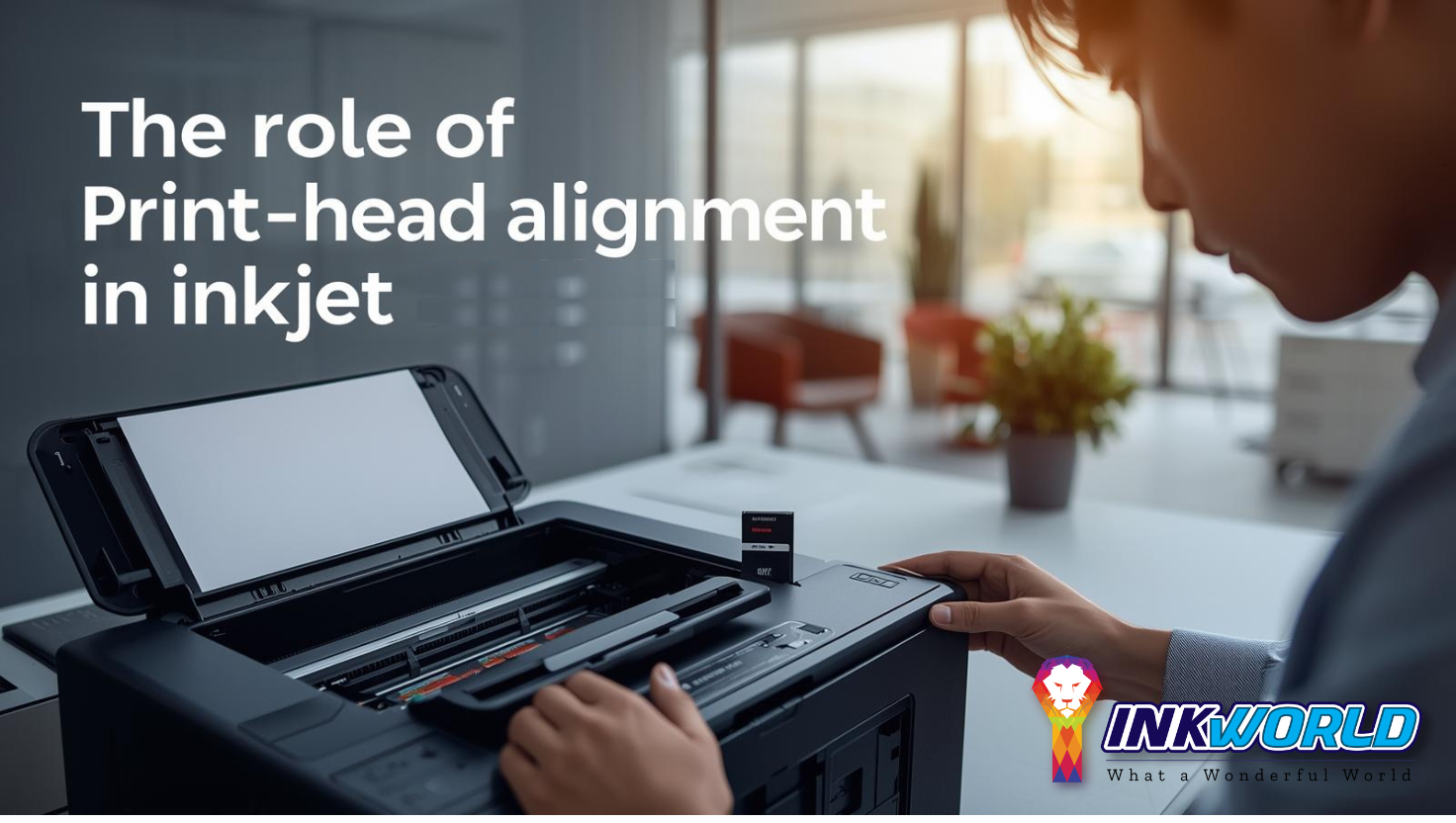
Print head alignment is a crucial maintenance procedure that ensures the optimal positioning of printhead nozzles to improve the quality of printed output. A printhead comprises numerous ink ejectors or nozzles that work together to produce seamless print quality. When these nozzles become misaligned, print quality suffers noticeably.
Signs Your Printer Needs Print Head Alignment
Recognizing when your printer requires alignment can save you time, money, and frustration. Here are the common indicators that your inkjet printer needs print head alignment:
- Misaligned text or images across the page
- Fuzzy or blurry print quality
- Visible banding or horizontal lines in prints
- Colors appearing in the wrong position
- Uneven or inconsistent print density

The Impact of Singapore’s Climate on Printer Maintenance
Singapore’s unique tropical climate presents specific challenges for inkjet printer maintenance. The high humidity (averaging 80-90%) can affect print head performance and alignment in several ways:- Increased moisture can cause paper to warp, affecting alignment
- Humidity accelerates ink drying in nozzles, leading to clogs
- Temperature fluctuations between air-conditioned and non-air-conditioned environments can affect printer components
- More frequent maintenance is typically required compared to drier climates

Automatic Print Head Alignment for Popular Printer Models in Singapore
Most modern inkjet printers offer an automatic alignment feature that simplifies the process. Here’s how to perform automatic print head alignment on popular printer brands available in Singapore:Canon Inkjet Printer Alignment (PIXMA Series)
Canon printers are widely used in Singapore homes and offices. Follow these steps to align the print head on Canon PIXMA models:
- Make sure your printer is turned on and connected
- Load A4 or Letter-sized plain paper in the rear tray or cassette (check your model’s specifications)
- Open the Paper Output Tray and extend the Output Tray Extension
- On the printer’s HOME screen, select “Settings” and press OK
- Select “Maintenance” and press OK
- Select “Auto head align” and press OK
- Select “Yes” to print the alignment pattern
- The printer will automatically scan the pattern and adjust the print head position


Epson Printer Alignment (L-Series Popular in Singapore)
Epson printers, especially the L-series ink tank models, are extremely popular in Singapore due to their cost-effectiveness. Here’s how to align the print head:
- Ensure your printer is powered on
- Load 3-4 sheets of A4 plain paper
- On your computer, go to Control Panel > View Printers & Devices
- Right-click on your Epson printer icon
- Select “Printer Preferences” > “Maintenance”
- Click on “Print Head Alignment”
- Follow the on-screen instructions to print and evaluate the alignment pattern
- Select the best-aligned patterns when prompted


HP Inkjet Printer Alignment
HP printers are known for their reliability in Singapore’s climate. Follow these steps to align HP inkjet printer heads:
- Make sure your printer is on and connected
- Load plain white paper into the input tray
- On your computer, open HP Printer Assistant
- Click on “Printer Maintenance” or “Maintain Your Printer”
- Select “Align Printheads” or “Align Cartridges”
- Follow the on-screen instructions
- The printer will print an alignment page
- For some models, you’ll need to place this page on the scanner glass for automatic scanning


Need Help With Printer Alignment in Singapore?
If you’re having trouble with the automatic alignment process or prefer professional assistance, our certified technicians can help. We service all major printer brands across Singapore with same-day appointments available.
Book a Printer ServiceManual Print Head Alignment: Step-by-Step Guide
When automatic alignment doesn’t resolve print quality issues, manual alignment provides more precise control. This process requires more attention to detail but can often fix problems that automatic alignment cannot.
Canon Manual Print Head Alignment
For Canon printers, follow these steps for manual alignment:
- Make sure your printer is turned on
- Load A4 or Letter-sized plain paper in the cassette
- Open the printer driver setup window on your computer
- Click the “Maintenance” tab, then “Custom Settings”
- Select the “Align heads manually” checkbox and click “OK”
- Click “Print Head Alignment” on the Maintenance tab
- Click “Align Print Head” to print the first pattern
- Examine the printed patterns and select the number of the pattern with the least noticeable vertical streaks
- Continue following prompts to select the best patterns for all columns
- Click “OK” to complete the alignment


Epson Manual Print Head Alignment
For Epson printers in Singapore, manual alignment requires careful pattern selection:
- Turn on your printer and load several sheets of A4 paper
- Access the printer preferences through your computer
- Select the “Maintenance” tab
- Click “Print Head Alignment”
- Choose “Manual” alignment when prompted
- The printer will print vertical alignment patterns first
- Examine each row and identify the most perfectly aligned pattern
- Enter the corresponding number for each row in the software
- The printer will then print horizontal alignment patterns
- Repeat the selection process for horizontal patterns
- Click “Finish” to complete the alignment


Tip: When selecting patterns, look for the one with the least visible white streaks or gaps. If multiple patterns look identical, choose the middle value for best results.
Common Challenges During Manual Alignment in Singapore
Alignment Success Factors
- Using high-quality paper for alignment patterns
- Ensuring printer is placed on a stable, level surface
- Performing alignment in an air-conditioned environment
- Having adequate ink levels in all cartridges
- Regular maintenance of printer components
Common Alignment Obstacles
- High humidity causing paper to warp
- Low ink levels producing incomplete patterns
- Clogged nozzles affecting pattern quality
- Using incorrect paper type for alignment
- Printer driver software issues
Singapore-Specific Print Head Alignment Considerations
Printer maintenance in Singapore requires special attention due to the unique climate and usage patterns. Here are some Singapore-specific tips for maintaining optimal print head alignment:
Recommended Alignment Frequency in Singapore’s Climate
| Usage Level | Recommended Alignment Frequency | Additional Maintenance | Estimated Service Cost (SGD) |
| Light (1-5 pages/day) | Every 3 months | Nozzle check monthly | $30-50 |
| Medium (6-20 pages/day) | Every 2 months | Nozzle check bi-weekly | $50-80 |
| Heavy (21+ pages/day) | Monthly | Nozzle check weekly | $80-120 |
| After long periods of inactivity | Before use | Deep cleaning | $40-70 |
Where to Get Professional Print Head Alignment in Singapore

Authorized Service Centers
Official brand service centers provide expert alignment services with genuine parts. Locations available in Orchard, Jurong, and Tampines areas. Average Cost: $60-120 SGD
Independent Repair Shops
Local repair shops offer more affordable alignment services. Popular options include Sim Lim Square and Peninsula Plaza shops. Average Cost: $30-80 SGD
Mobile Technicians
On-site service providers come to your home or office. Available island-wide with booking through apps or websites. Average Cost: $80-150 SGD
https://www.google.com/maps/embed?pb=!1m16!1m12!1m3!1d63820.48091606698!2d103.81149211789116!3d1.3139690584872917!2m3!1f0!2f0!3f0!3m2!1i1024!2i768!4f13.1!2m1!1sprinter%20repair%20service%20singapore!5e0!3m2!1sen!2ssg!4v1649930707055!5m2!1sen!2ssg
Printer Repair Services in Singapore
Preventive Maintenance Tips for Singapore’s Climate
Singapore’s high humidity and temperature fluctuations can affect printer performance. Follow these preventive maintenance tips to reduce the need for frequent print head alignments:
- Climate Control: Keep your printer in an air-conditioned or dehumidified environment when possible
- Regular Use: Print a test page at least once a week to prevent nozzle drying
- Quality Paper: Use moisture-resistant paper specifically designed for inkjet printers
- Proper Storage: Store paper in airtight containers to prevent humidity absorption
- Dust Protection: Cover your printer when not in use to prevent dust accumulation
- Power Protection: Use a surge protector to guard against Singapore’s occasional power fluctuations

Frequently Asked Questions About Print Head Alignment in Singapore
How often should I align my printer heads in Singapore’s climate?
In Singapore’s humid climate, it’s recommended to align print heads more frequently than in drier environments. For average use, align every 2-3 months. For heavy use (daily printing), monthly alignment is recommended. Always align after replacing ink cartridges or if you notice print quality issues.
Can I perform print head alignment without a computer?
Yes, many modern printers allow print head alignment directly from the printer’s control panel. Canon printers typically offer this through the Maintenance menu. Epson and HP models vary, but most newer models have built-in alignment utilities accessible through the printer’s settings menu. Refer to your printer’s manual for specific instructions.
Why does my printer say “alignment failed” even after multiple attempts?
Alignment failures in Singapore are often due to humidity-related issues. Common causes include: low ink levels, clogged print nozzles, using incorrect paper type, paper jams or misfeeds, dirty scanner glass (for printers that scan alignment pages), or hardware problems requiring professional service. Try cleaning the print heads, using fresh paper, and ensuring adequate ink levels before attempting alignment again.
What’s the difference between print head alignment and print head cleaning?
Print head alignment adjusts the position of the print heads to ensure accurate dot placement, improving print quality issues like misaligned text or images. Print head cleaning, on the other hand, clears clogged nozzles by forcing ink through them, resolving issues like missing lines or faded prints. In Singapore’s humid climate, both procedures are important for maintaining optimal printer performance.
Where can I buy alignment paper in Singapore?
Standard A4 paper is usually sufficient for print head alignment. However, for best results, you can purchase printer-specific alignment paper from authorized retailers like Challenger, Best Denki, or Courts in Singapore. Online options include Lazada and Shopee, where you can find brand-specific maintenance kits. Prices typically range from $8-15 SGD for specialty alignment paper.
Conclusion: Maintaining Optimal Print Quality in Singapore
Print head alignment is a crucial maintenance procedure for ensuring optimal print quality from your inkjet printer in Singapore. By understanding the alignment process and performing it regularly, you can extend your printer’s lifespan, reduce waste from poor-quality prints, and save money on unnecessary repairs or replacements. Singapore’s unique climate presents specific challenges for printer maintenance, making regular alignment even more important. Whether you choose automatic or manual alignment, or opt for professional services, keeping your print heads properly aligned will ensure your documents, photos, and other printed materials always look their best.
Need Professional Printer Maintenance in Singapore?
If you’re experiencing persistent print quality issues or prefer to have experts handle your printer maintenance, our team of certified technicians is ready to help. We provide comprehensive printer services across Singapore, including print head alignment, cleaning, and repairs for all major brands.
Schedule a Service Today Visit InkWorld.sg for more insights and information about this.