by Printer Brands
 Label Tape
 Ink
Ink Toner
Toner Label Roll




 Ribbon















 Label Printers
 Office Supplies
 Other
Other
How Printer Caching Speeds Up Large Print Jobs
For photographers and printing professionals in Singapore, handling large, high-resolution print jobs can be a time-consuming challenge. When every minute counts in your workflow, printer caching emerges as a powerful yet often overlooked solution that can dramatically reduce processing times and improve output quality. This guide explores how implementing effective printer caching strategies can transform your high-resolution printing process, especially when working with detailed photography prints that demand precision and consistency.

Master Printer Caching for Photography
Download our free guide to optimize your printer’s performance for high-resolution photography prints.
Get Free Guide →What is Printer Caching?
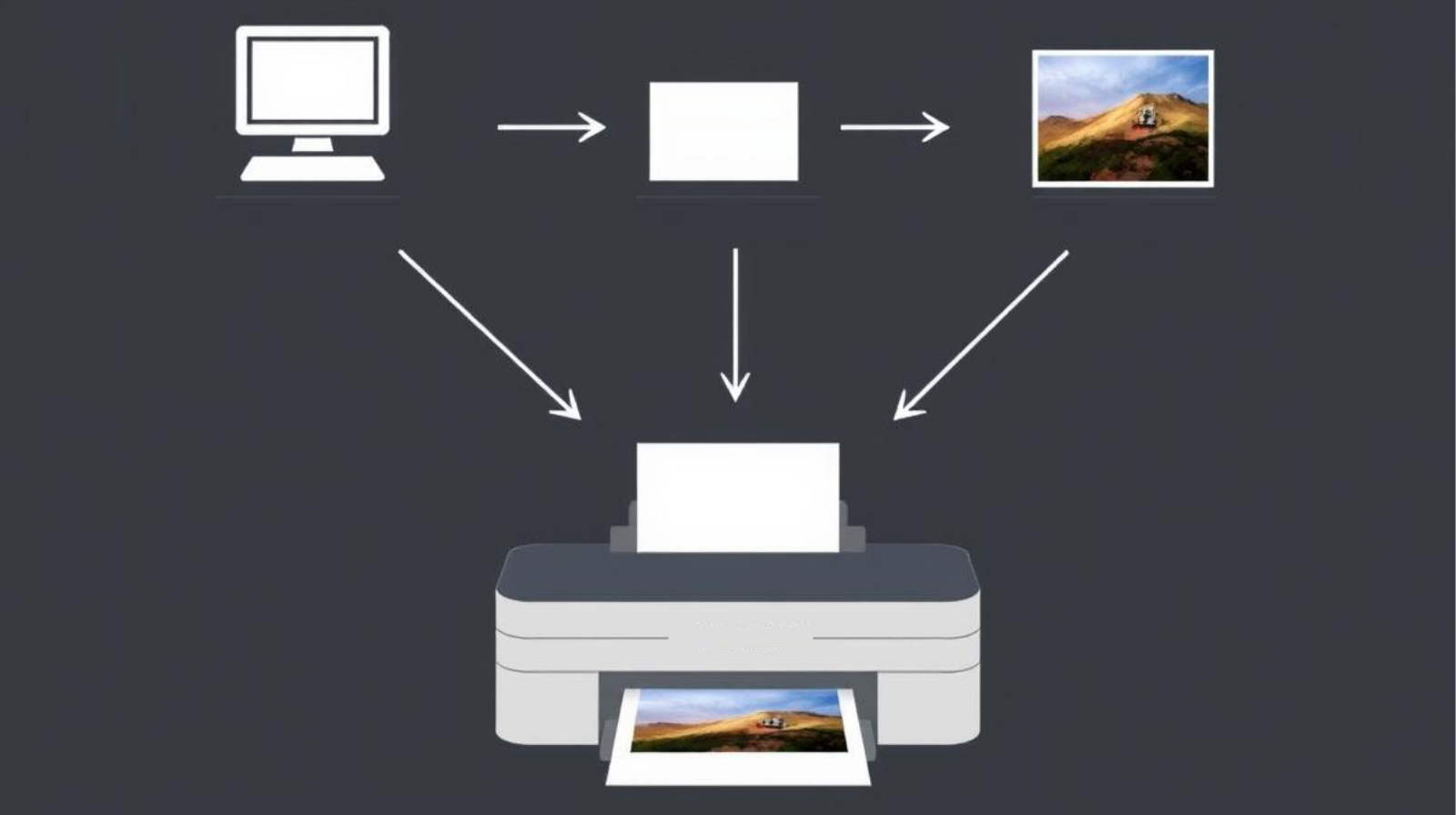
Printer caching is a technology that temporarily stores print job data in memory before sending it to the printer. This process creates a buffer between your computer and the printing device, allowing for more efficient data processing and transmission. For high-resolution photography printing, where file sizes can be enormous, effective caching can mean the difference between a smooth workflow and frustrating delays.
How Caching Works
When you send a print job to your printer, the data doesn’t immediately go to the printing mechanism. Instead, it’s stored in a cache memory buffer, which can be located in your computer, the printer itself, or on a print server. This buffer allows the system to process the data more efficiently before actual printing begins.
For photographers in Singapore dealing with tropical humidity that can affect printing quality, caching also provides stability in the printing process by ensuring consistent data flow even when environmental factors might otherwise cause interruptions.
Types of Printer Cache
- Local printer cache (on your computer)
- Printer internal memory cache
- Print server cache (for networked environments)
- RAM-based cache (faster but volatile)
- Disk-based cache (larger capacity but slower)
Technical Note: Modern photo printers in Singapore typically come with 256MB to 1GB of internal cache memory. For optimal performance with high-resolution prints, consider printers with expandable memory options.
Benefits for High-Resolution Printing
The advantages of proper printer caching become particularly evident when working with high-resolution photography prints. Singapore’s thriving photography scene demands nothing less than exceptional print quality, and caching helps deliver consistent results.
Advantages of Printer Caching
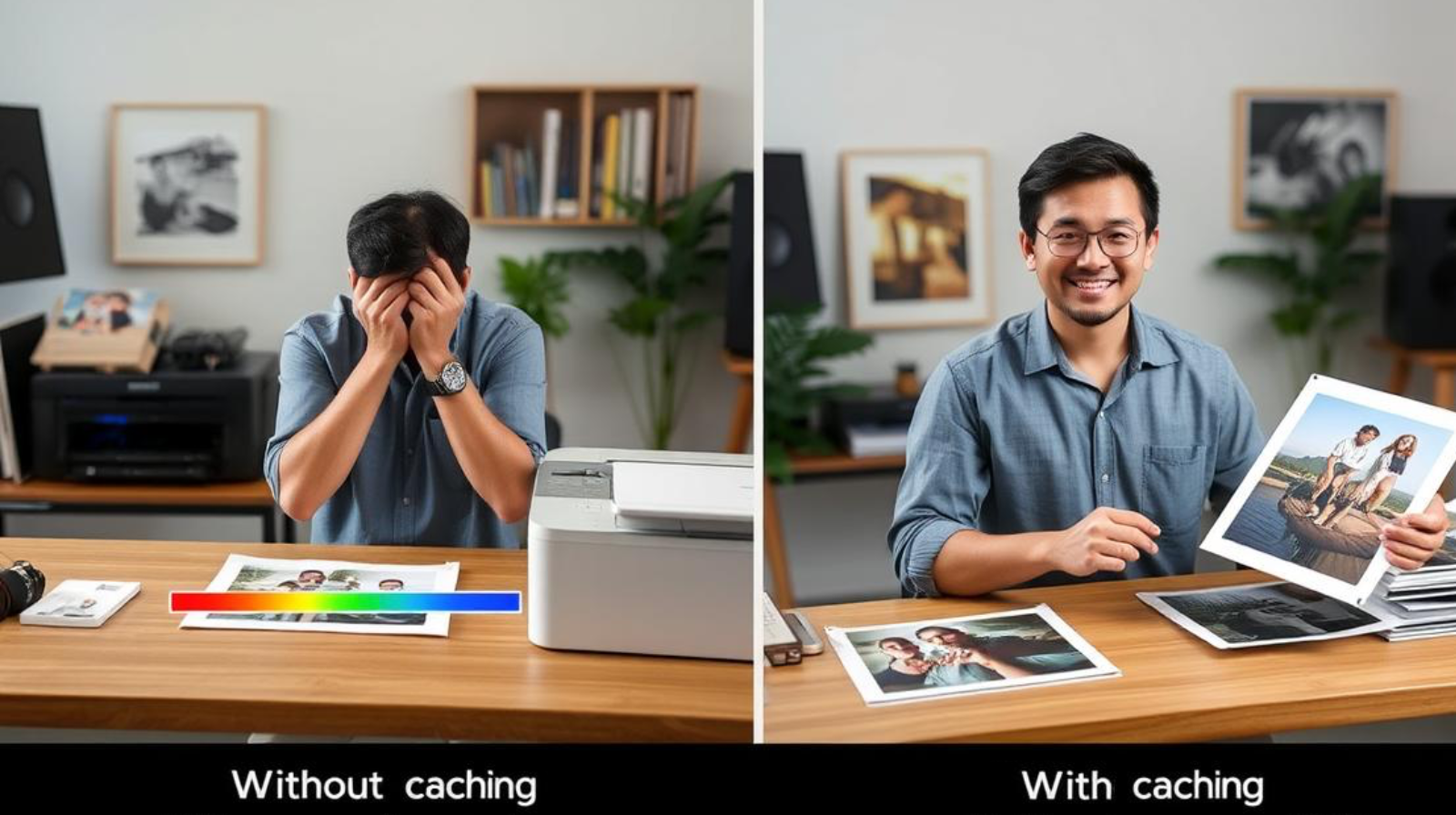
- Significantly reduced processing time for large files
- Smoother printing workflow with fewer interruptions
- Decreased computer resource usage during printing
- Better handling of complex high-resolution images
- Reduced network traffic in shared printing environments
- More consistent colour reproduction in detailed prints
Challenges to Consider
- Requires proper configuration for optimal results
- May need cache clearing when issues arise
- Limited benefit for very small print jobs
- Potential memory allocation conflicts in some systems
- Requires monitoring to prevent cache overflow
Speed Improvements
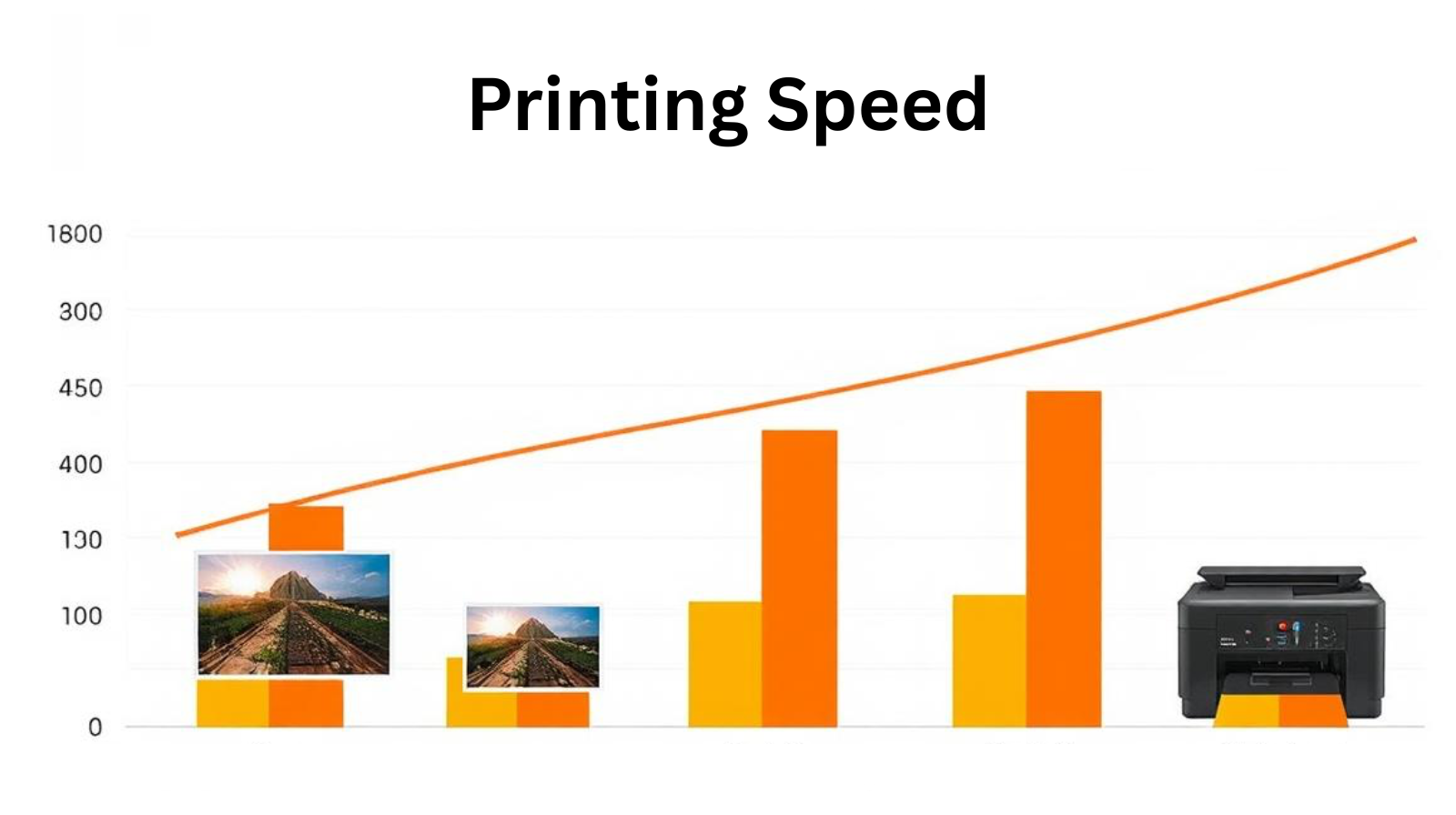
When properly configured, printer caching can reduce printing time for high-resolution photography by 30-50%. This is particularly valuable for Singapore photography businesses that need to deliver client work quickly in a competitive market.
Optimize Your Printing Workflow
Download our printer caching configuration checklist for popular photo printer models in Singapore.
Get Configuration ChecklistImplementation in Singapore Context
Singapore’s photography and printing industry faces unique challenges, from high humidity affecting print quality to the demand for exceptional detail in architectural and landscape photography. Implementing printer caching effectively requires consideration of these local factors.

Popular Photo Printers in Singapore

Epson Surecolour P900
Preferred by many Singapore photographers for its excellent colour accuracy and built-in caching system that handles large files efficiently.

Canon imagePROGRAF PRO-1000
Popular for its humidity resistance and robust caching system that performs well in Singapore’s climate conditions.

HP DesignJet Z9+
Favored for large format printing with advanced memory management and caching options that handle Singapore’s detailed urban landscape photography.
Local Considerations
| Factor | Impact on Caching | Singapore-Specific Solution |
| High Humidity | Can affect printer performance and cache reliability | Use dehumidifiers in print areas; select printers with tropical-rated components |
| Urban Photography Demands | Requires larger cache for detailed cityscape images | Prioritize printers with expandable memory options |
| Business Volume | High-volume studios need more efficient caching | Implement dedicated print servers with optimized cache settings |
| Network Infrastructure | Affects networked printer cache performance | Leverage Singapore’s excellent connectivity with dedicated printing networks |

Best Practices for Large Print Jobs
Implementing these technical recommendations will help you achieve optimal results when printing high-resolution photography in Singapore’s professional environment.
Cache Configuration
- Allocate at least 1GB of RAM for printer caching
- Enable disk-based caching for very large files
- Configure cache clearing intervals during idle times
- Prioritize cache for high-resolution colour profiles
- Set appropriate timeout values for large jobs
File Preparation
- Optimize image resolution for final print size
- Use appropriate colour profiles for Singapore printing conditions
- Convert complex layers to flattened formats when possible
- Use print-optimized file formats (TIFF, PDF)
- Batch similar print jobs for efficient cache usage
Maintenance
- Clear printer cache when switching between job types
- Regularly update printer firmware for cache improvements
- Monitor cache usage patterns to identify bottlenecks
- Perform monthly cache resets to prevent corruption
- Document optimal settings for different print types
Clearing Printer Cache When Needed
While caching improves performance, occasionally you’ll need to clear the cache to resolve issues or optimize for different print jobs. Here’s how to properly clear your printer cache:

- Access your printer’s control panel or administration interface
- Navigate to the system or maintenance settings section
- Look for options like “Reset Cache,” “Clear Memory,” or “Initialize Settings”
- Select the appropriate option for your specific issue (partial or complete cache clearing)
- Confirm the action and wait for the process to complete
- Restart the printer to ensure all changes take effect
Important: Clearing your printer cache will remove all pending print jobs. Make sure to save any important documents or images before proceeding with a complete cache reset.

Conclusion
Effective printer caching is a game-changer for photographers and printing professionals in Singapore who work with high-resolution images. By understanding how caching works and implementing the best practices outlined in this guide, you can significantly improve your printing workflow, reduce waiting times, and deliver higher quality prints to your clients.
The competitive advantage gained through optimized printer caching is particularly valuable in Singapore’s sophisticated photography market, where clients expect nothing less than exceptional quality and efficiency. Whether you’re printing architectural photography of Singapore’s iconic skyline or detailed portrait work, proper caching configuration will help you achieve consistent, professional results.

Need Help Optimizing Your Printing Workflow?
Our Singapore-based printing experts can help you configure your printer caching for optimal performance with your specific equipment.
Schedule a Free ConsultationFrequently Asked Questions
How much faster is printing with properly configured cache?
With properly configured printer caching, you can expect speed improvements of 30-50% for high-resolution photography prints. The exact improvement depends on your specific printer model, file sizes, and system configuration. Singapore photographers working with detailed urban landscapes typically see the most significant improvements when printing complex files with many details and colour gradients.
When should I clear my printer’s cache?
You should clear your printer’s cache when: you experience printing errors or quality issues, switch between significantly different types of print jobs, notice slower than normal printing speeds, or after printing very large or complex files. In Singapore’s humid environment, it’s also recommended to clear cache more frequently if your printer is in a non-climate-controlled space, as humidity can sometimes affect memory performance.
Can I upgrade my printer’s cache capacity?
Many professional-grade photo printers allow for memory upgrades that can increase cache capacity. Check your printer’s specifications for RAM upgrade options. For network printing environments, you can also implement a dedicated print server with additional caching capabilities. Several printing service providers in Singapore offer hardware upgrade services specifically for photography printing equipment.
Does printer caching affect print quality?
Yes, proper caching can positively impact print quality, especially for high-resolution photography. With adequate cache, the printer can process complex colour data more efficiently, resulting in smoother gradients and more accurate colour reproduction. This is particularly important for Singapore photographers printing detailed architectural images or vibrant tropical landscapes where colour accuracy is crucial.
What printer models have the best caching capabilities for photography in Singapore?
For photography printing in Singapore, the Epson Surecolour P900, Canon imagePROGRAF PRO-1000, and HP DesignJet Z9+ are highly recommended for their excellent caching capabilities. These models handle Singapore’s humidity well and offer expandable memory options. They also come with software that allows for fine-tuning of cache settings to optimize for different types of photography prints.

Visit InkWorld.sg to learn about printing, cartridges and more.