by Printer Brands
 Label Tape
 Ink
Ink Toner
Toner Label Roll




 Ribbon















 Label Printers
 Office Supplies
 Other
Other
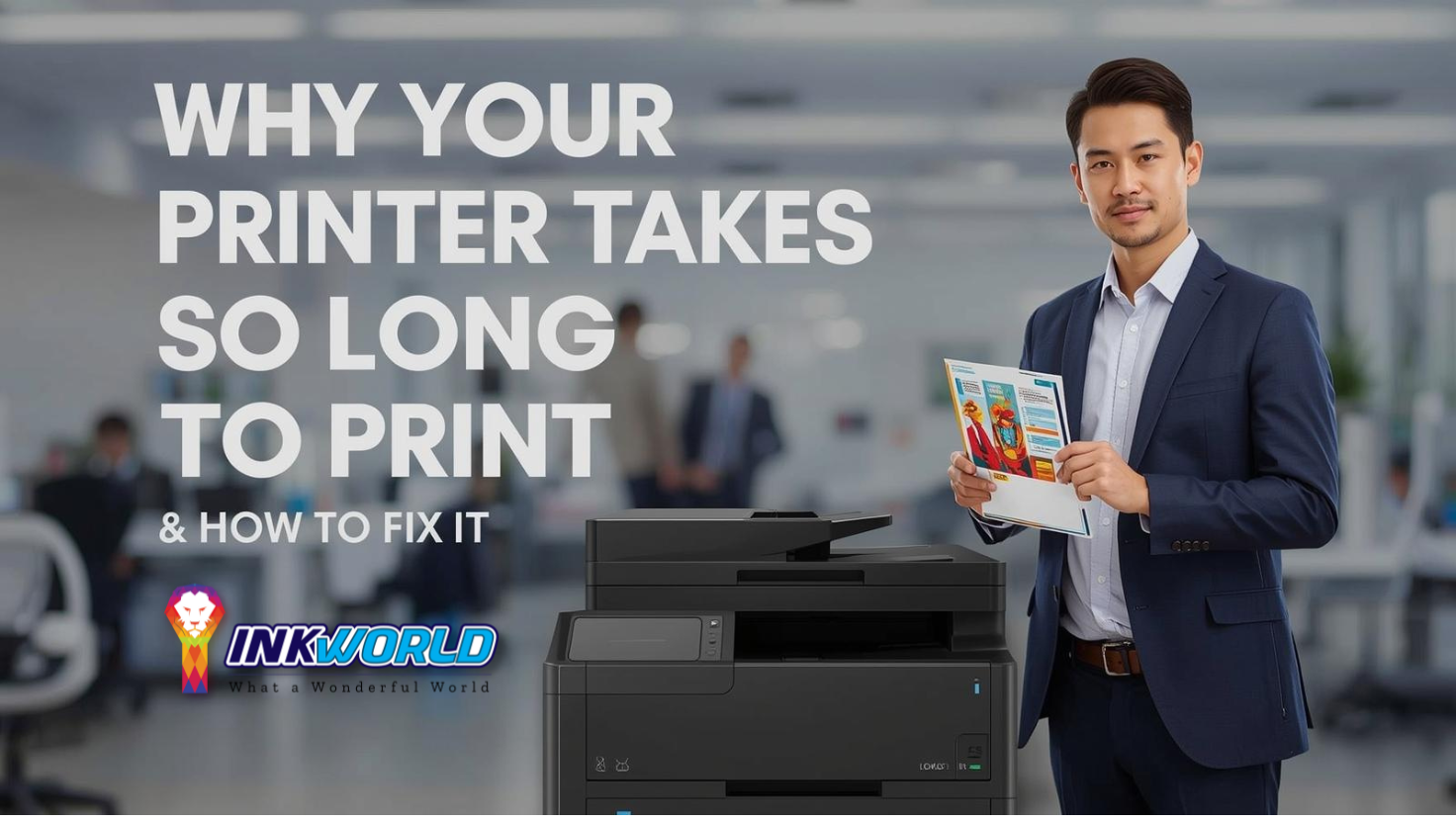

Common Causes of Slow Printing in Singapore
Before diving into solutions, it’s important to understand what might be causing your printer to move at a snail’s pace. Several factors can contribute to slow printing speeds, some of which are particularly relevant to Singapore’s environment.Technical Factors
- Outdated printer drivers
- Print spooler issues
- High-resolution print settings
- Network congestion (for wireless printers)
- Insufficient computer resources
- Large or complex print jobs
Singapore-Specific Factors
- High humidity affecting paper feeding
- Heat causing printer components to slow down
- Dust accumulation common in tropical climates
- Network interference in densely populated areas
- Power fluctuations affecting printer performance

Is Your Printer Genuinely Slow or Just Seems That Way?
Before troubleshooting, it’s worth checking if your printer is actually performing below its specifications. Printer speeds are measured in pages per minute (PPM), and this rate varies significantly between models. Budget printers might print only 5-8 PPM, while business-grade printers can handle 20-40 PPM or more.| Printer Type | Typical Speed Range | Factors Affecting Speed |
| Inkjet (Home) | 5-10 PPM | Print quality, color vs. black |
| Inkjet (Office) | 10-20 PPM | Document complexity, media type |
| Laser (Home) | 15-25 PPM | Warm-up time, first page out |
| Laser (Business) | 25-40+ PPM | Network speed, spooling |
Need Expert Help With Your Slow Printer?
If your printer is consistently underperforming and you’re in Singapore, our technicians can diagnose and fix the issue quickly. We understand the unique challenges of maintaining printers in Singapore’s climate.
Schedule a Quick AssessmentHow Connection Type Affects Print Speed
The way your printer connects to your computer or network significantly impacts its performance. Understanding these differences can help you optimize your setup for faster printing.USB Connection

A direct USB connection typically provides the fastest printing speeds. For optimal performance, use a USB 2.0 or 3.0 cable that’s no longer than 2 meters (6 feet). In Singapore’s compact homes and offices, this is often the most practical solution.
Ethernet Connection

For network printing, an Ethernet connection offers the most reliable speeds. This is ideal for Singapore offices where multiple users need to access the same printer. Wired networks are less susceptible to interference from neighboring networks in high-density housing.
Wireless Connection

Wi-Fi printing is convenient but typically slower than wired options. In Singapore’s densely populated housing, wireless interference can be significant. Position your printer closer to the router and away from other electronic devices for better performance.
Quick Fixes for Slow Printing Issues
Before calling for professional help, try these straightforward solutions that can often resolve slow printing problems. These fixes are particularly effective for common issues faced by printer users in Singapore.
1. Reset Your Printer
Sometimes the simplest solution works best. Power cycling your printer can clear temporary issues:- Turn off your printer
- Unplug it from the power source
- Wait for 60 seconds (important in humid environments)
- Reconnect and power on
2. Check Print Quality Settings
High-quality prints take longer to process and print:- Open printer preferences on your computer
- Find the “Quality” or “Paper/Quality” tab
- Select “Draft” or “Standard” instead of “Best”
- Apply changes and test print
3. Update Printer Drivers
Outdated drivers are a common cause of slow printing:- Visit your printer manufacturer’s website
- Download the latest driver for your model
- Uninstall the current driver first
- Install the new driver and restart
Advanced Solutions for Persistent Slow Printing
If the quick fixes didn’t solve your problem, these more advanced solutions might help. These techniques address deeper issues that commonly affect printers in Singapore’s climate and environment.
Restart the Print Spooler Service
The print spooler is a service that manages all print jobs. When it becomes overloaded or corrupted, printing can slow down significantly:How to Restart Print Spooler in Windows:
- Press Windows key + R to open Run
- Type “services.msc” and press Enter
- Find “Print Spooler” in the list
- Right-click and select “Stop”
- Navigate to C:\Windows\System32\spool\PRINTERS
- Delete all files in this folder
- Return to Services and start the Print Spooler again
Optimize Network Settings for Wireless Printing
In Singapore’s densely populated housing, network congestion can significantly impact wireless printing speeds:Router Optimization:
- Position your router centrally
- Use 5GHz band if available (less congested)
- Update router firmware
- Consider a mesh network for larger homes
Printer Placement:
- Keep printer within 10 meters of router
- Avoid metal obstacles between devices
- Keep away from microwave ovens
- Elevate printer off the floor
Address Singapore’s Humidity Impact
Singapore’s high humidity (often 80-90%) can affect paper feeding and printer mechanics:Humidity Solutions
- Store paper in airtight containers
- Use a dehumidifier near your printer
- Fan paper before loading to separate sheets
- Clean paper feed rollers monthly
- Keep printer in air-conditioned areas when possible
What to Avoid
- Storing printer near windows or external walls
- Using paper that’s been exposed to humid air
- Overloading paper trays
- Neglecting regular maintenance
- Using fans that blow directly on the printer
Preventive Maintenance for Optimal Printing Speed
Regular maintenance is crucial for keeping your printer running at peak performance, especially in Singapore’s climate. These preventive measures can help avoid slow printing issues before they start.
Weekly Maintenance
- Dust exterior with microfiber cloth
- Check for paper debris in trays
- Run printer’s self-cleaning cycle
- Check ink/toner levels
Monthly Maintenance
- Clean paper feed rollers
- Check for firmware updates
- Clean printhead nozzles (inkjet)
- Inspect for humidity damage
Quarterly Maintenance
- Deep clean internal components
- Check network connection quality
- Update all printer software
- Inspect for worn parts
Need Professional Printer Maintenance?
Our Singapore-based technicians can perform comprehensive printer maintenance to keep your device running at optimal speed. We understand the unique challenges of Singapore’s climate on printer performance.
Schedule Maintenance ServiceSingapore-Specific Printer Considerations
Living in Singapore presents unique challenges for printer maintenance and performance. Understanding these factors can help you better manage your printer’s speed and reliability.
Climate Impact on Printers
Singapore’s year-round humidity and heat create specific challenges:| Climate Factor | Impact on Printer | Solution |
| High Humidity (80-90%) | Paper jams, component corrosion | Dehumidifier, air-conditioned room, silica gel packets |
| Consistent Heat | Overheating, component wear | Proper ventilation, avoid direct sunlight |
| Sudden Rain/Humidity Changes | Condensation on components | Maintain consistent environment, avoid windows |
| Urban Dust | Clogged mechanisms, sensor issues | Regular cleaning, dust covers when not in use |
Local Support Resources
Singapore offers excellent resources for printer support:- Manufacturer service centers in central locations (Orchard, Jurong)
- Independent repair shops with humidity expertise
- Same-day service options in most areas
- Specialized maintenance packages for business users
- Online support communities specific to Singapore conditions
Frequently Asked Questions
Here are answers to common questions about slow printing issues in Singapore.
Does printer brand affect speed in Singapore’s climate?
How often should I service my printer in Singapore?
Are wireless printers slower in crowded HDB areas?
Why does my printer take so long to print the first page?
Can air conditioning improve my printer’s performance?
Conclusion
When your printer takes so long to print, it can disrupt your workflow and cause unnecessary frustration. By understanding the common causes of slow printing—especially those unique to Singapore’s climate and urban environment—you can take effective steps to improve your printer’s performance. Remember that regular maintenance is particularly important in Singapore’s humid conditions. Simple adjustments like optimizing print quality settings, updating drivers, and ensuring proper network connections can make a significant difference in print speeds. For persistent issues, professional servicing may be necessary to address deeper problems caused by Singapore’s tropical environment.Still Experiencing Slow Printing Issues?
Our Singapore-based printer specialists can diagnose and resolve even the most persistent slow printing problems. We offer same-day service throughout Singapore and understand the unique challenges that our climate presents for printer performance.
Get Expert Help Today For more insights and recommendations, please don’t forget to visit InkWorld.sg