
 by Printer Brands
 Label Tape
 Ink
Ink Toner
Toner Label Roll




 Ribbon















 Label Printers
 Office Supplies
 Other
Other
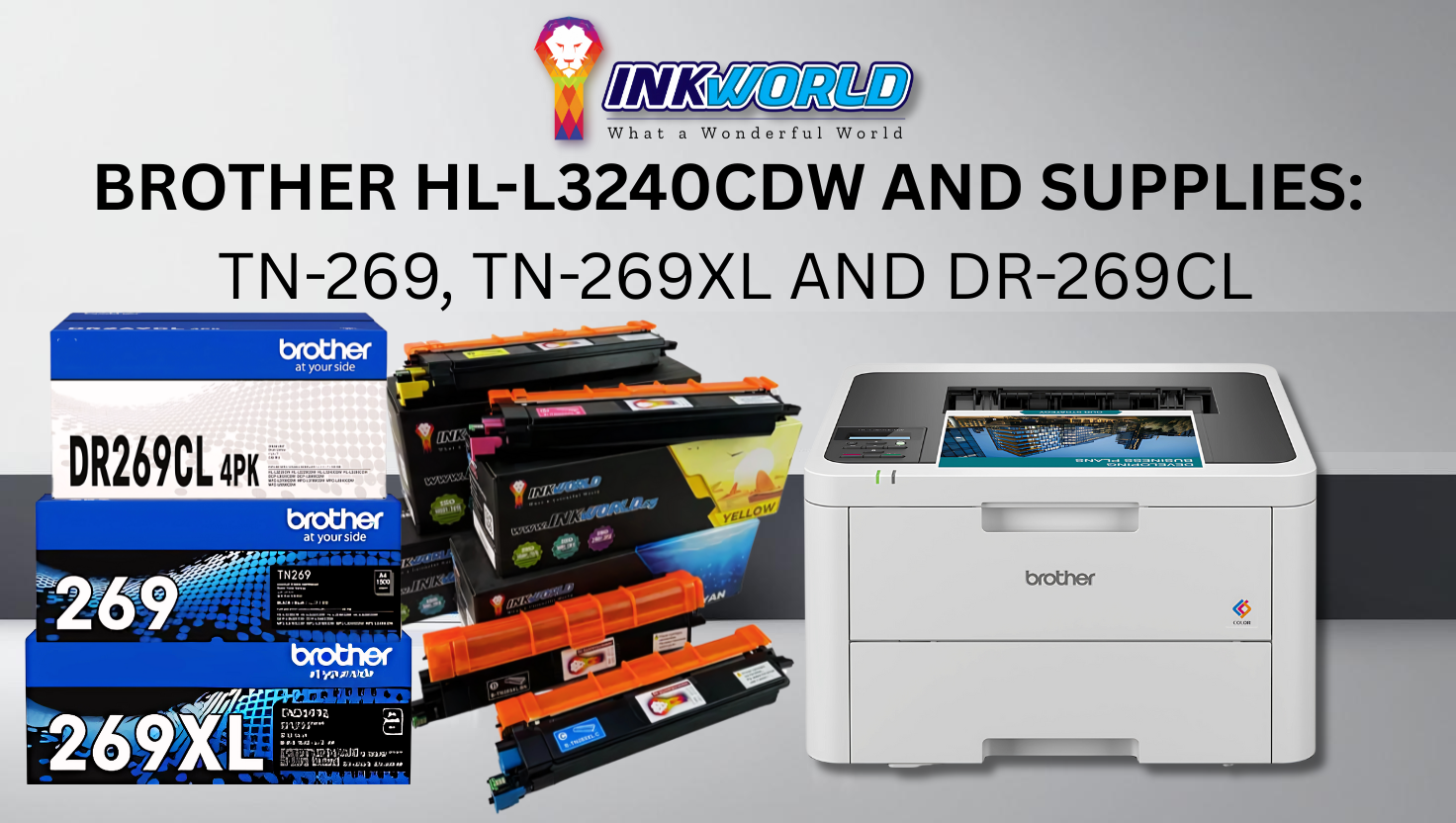
Brother HL-L3240Cdw and Supplies: TN-269, TN-269XL and DR-269CL
What if achieving professional-quality colour printing didn’t require emptying your wallet? This question holds the key to smarter investments for households and small offices in Singapore seeking reliability without compromise. Enter a compact yet powerful solution designed to balance performance with affordability.
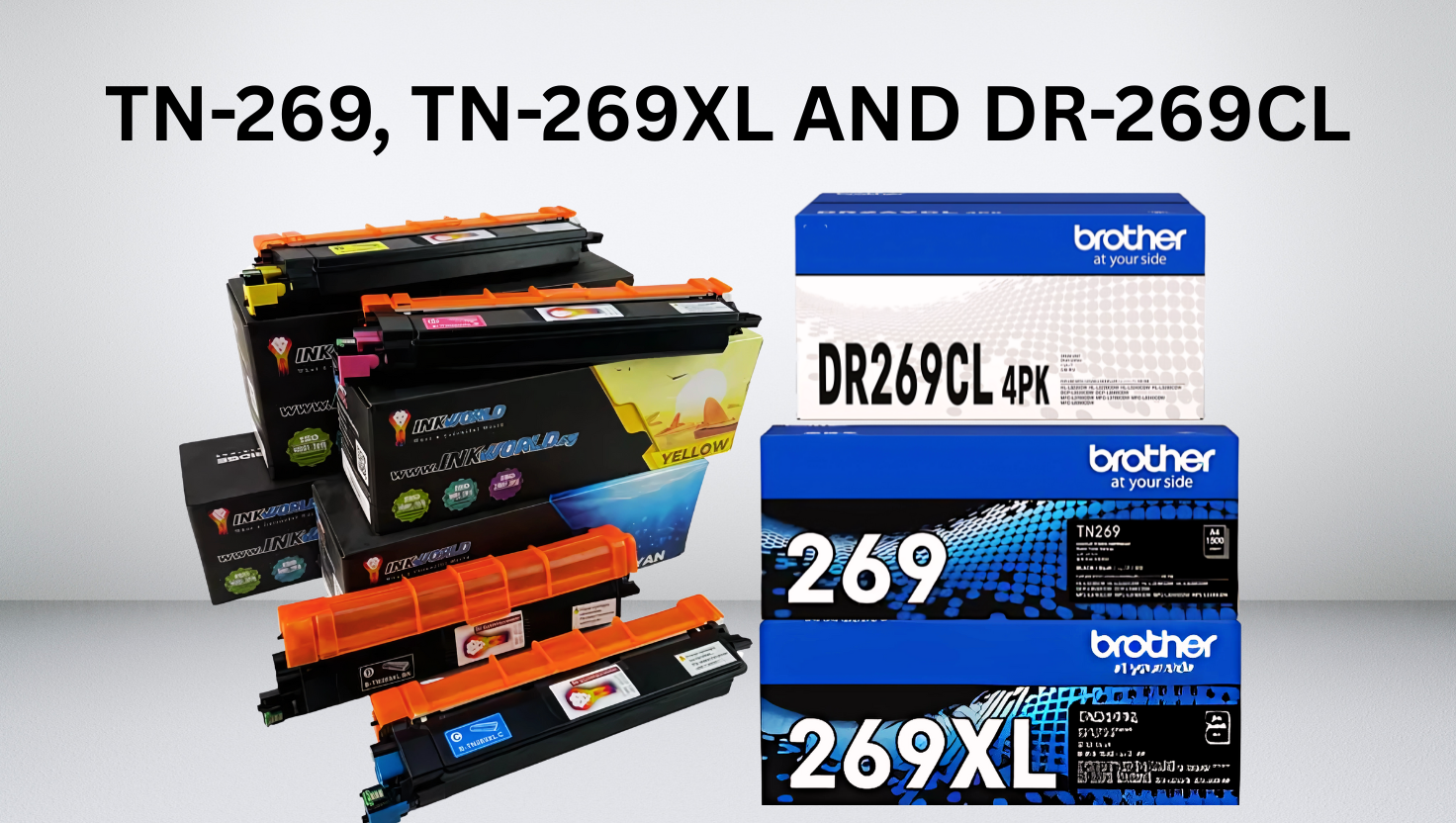
Brother HL-L3240Cdw and Supplies: TN-269, TN-269XL and DR-269CL
Priced at S$368.00, the Brother HL-L3240Cdw delivers crisp outputs at speeds of up to 26 pages per minute. Its modest footprint (399 mm × 399 mm × 239 mm) and 15.4 kg weight make it suitable for space-conscious environments. Wireless connectivity and automatic duplex printing add versatility, while robust paper handling supports diverse tasks—from invoices to creative projects.
Compatible toners like TN-269 and DR-269CL slash long-term costs without sacrificing clarity. Local buyers benefit from swift delivery services, ensuring minimal downtime. Whether printing school assignments or business reports, this model’s consistent performance aligns with the demands of modern users.
Save Up to 53% on Brother TN-269XL! |
|---|
View Price Now |
Key Takeaways
- Combines high-speed colour printing with compact dimensions for home or office use.
- Wireless functionality and double-sided printing enhance convenience.
- Compatible supplies reduce expenses by up to 60% compared to originals.
- Competitively priced in Singapore, inclusive of efficient delivery options.
- Designed for durability, supporting heavy workloads without compromising quality.
Overview and Specifications of the Brother HL-L3240Cdw
How does a compact device deliver enterprise-grade performance? The answer lies in precision engineering. This colour laser printer combines LED technology with a 26ppm output speed, producing sharp 600×2400 dpi resolutions for A4 and Letter formats.
Core Performance Metrics
With dimensions of 399 mm × 399 mm × 239 mm, the unit fits snugly in tight spaces while holding 250 sheets. Its Hi-Speed USB, Ethernet, and wireless network connectivity enable seamless integration into existing setups. The 1-line LCD simplifies navigation, complementing mobile printing via dedicated apps.
Optimised Workflow Solutions
Automatic duplex cutting cuts paper use by 50%, while supported media types—plain, glossy, and envelopes—handle diverse tasks. Professionals appreciate consistent colour matching, which is crucial for marketing materials or client presentations. Three-year on-site warranty coverage reduces long-term ownership risks.
Small offices benefit most from its balance of speed and compact design. Teachers printing classroom resources or startups managing high-volume invoices find its 250-sheet capacity eliminates constant reloading. Wireless functionality proves invaluable in shared workspaces where cable clutter matters.
Supply Details, Pricing and Compatibility: Brother HL-L3240Cdw and Supplies
Smart printing choices begin with understanding supply options. This section breaks down costs, compatibility, and trusted suppliers for maximising value without compromising quality.
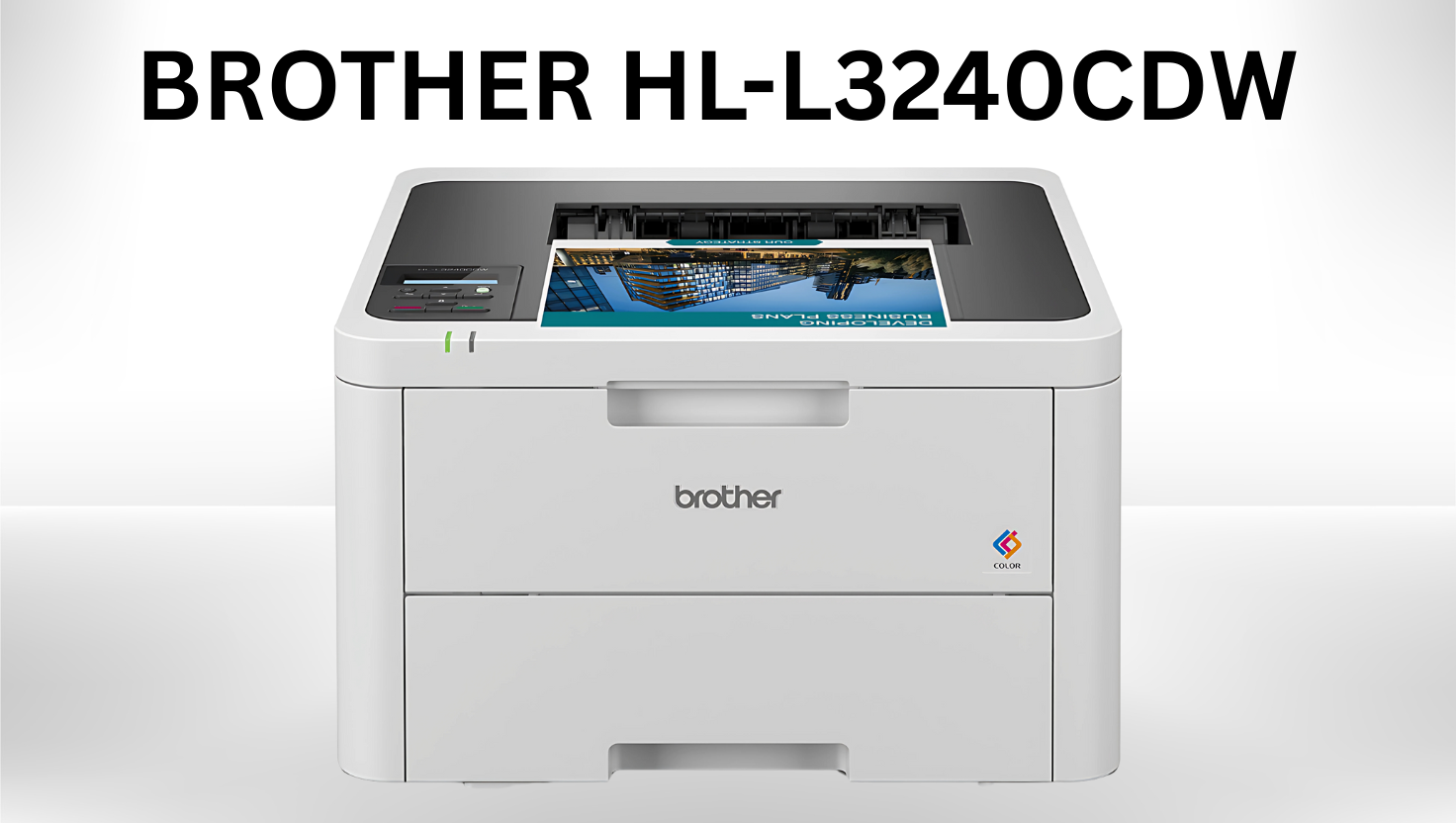
Brother HL-L3240Cdw
Original vs Compatible: Side-by-Side Comparison
| Model | Original Price | Compatible Price | Page Yield |
|---|---|---|---|
| TN-269 | S$98 | S$40 | 1200 |
| TN-269XL | S$138 | S$55 | 2,300 |
| DR-269CL | S$212 | S$160 | 20,000 |
Breaking Down Long-Term Savings
Compatible toners slash costs per page by 60% versus originals. For example:
- Original TN-269XL: S$0.060/page
- Compatible TN-269XL: S$0.024/page
Users printing 1000 pages monthly can save approximately S$1,730 annually with third-party options.
Why InkWorld Stands Out
InkWorld Singapore has 3 ISO certifications and carries 19 popular brand-compatible cartridges in over 1000 models. Their S$55 TN-269XL cartridges undergo rigorous quality checks and are backed by next-day Singapore delivery.
The supplier’s high customer satisfaction stems from reliable stock levels and technical support. As one user notes: “Their drums lasted longer than expected, with zero smudging on legal documents.”
Installation Guide and Troubleshooting
Proper consumable installation ensures optimal performance for any colour laser printer. Follow these guidelines to maintain print quality and avoid unnecessary downtime.
Step-by-Step Installation Instructions for the Toner Cartridges
-
Make sure the machine is turned on.
- Open the top cover until it locks in the open position.
- Remove the toner cartridge and drum unit assembly for the color shown on the LCD.
- Push down the green lock lever and remove the toner cartridge from the drum unit.
-
Unpack the new toner cartridge.
- Remove the protective materials.
- Insert the new toner cartridge firmly into the drum unit you hear it lock into place.
- Clean the corona wire inside the drum unit by gently sliding the green tab from left to right and right to left several times.
- Slide the toner cartridge and drum unit assembly into the machine. Make sure you match the toner cartridge colour to the same colour label on the machine.
- Close the machine’s top cover.
Step-by-Step Installation Instructions for the Drum Cartridges
-
Make sure the machine is turned on.
- Open the top cover until it locks in the open position.
- Remove the toner cartridge and drum unit assembly for the color shown on the LCD.
- Push down the green lock lever and remove the toner cartridge from the drum unit.
-
Unpack the new drum unit.
- Remove the protective cover.
- Reinsert the toner cartridge firmly into the new drum unit until you hear it lock into place.
- Clean the corona wire inside the drum unit by gently sliding the green tab from left to right and right to left several times.
- Slide the toner cartridge and drum unit assembly into the machine. Make sure you match the toner cartridge colour to the same colour label on the machine.
-
Close the machine’s top cover.
Common Issues and Rectification Steps
| Issue | Cause | Solution |
|---|---|---|
| Error alerts | Improper alignment | Reopen the cover and reseat the cartridges |
| Paper jams | Overfilled tray | Remove excess sheets (max 250) |
| Streaky prints | Loose toner cartridge | Press down until hearing a click |
“Misaligned drums account for 60% of first-time installation errors,” notes a technical manual. Regular maintenance, like cleaning the paper tray every three months, prevents dust-related jams. Users should recalibrate via printer apps after replacing consumables to maintain 600×2400 dpi clarity.
For persistent wireless connectivity issues, restart both the device and router. Always use original accessories to guarantee compatibility with LED printing technology. These steps help sustain print speed while extending hardware lifespan.
Save more on Brother DR-269CL |
|---|
View Price Now |
Conclusion
This compact colour laser printer effortlessly balances cost and performance. Priced at S$368.00, it combines 26ppm speeds with wireless connectivity, ideal for busy households or offices. Users enjoy seamless mobile printing and three-year on-site warranty coverage, ensuring long-term reliability.
Compatible supplies like TN-269XL reduce costs by 60% per page, while ISO-certified alternatives from InkWorld maintain sharp 600×2400 dpi outputs. Local delivery services minimise downtime, which is crucial for time-sensitive projects.
Simplified installation and troubleshooting guidelines reduce setup frustrations. Trusted suppliers provide quality accessories, backed by rapid technical support. Whether printing invoices or creative portfolios, this model delivers consistent results without compromising space or budgets.
Considering its robust specs and economical supplies, this product stands out for Singaporean users. Explore detailed FAQs like “Where can I get reliable supplies?” to streamline your purchase. With swift delivery and proven savings, it’s a smart investment for any workspace.
FAQ
What is the print speed of this colour laser printer?
It offers a print speed of up to 26 pages per minute (ppm) for colour and monochrome documents, ensuring efficient output for home or small office use.
Does the device support wireless network connectivity?
Yes, it includes built-in Wi-Fi for wireless printing. Mobile connectivity via apps like Brother Mobile Connect is also supported for printing from smartphones or tablets.
Are third-party toner cartridges compatible without voiding the warranty?
Using compatible supplies from ISO-certified suppliers like InkWorld typically doesn’t affect the warranty. However, damage caused by non-original products may not be covered.
What paper sizes and types can the 250-sheet tray handle?
The tray supports A4, Letter and Legal sizes, labels, and envelopes. Maximum weight capacity is 163gsm for durable media handling.
How does the LED technology impact print quality?
Its LED system delivers sharp 600 x 2400 dpi resolution, ensuring precise text and vibrant graphics while maintaining energy efficiency compared to traditional laser units.
What is included in the on-site warranty terms?
The standard warranty covers two years of on-site servicing, including parts and labour, for peace of mind during daily operations.
Can the drum unit be replaced separately from the toners?
Yes, the DR-269CL drum is a distinct component. Replacement intervals depend on usage but typically align with multiple toner cycles for cost-effective maintenance.
What dimensions and weight make it suitable for compact spaces?
Its compact design, measuring 399 x 399 x 239mm and weighing 15.4kg, comfortably fits in home offices or small workstations.


