
 by Printer Brands
 Label Tape
 Ink
Ink Toner
Toner Label Roll




 Ribbon















 Label Printers
 Office Supplies
 Other
Other
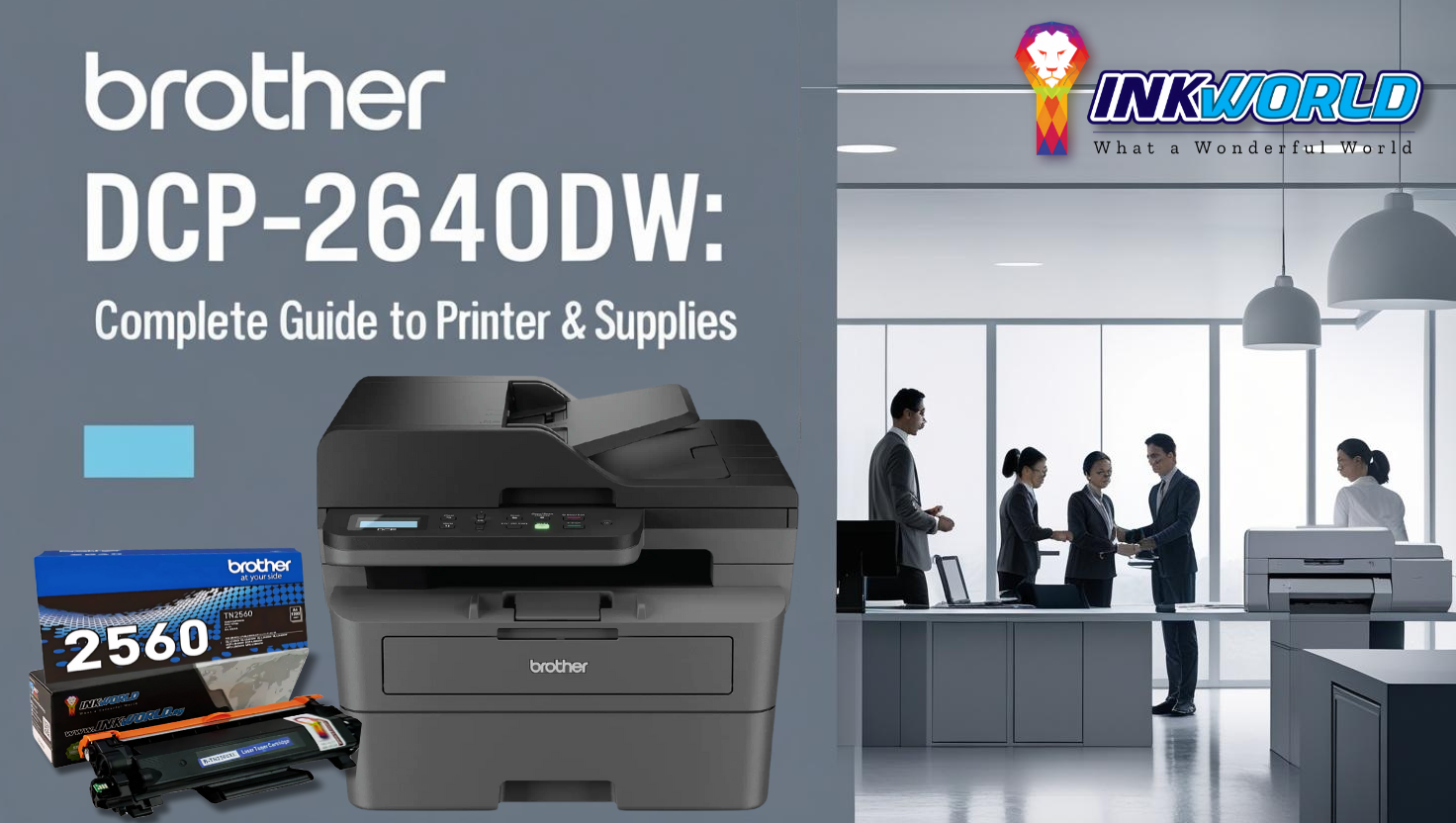
The Brother DCP-L2640dw is a versatile 3-in-1 monochrome laser printer that offers exceptional value for small businesses and home offices in Singapore. This comprehensive guide covers everything you need about this printer model, from detailed specifications and pricing to consumable supplies like toner cartridges and drum units. We’ll also compare original Brother supplies with compatible alternatives to help you maximise your printing budget while maintaining quality output.
Brother DCP-L2640dw Specifications & Features
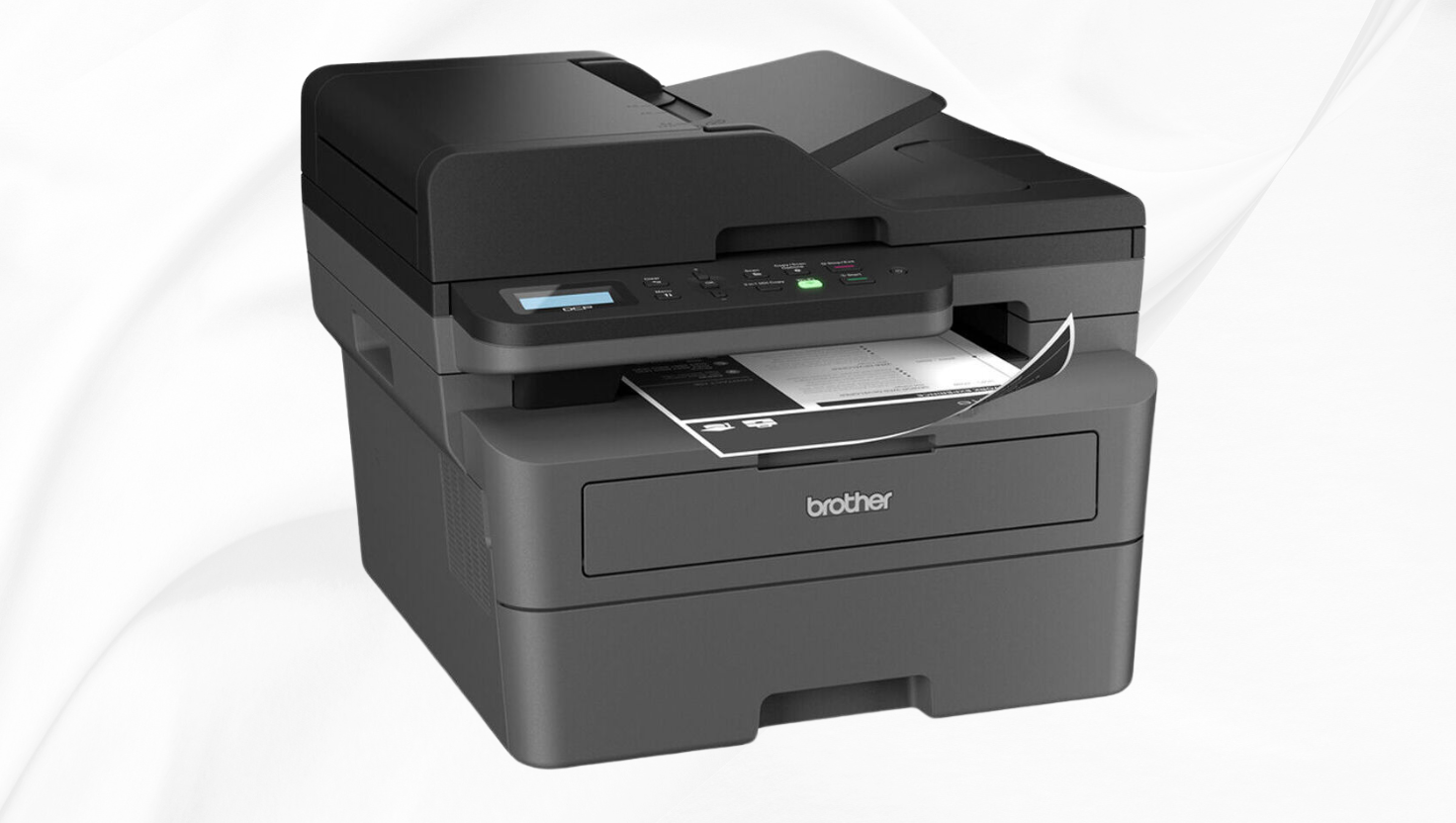
Brother DCP-L2640dw: Complete Guide to Printer & Supplies
| Feature | Specification |
| Functions | Print, Scan, Copy |
| Print Speed | Up to 34 ppm (A4) / 36 ppm (Letter) |
| First Page Out Time | Less than 8.5 seconds |
| Print Resolution | Up to 1200 x 1200 dpi |
| Automatic Duplex | Yes (2-sided printing) |
| Paper Capacity | 250-sheet paper tray |
| ADF Capacity | 50-sheet automatic document feeder |
| Connectivity | Ethernet, Wireless (WiFi), USB 2.0 |
| Mobile Printing | AirPrint, Mopria, Brother Mobile Connect |
| Dimensions (W×D×H) | 410 mm × 399 mm × 319 mm |
| Weight | 10.3 kg |
| Warranty | 3 Years On-Site Warranty (Singapore) |
| Singapore Retail Price | SGD 278.00 |
Key Advantages
- Fast print speeds up to 34 ppm for high productivity
- Automatic duplex printing saves paper costs
- 50-sheet ADF for efficient multi-page scanning and copying
- Wireless connectivity for flexible placement options
- Mobile printing support for modern workflows
Ideal Applications
- Small businesses with moderate print volumes
- Home offices require multi-function capabilities
- Environments needing network printing solutions
- Users who frequently print text-heavy documents
- Workplaces with limited space for office equipment
Brother DCP-L2640dw Consumable Supplies
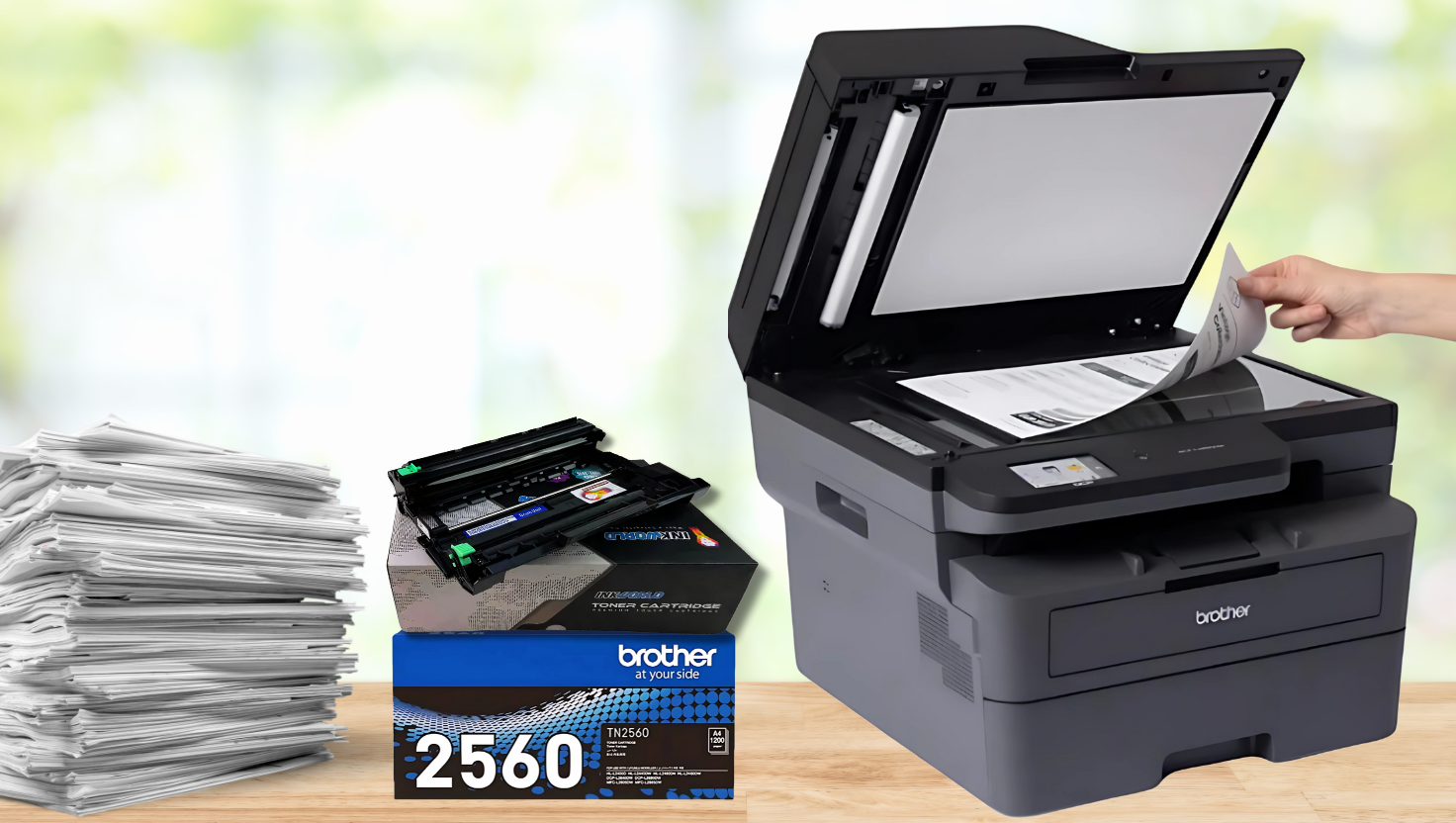
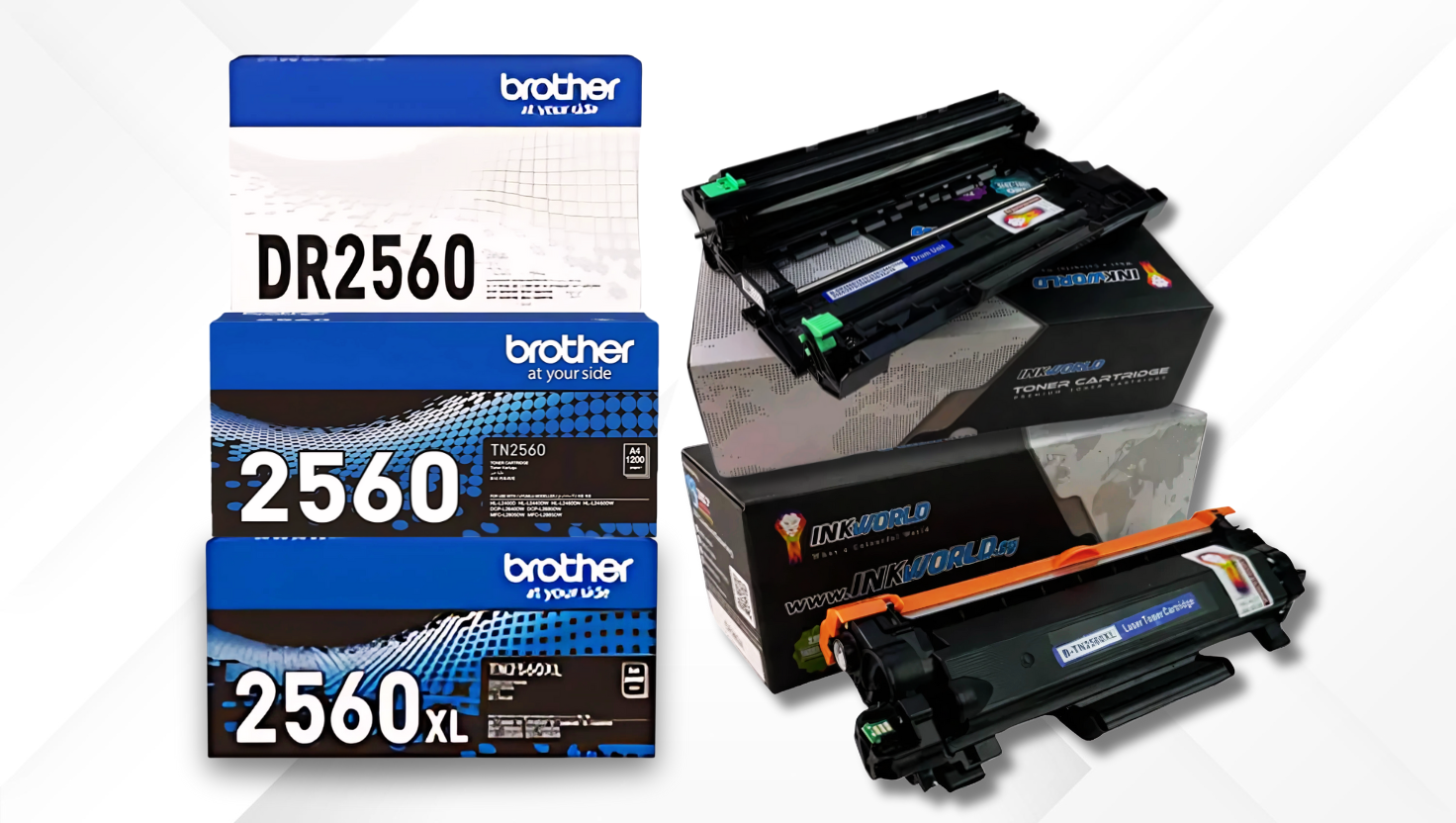
The Brother DCP-L2640dw uses two main consumable components: toner cartridges (TN-2560/TN-2560XL) and a drum unit (DR-2560). Understanding these components and their page yields is essential for managing your printing costs effectively.
Understanding Page Yield and ISO/IEC 19798 Standards
Page yield refers to the estimated number of pages a toner cartridge or drum unit can print before requiring replacement. The ISO/IEC 19798 standard provides a consistent method for measuring and comparing page yields across different printer brands and models.
The ISO/IEC 19798 testing procedure involves printing a standardised set of five test pages with specific text and image coverage (approximately 5% per colour) under controlled conditions. This standardised approach ensures that the page yield figures provided by manufacturers are comparable and realistic for typical office documents.
| Consumable | Type | Page Yield | Singapore Price (SGD) | Cost Per Page (SGD) |
| TN-2560 | Standard Toner | 1,200 pages | SGD 89.00 | SGD 0.074 |
| TN-2560XL | High-Yield Toner | 3,000 pages | SGD 159.00 | SGD 0.053 |
| DR-2560 | Drum Unit | 15,000 pages | SGD 139.00 | SGD 0.009 |
Save Up to 58% on Your Printing Costs
Check our high-quality compatible cartridges for the Brother DCP-L2640dw printer.
Shop Original SuppliesOriginal vs. Compatible Cartridges: Cost Analysis
While original Brother supplies offer guaranteed compatibility and quality, compatible cartridges from reputable manufacturers can provide significant cost savings without compromising print quality.
| Consumable | Original Price (SGD) | Compatible Price (SGD) | Savings (SGD) | Savings (%) | Compatible Cost Per Page (SGD) |
| TN-2560 (Standard) | SGD 89.00 | SGD 39.00 | SGD 50.00 | 56% | SGD 0.033 |
| TN-2560XL (High-Yield) | SGD 159.00 | SGD 59.00 | SGD 100.00 | 63% | SGD 0.020 |
| DR-2560 (Drum) | SGD 139.00 | SGD 69.00 | SGD 70.00 | 50% | SGD 0.005 |
Benefits of High-Yield TN-2560XL Toner
Cost Efficiency
The high-yield TN-2560XL toner offers a significantly lower cost per page compared to the standard TN-2560 cartridge. With the original Brother TN-2560XL, you’ll save approximately 28% per page compared to the standard cartridge. With compatible high-yield cartridges, the savings increase to about 39% per page.
Environmental Benefits
Using high-yield cartridges reduces waste by requiring fewer cartridge changes over time. This means less packaging waste and fewer cartridges going to landfills. For businesses with sustainability goals, high-yield cartridges represent a more environmentally responsible choice.
Advantages of Compatible Cartridges
- Significant cost savings (50-63% less than original)
- Comparable print quality for most business documents
- Same page yield as original cartridges
- Reduced environmental impact through remanufacturing
- Legal to use under Singapore’s Consumer Protection laws
Considerations for Compatible Cartridges
- Quality can vary between manufacturers
- May not be ideal for photo-quality printing
- Some printers may show “non-genuine” warnings
- Important to purchase from reputable suppliers
- May require occasional printer reset procedures
Save Up to 58% on Printing Costs
Get high-quality compatible cartridges for your Brother DCP-L2640dw and start saving today without compromising on print quality.
Shop Compatible CartridgesSingapore’s Consumer Protection (Fair Trading) Act
Many printer owners worry that using compatible cartridges will void their printer warranty. However, in Singapore, the Consumer Protection (Fair Trading) Act provides important protections for consumers who choose to use third-party consumables.
Key Protection: Under Singapore’s Consumer Protection (Fair Trading) Act, manufacturers cannot void your printer warranty solely because you used compatible or third-party cartridges. The warranty can only be voided if the manufacturer can prove that the third-party cartridge actually damaged the printer.
This legal protection ensures that consumers can choose more affordable printing options without fear of automatically losing their warranty coverage. If a printer manufacturer or service provider attempts to deny warranty service solely because you used compatible cartridges, you can cite this consumer protection law.
“Using compatible cartridges alone is not sufficient grounds for warranty denial. The manufacturer must demonstrate that the compatible cartridge was directly responsible for any damage to the printer.”
For additional peace of mind, many reputable suppliers of compatible cartridges offer their product warranties, ensuring that you’re covered if a compatible cartridge causes any issues with your printer.

Installation Guide: TN-2560 Toner and DR-2560 Drum
Replacing toner cartridges and drum units in your Brother DCP-L2640dw is straightforward. Follow these step-by-step instructions to ensure proper installation and optimal performance.
Installing the TN-2560/TN-2560XL Toner Cartridge
- Power off the printer and wait for it to cool down completely.
- Press the front cover release button and open the front cover of the printer.
- Remove the used toner cartridge and drum unit assembly from the printer.
- Press down the green lock lever and remove the toner cartridge from the drum unit.
- Unpack the new toner cartridge and gently shake it from side to side to distribute the toner evenly.
- Remove the protective cover from the toner cartridge.
- Insert the new toner cartridge firmly into the drum unit until you hear it lock into place.
- You can clean the corona wire inside the drum unit by gently sliding the green tab from left to right several times.
- Reinstall the toner cartridge and drum unit assembly into the printer.
- Close the front cover of the printer and power it on.
Replacing the DR-2560 Drum Unit
- Power off the printer and wait for it to cool down completely.
- Press the front cover release button and open the front cover.
- Remove the toner cartridge and drum unit assembly from the printer.
- Press down the green lock lever and remove the toner cartridge from the old drum unit.
- Unpack the new drum unit, keeping it away from direct sunlight.
- Insert the existing toner cartridge into the new drum unit until it clicks into place.
- Clean the corona wire several times by sliding the green tab from left to right.
- Reinstall the assembly into the printer.
- Reset the drum counter: On the printer control panel, press Menu > All Settings > Machine Info > Parts Life > Drum > Reset.
- Close the front cover and power on the printer.
Important: Always handle the drum unit carefully. Avoid touching the green drum surface and keep it away from dust and direct sunlight. Reset the drum counter after replacement to ensure accurate tracking of the new drum’s life.
Need Installation Help?
Watch the detailed video guide for visual instructions on replacing toner and drum units in your Brother DCP-L2640DW printer.
Watch Installation VideoTroubleshooting Common Issues
Even with proper installation and maintenance, you may occasionally encounter issues with your Brother DCP-L2640dw printer or its consumables. Here are solutions to common problems:
| Issue | Possible Cause | Solution |
| Poor Print Quality (Faded) | Low toner, drum needs cleaning | Replace the toner cartridge or clean the corona wire by sliding the green tab from left to right several times. |
| Streaks or Lines on Prints | Dirty corona wire or drum damage | Clean the corona wire or replace the drum unit if damaged |
| “Toner Low” Message | Toner running low but not empty | Continue printing until quality degrades, then replace the toner |
| “Replace Toner” Message | Toner empty or not detected | Replace the toner cartridge or perform the toner reset procedure |
| “Non-Genuine Toner” Message | Compatible cartridge detected | Press “OK” to continue printing; the message doesn’t affect functionality |
| Paper Jams | Improper paper loading or debris | Remove jammed paper carefully and check for debris in the paper path |
| Printer Not Connecting to WiFi | Network settings issue | Reset network settings and reconfigure the WiFi connection |
| Drum Error Message | Drum unit reaching end of life | Replace the drum unit and reset the drum counter |
Toner Reset Procedure for Compatible Cartridges
If your printer doesn’t recognise a compatible toner cartridge or shows a “Replace Toner” message prematurely, you can try this reset procedure:
- Open the front cover of the printer.
- Hold the “X” or “Cancel” button on the control panel for 5 seconds.
- The display should show “Reset Menu” or “Maintenance Mode.”
- Navigate to “Toner Reset” or “Supplies Reset” using the arrow keys.
- Select “Toner” and press “OK.”
- Close the front cover, and the printer should reset.
Note: This reset procedure may vary slightly depending on your printer’s firmware version. If these steps don’t work, consult your printer’s manual or contact customer support.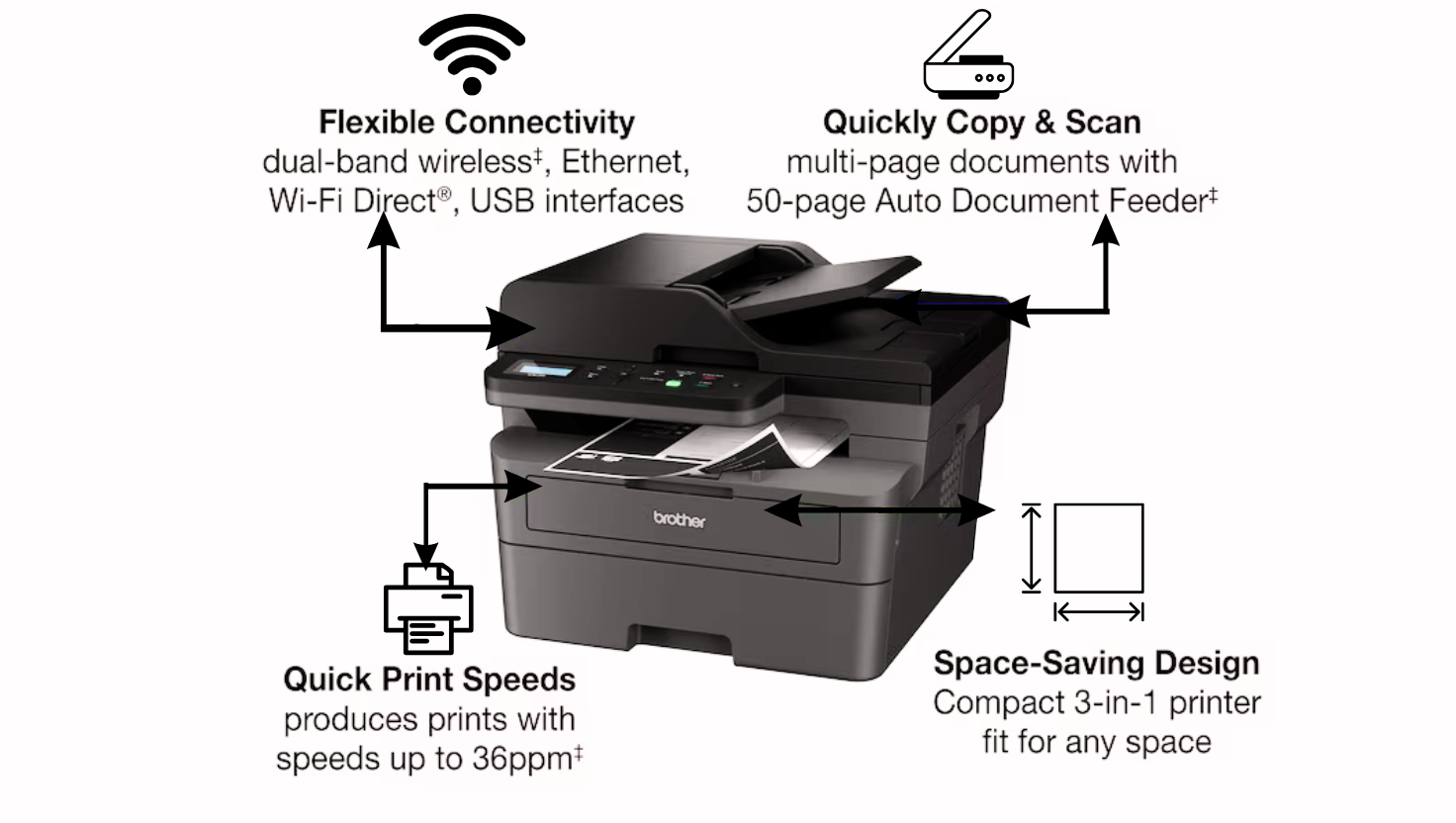
Frequently Asked Questions
How does Singapore’s Consumer Protection (Fair Trading) Act protect me when using compatible cartridges?
Singapore’s Consumer Protection (Fair Trading) Act safeguards consumers against unfair practices, including unjust warranty voiding. Under this law, printer manufacturers cannot void your warranty simply because you used compatible cartridges. They must prove that the compatible cartridge caused damage to your printer. This protection ensures consumers can choose more affordable printing options without automatically losing warranty coverage.
Is purchasing compatible cartridges legal in Singapore?
Yes, purchasing and using compatible cartridges is completely legal in Singapore. Compatible cartridges differ from counterfeit products that illegally use brand names or trademarks. Reputable, compatible cartridges are manufactured by third parties who develop their products that work with specific printer models without infringing on patents or trademarks. They’re designed to be functionally equivalent alternatives that give consumers more choices in the marketplace.
Will compatible toner or drum cartridges damage my Brother DCP-L2640dw printer?
Quality compatible cartridges from reputable manufacturers will not damage your printer. These cartridges are designed to the same specifications as original cartridges and undergo rigorous testing to ensure compatibility and performance. Each cartridge is self-contained, meaning the toner powder or drum components only interact with the cartridge itself, not the printer’s internal mechanisms. The printer provides power and signals to the cartridge, so using compatible options presents minimal risk to your printer when purchased from reliable suppliers.
Where can I purchase reliable, compatible cartridges for my Brother DCP-L2640dw?
InkWorld Singapore is a highly recommended supplier for compatible Brother cartridges. They offer high-quality compatible TN-2560, TN-2560XL, and DR-2560 products manufactured to strict quality standards. InkWorld provides a satisfaction guarantee on all its products and offers excellent customer support for installation or compatibility questions. Their compatible cartridges undergo extensive testing to ensure they work seamlessly with your Brother DCP-L2640dw printer while providing significant cost savings.
What is the difference between the TN-2560 and TN-2560XL toner cartridges?
The main difference is page yield. The standard TN-2560 cartridge yields approximately 1,200 pages, while the high-yield TN-2560XL provides about 3,000 pages. The XL version contains more toner powder and offers a lower cost per page, making it more economical for users with higher print volumes. Both cartridges fit the same Brother printers, including the DCP-L2640dw, but the XL version requires fewer replacements over time, reducing waste and maintenance frequency.
How often should I replace the DR-2560 drum unit?
The DR-2560 drum unit has an approximate yield of 15,000 pages under normal printing conditions. Unlike toner cartridges that need replacement when they run out of toner, drum units wear out gradually over time. Your printer will display a “Replace Drum” message when replacement is needed. As a general guideline, if you notice declining print quality (such as consistent streaking or fading) that doesn’t improve after replacing the toner cartridge, it’s likely time to replace the drum unit.
Can I use TN-2560 toner cartridges in other Brother printer models?
The TN-2560 toner cartridge is compatible with several Brother laser printer models in the same series, including the HL-L2360DN, HL-L2365DW, MFC-L2700DW, and MFC-L2740DW. Always check your printer’s documentation or the Brother website to confirm compatibility before purchasing. Using incompatible cartridges may result in poor print quality or potential damage to your printer.
How can I maximise the life of my toner cartridge?
To extend toner life: 1) Use draft or toner-save mode for non-critical documents, 2) Print in duplex (double-sided) mode to reduce paper usage, 3) Keep the printer in a clean, dust-free environment, 4) Allow the printer to complete its startup cycle before printing, 5) Print regularly to prevent toner from settling, and 6) Remove and gently shake the cartridge horizontally if print quality begins to fade (this redistributes the toner inside).
What should I do with the toner cartridges and drum units I use?
In Singapore, you can recycle used toner cartridges and drum units through several programs: 1) Brother’s recycling program at authorized collection points, 2) NEA’s e-waste recycling bins located throughout Singapore, 3) Many compatible cartridge suppliers, including InkWorld Singapore, offer recycling programs where you can return used cartridges when purchasing new ones. Recycling these items helps reduce electronic waste and supports environmental sustainability.
Why does my printer show “Toner Low” even after installing a new cartridge?
This typically happens when using compatible cartridges because the printer’s toner sensor may not detect the new cartridge properly. To resolve this: 1) Remove and reinstall the cartridge, ensuring it’s properly seated, 2) Clean the sensor contacts on both the cartridge and printer with a dry cloth, 3) Perform the toner reset procedure outlined in our troubleshooting section, or 4) For some models, simply pressing “OK” or “Start” will override the message and allow you to continue printing normally.
Ready to Save on Your Printing Costs?
Get high-quality compatible cartridges for your Brother DCP-L2640dw from InkWorld Singapore and enjoy significant savings without compromising print quality.
Shop Now and SaveConclusion
The Brother DCP-L2640dw is a versatile and reliable multi-function printer that offers excellent value for small businesses and home offices in Singapore. By understanding your options for consumable supplies, you can significantly reduce your printing costs while maintaining high-quality output.
Compatible cartridges provide a cost-effective alternative to original Brother supplies, with savings of up to 63% on toner and 50% on drum units. These savings are protected by Singapore’s Consumer Protection (Fair Trading) Act, which ensures that using compatible cartridges won’t automatically void your printer warranty.
Whether you choose original Brother supplies for maximum peace of mind or compatible alternatives for cost savings, proper installation and maintenance will help you get the most from your Brother DCP-L2640dw printer and its consumables.


